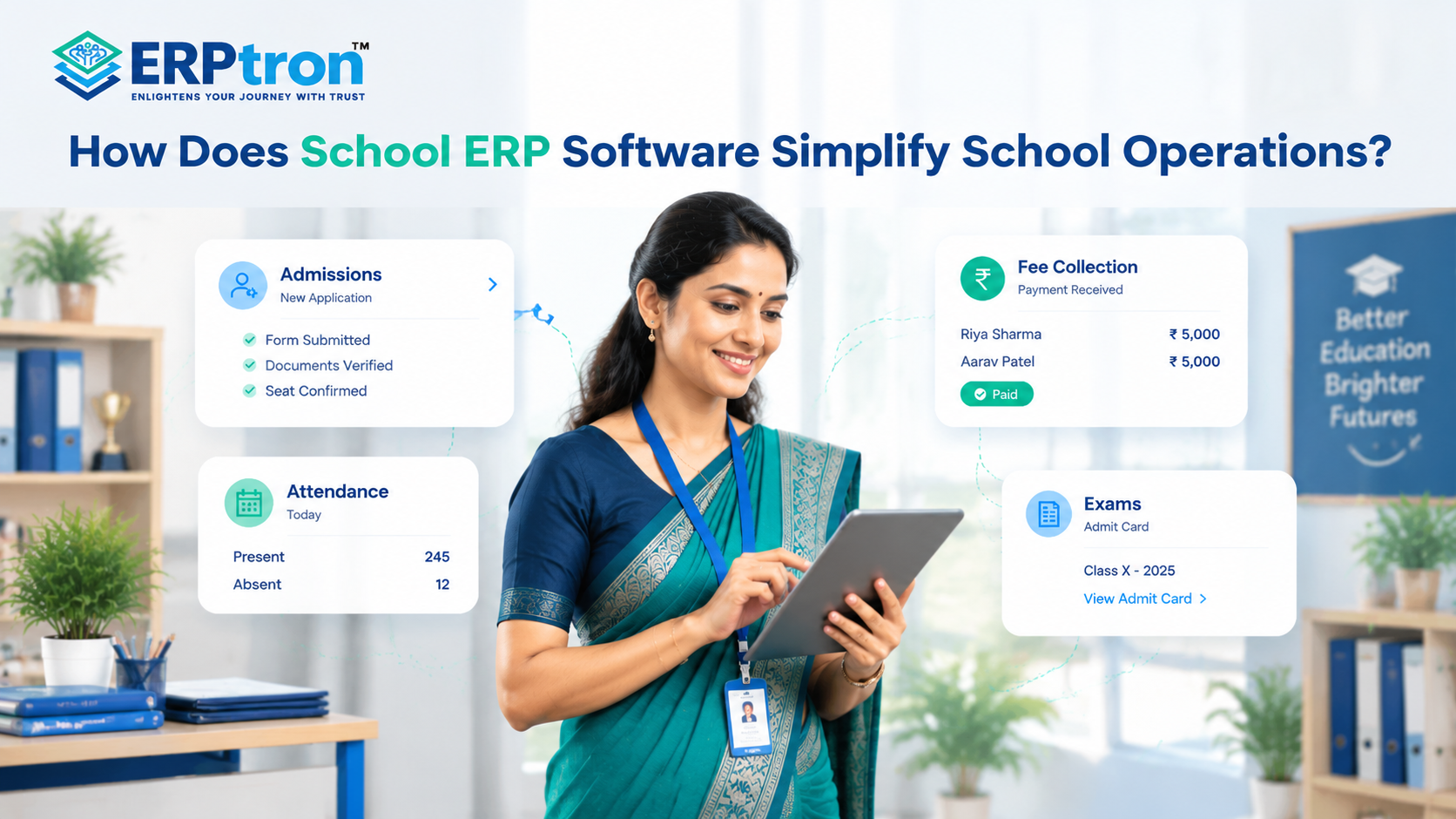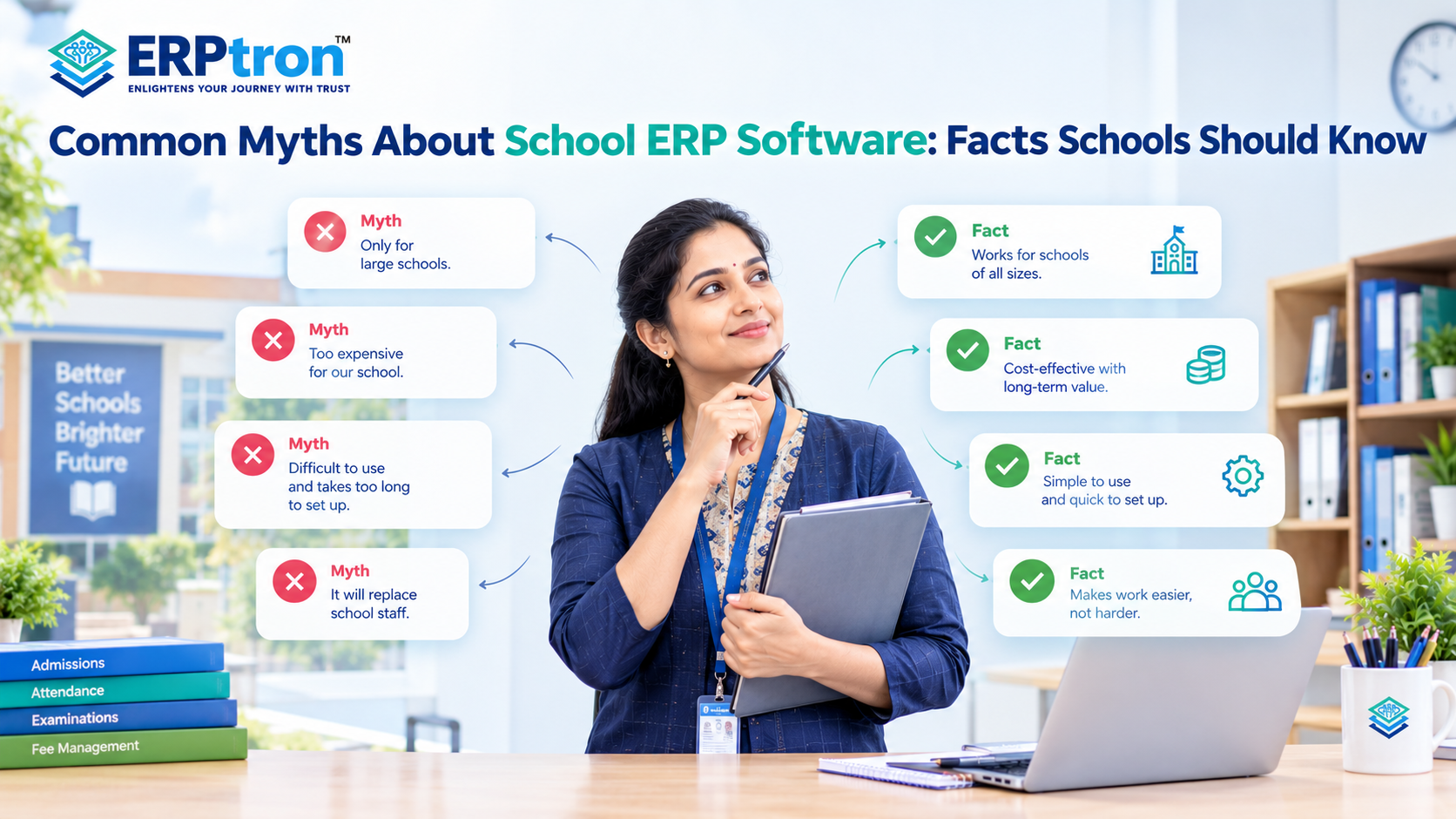

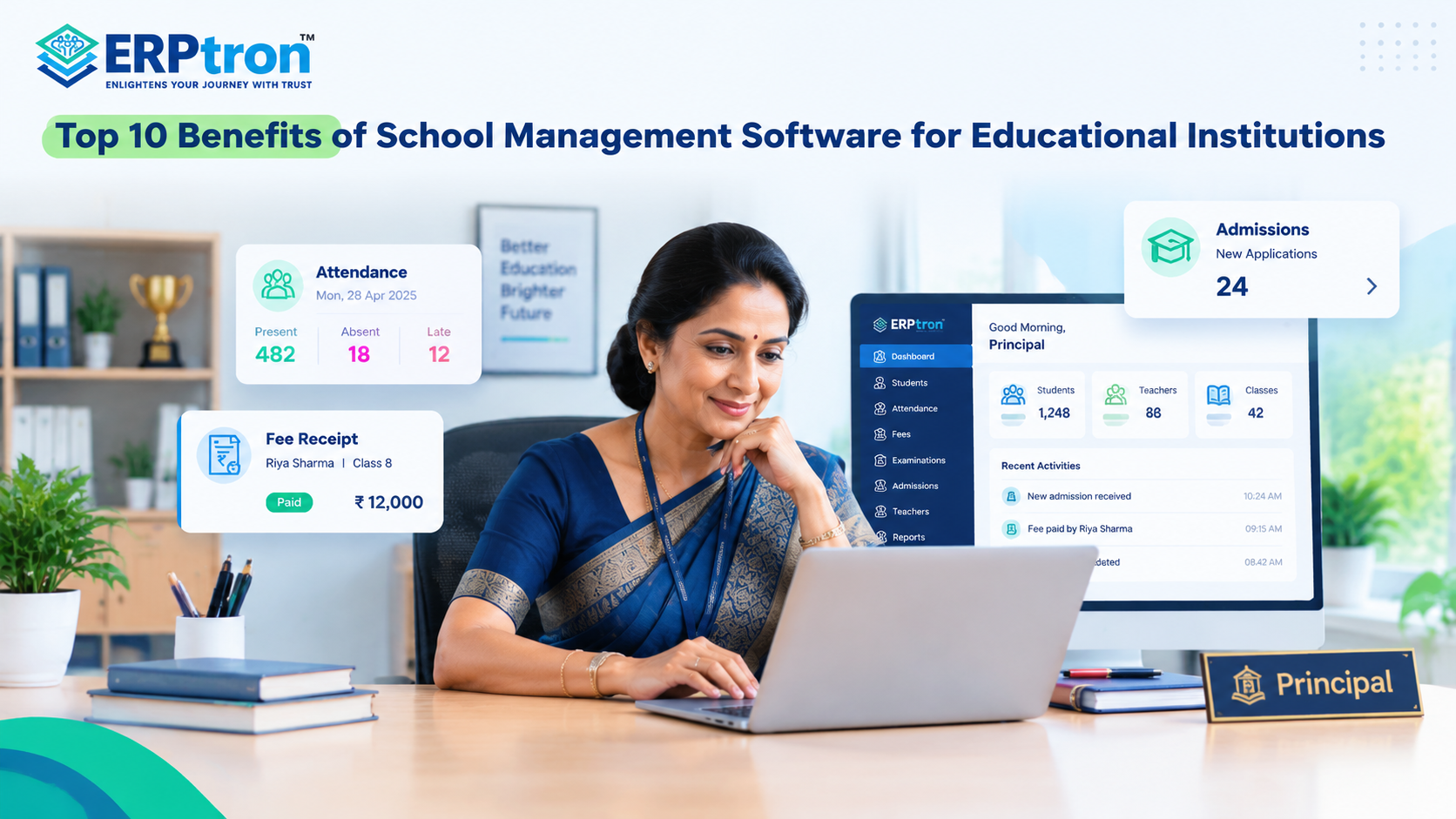
Running a school involves much more than teaching. Schools manage students, attendance, fees, admissions, exams, teachers, parents, and daily administration every day.
Managing all these activities through paper records, spreadsheets, and different tools can become difficult as the school grows.
This is where School Management Software can help. It brings important school activities together in one place, making everyday work easier and more organised.
In this guide, we’ll explore the top 10 benefits of School Management Software for educational institutions.
What Is School Management Software?
School Management Software is a digital platform that helps schools manage their daily academic, administrative, financial, and communication activities in one place.
Instead of using different registers, spreadsheets, and tools, schools can manage these activities through a connected system. For example, when a student is admitted, their information can also be used for attendance, fees, examinations, and communication.
This makes it easier for different departments to access the information they need and reduces repeated work. Simply put, School Management Software helps schools stay organised, save time, reduce manual work, and manage their daily operations more easily.
A School ERP system can connect different school departments through shared information and coordinated workflows.
Here’s How School Management Software Benefits Your School
School Management Software is not just about moving paperwork online. The real benefit is making everyday school work simpler, faster, and more connected.
Here are some of the key ways it can help your school.
1. Keeps All School Information in One Place
Schools manage a lot of information every day. Student details may be in one file, attendance in another, and fee records somewhere else. Finding and updating this information can take time. School Management Software brings important information into one platform.
This can include student records, admissions, attendance, fees, examinations, teachers, and other school data. With the right access, each department can quickly find the information it needs. This reduces duplicate records, repeated data entry, and the need to search through multiple files.
A centralized Student Information System can help schools organize student profiles, documents, and related records in a structured digital environment.
2. Reduces Repetitive Administrative Work
School staff spend a lot of time on routine tasks such as updating records, preparing receipts, sending reminders, creating reports, and managing admission enquiries. Many of these tasks can be simplified or automated with School Management Software.
For example, fee reminders can be sent automatically, receipts can be generated digitally, and routine reports can be prepared faster. This gives staff more time to focus on important school activities instead of doing the same tasks again and again.
3. Makes Student Management Easier
Student information is at the heart of school management. Schools need to keep track of student details, parents, classes, attendance, fees, academics, examinations, and more. A School Management System can keep this information together in one student profile. Authorized users can then access the information they need based on their role.
For example, information collected during admission can continue to be used for attendance, fees, examinations, and communication. This creates a more organised student journey from admission to graduation.
4. Makes Attendance Management Simpler
Attendance is recorded every school day, so even a small improvement can save teachers and staff a lot of time. Instead of depending only on paper registers or separate spreadsheets, schools can use digital attendance through supported web, mobile, or biometric systems.
Teachers can record attendance, administrators can view reports, and schools can maintain attendance history more easily. A dedicated student attendance management system can make this routine task faster and easier to manage.
5. Simplifies Fee Management
Managing school fees involves more than recording payments. Schools also need to handle fee structures, due dates, receipts, outstanding amounts, reminders, and payment history. A digital fee management system can bring these activities together.
Where online payments are supported, parents can also pay fees digitally and receive payment information more conveniently. For school administrators, it becomes easier to track collections and outstanding amounts without checking multiple records.
A school fee management system can help organize collections, payment records, concessions, and outstanding dues.
6. Makes Parent Communication Easier
Schools communicate with parents regularly about attendance, fees, examinations, events, notices, and other important updates. When communication happens through different channels, important information can sometimes be missed.
A School Management System can bring relevant communication into a more organised digital environment. Depending on the platform, parents may receive updates through mobile apps, portals, notifications, digital receipts, or other supported channels. This makes it easier for schools to share information and for parents to stay updated.
Parent communication software and school mobile apps can help institutions make routine communication more convenient and consistent.
7. Makes Teachers’ Daily Work Easier
Teachers do much more than teach. They may also manage attendance, timetables, assignments, examinations, academic activities, and other responsibilities. School Management Software can bring relevant teacher activities together, so teachers do not have to depend on multiple tools or maintain unnecessary records manually.
A teacher can access the information needed for their classes and daily responsibilities from one place. Good school software should save teachers time, not add more work to their day.
Teacher management software can also help schools organize faculty records and simplify routine staff administration.
8. Makes Admissions Easier to Manage
The admission process often starts with an enquiry and continues through follow-ups, applications, document collection, and final admission. When enquiries come from websites, phone calls, social media, walk-ins, or other sources, managing them manually can become difficult.
School Management Software with admission or CRM features can help schools track enquiries, follow-ups, applications, and admissions in a more organised way. This helps admission teams stay on top of every enquiry and reduces the chance of missing a potential admission.
Online admission management software can organize applications and document collection, while a CRM for schools can help admission teams track prospective families and follow-ups.
9. Helps School Management Make Better Decisions
Schools generate a large amount of information every day. But having data is not enough. School management needs to be able to understand and use it. School Management Software can bring information such as attendance, fees, admissions, examinations, students, and staff into reports and dashboards.
Instead of waiting for different departments to prepare information, authorised users can access relevant reports more easily. Better access to information can help school leaders make faster and more informed decisions.
10. Connects Different School Activities
The biggest benefit of a School ERP is not simply having many features. It is having those features work together. For example, when a student is admitted, their information can become part of the student profile. That profile can then connect with attendance, fees, academics, examinations, and communication.
This reduces the need to enter the same information into different systems again and again. In the end, a connected School ERP can help bring people, processes, and information together in one digital environment.
Explore the essential features of a School ERP to understand how different modules can support connected school operations.
School Management Software vs Traditional School Administration
Traditional school administration often depends on paper registers, spreadsheets, separate software, phone calls, and messaging groups. These methods may work for a small school, but they can become difficult to manage as the school grows.
School Management Software brings important school activities into a centralized digital platform. Student records, attendance, fees, admissions, examinations, and communication can be managed in one connected system.
The main difference is simple: traditional methods rely more on manual work, while School ERP software helps connect and simplify daily processes. The goal is not to digitize everything. It is to make school management simpler, faster, and more organised.
How to Choose School Management Software That Delivers These Benefits?
Not every School Management Software is the same. Choose a system that fits your school’s needs, is easy to use, and makes daily work easier. Focus on how well it solves your school’s actual problems, not just how many features it offers.
1. Look Beyond the Feature List
A School ERP may have many features, but you may not need all of them. First, identify the areas where your school needs the most help, such as admissions, attendance, fees, academics, communication, or teacher management. Then check how well the software handles these tasks.
2. Check Integration
Different school departments often need to share information. For example, admission details may be used for student records, attendance, fees, and examinations. A connected School ERP can help these modules work together and reduce repeated data entry.
3. Make Sure It Is Easy to Use
Teachers, administrators, parents, and students may all use the system. The software should be simple and easy to understand. If users can complete their daily tasks without confusion, they are more likely to use the system regularly.
4. Think About Future Growth
Your school may have more students, teachers, and activities in the future. Choose software that can grow with your school and handle increasing data and users without creating new problems.
5. Check Security
School software stores important student, parent, teacher, fee, and academic information. Check whether the system provides secure login, role-based access, data protection, backups, and access controls to keep this information safe.
6. Check Support and Implementation
Setting up School Management Software involves more than buying the system. Your school may need help with data migration, setup, training, and technical support. Good support from the provider can make the transition easier for everyone.
Common Mistakes Schools Make When Choosing School Management Software
Choosing School Management Software is an important decision for any school. The right software can make daily work easier and more organised, while the wrong choice can create more problems.
Here are some common mistakes schools should avoid.
Mistake 1: Choosing Software Just Because It Has More Features
More features do not always mean better software. Choose a system that has the features your school actually needs.
The important question is: Does this software meet our school’s actual needs?
Mistake 2: Using Too Many Disconnected Systems
Using different software for fees, attendance, admissions, and exams can create extra work. Staff may have to enter the same information multiple times. A connected School ERP can help different departments work together.
Mistake 3: Ignoring Teachers and Parents
Teachers and parents may use the software regularly. If it is difficult to use, they may not use it properly. Choose a system that is simple, clear, and user-friendly.
Mistake 4: Choosing Software Only Based on Price
The cheapest software is not always the best option. Consider the overall cost, including training, support, maintenance, and implementation. Choose software based on its value, not just its price.
Mistake 5: Not Testing the Software Before Buying
A demo can show you the features, but it may not show how easy the software is to use. Let teachers and staff test important features before making a final decision.
Mistake 6: Ignoring Data Migration
Schools often have years of student, staff, fee, and academic records. Make sure this data is accurate and organised before moving it to the new system. Good data makes implementation much easier.
Mistake 7: Not Training Staff Properly
Even good software will not work well if staff do not know how to use it. Simple and practical training can help teachers and administrators understand the system and use it confidently.
How Does ERPtron Help Schools Simplify Management?
School management software simplifies daily school operations, including admissions, student records, fees, attendance, exams, communication, and staff management.
ERPtron offers an integrated school management solution that helps schools automate tasks, reduce administrative workload, and manage operations efficiently.
Here’s how ERPtron helps your school.
1. School Operating System (School OS)
ERPtron’s School Operating System acts as a central platform for managing different areas of school administration. It brings functions such as student management, admissions, fees, attendance, examinations, HR, library, and transport into one connected environment.
By having these operations available through a unified system, schools can reduce dependence on separate applications and disconnected records. Administrators can work with a more organized view of school activities, while different departments can manage their responsibilities through structured digital workflows.
2. Paperless Admission Platform
ERPtron’s Paperless Admission Platform helps schools replace traditional admission paperwork with a digital application process. Applications, document submissions, verification, fee payments, and admission-related activities can be managed through an organized online workflow.
This makes the admission process easier for administrative teams to coordinate while giving parents a more convenient way to complete admission requirements. It also reduces the amount of physical documentation schools need to maintain during the admission cycle.
3. School Fee Collection Hub
Managing school fees involves more than simply recording payments. Schools need to maintain fee structures, concessions, receipts, outstanding dues, and payment information accurately.
ERPtron’s School Fee Collection Hub brings these activities into one digital system. It helps schools organize fee-related information, track outstanding amounts, and maintain payment records more efficiently. This can reduce manual reconciliation work while providing greater clarity around the institution’s fee collection process.
4. Hybrid Digital Attendance Platform
ERPtron’s Hybrid Digital Attendance Platform gives schools flexible options for recording and maintaining attendance. Depending on their requirements, institutions can use biometric devices or mobile-based attendance methods.
Digital attendance records reduce dependence on traditional registers and make attendance information easier to maintain centrally. The platform also supports relevant parent communication, helping schools keep families informed about attendance-related updates.
5. Exam Operating System
ERPtron’s Exam Operating System helps schools manage examination activities through a structured digital workflow. Tasks such as admit cards, marks entry, tabulation, report cards, and rank lists can be managed digitally instead of relying heavily on manual calculations and paperwork.
This can reduce repetitive administrative work for teachers and examination teams while helping schools maintain examination information in a more organized format.
6. School Safety Hub / Student Information System
ERPtron’s School Safety Hub / Student Information System provides schools with a centralized place to maintain important student information and documents. Instead of relying entirely on physical files, administrators can organize student records digitally and access relevant information more conveniently.
A centralized student information system also helps schools maintain continuity in their records and reduces the effort involved in locating and managing individual student documents.
7. Finance Automation Platform
ERPtron’s Finance Automation Platform supports schools in managing financial activities beyond routine fee collection. Schools can use it to organize suppliers, expenses, payment vouchers, ledgers, and financial reports within a digital environment.
Centralizing these activities can reduce manual financial administration and make it easier for school management to review financial information. It provides a more systematic way to manage the institution’s day-to-day financial operations.
8. School Store 360
ERPtron’s School Store 360 helps educational institutions digitize the management of their school stores. Books, accessories, inventory, sales, and store-related information can be managed through one platform.
With stock and sales information maintained digitally, schools can keep better track of available inventory, monitor store activity, and reduce the administrative effort associated with manual stock records.
9. Library Pro System
ERPtron’s Library Pro System helps schools manage their library resources digitally. Librarians can maintain book catalogues and keep track of book issues, returns, availability, and applicable fines through a centralized system.
This reduces the need for manual library registers and makes it easier to determine the status of books and manage the school’s library resources in an organized manner.
10. Smart HR Pro
ERPtron’s Smart HR Pro helps schools organize their teaching and non-teaching staff administration. Employee records, payroll, leave management, and role-based access can be managed within a centralized HR environment.
This helps schools maintain organized staff information and simplify routine HR tasks.
To explore the available capabilities, visit the official ERPtron features page.
Conclusion: More Than Digital Administration
School Management Software is more than just replacing paper registers and spreadsheets. It helps schools bring students, teachers, parents, administrators, and important school processes together in one connected system.
From admissions and attendance to fees, examinations, communication, and reports, the right School ERP can reduce manual work, save time, and make everyday school management easier.
The goal is simple: less paperwork, better organisation, smoother communication, and more time to focus on education.
Looking for a School ERP to simplify your school’s daily operations? Explore ERPtron and see how it can help bring your school’s key activities together in one platform.
ERPtron — Enlightens Your Journey with Trust.
FAQs
1. Can School Management Software Manage Student Records?
Yes. Schools can manage student profiles, parent details, classes, attendance, academic records, fees, and exam information in one place.
2. Can School Management Software Manage School Fees?
Yes. It can help manage fee structures, payments, receipts, pending fees, reminders, and payment history. Some systems also support online payments.
3. Can School Management Software Improve Parent Communication?
Yes. Schools can share notices, attendance updates, fee reminders, exam information, and events through apps, portals, or notifications.
4. Can School Management Software Manage Teachers?
Yes. It can help schools manage teacher profiles, classes, subjects, timetables, attendance, leave, and other responsibilities.
5. Can School Management Software Help With Online Admissions?
Yes. Depending on the platform, schools can manage enquiries, online forms, applications, documents, follow-ups, and admission status in one place.