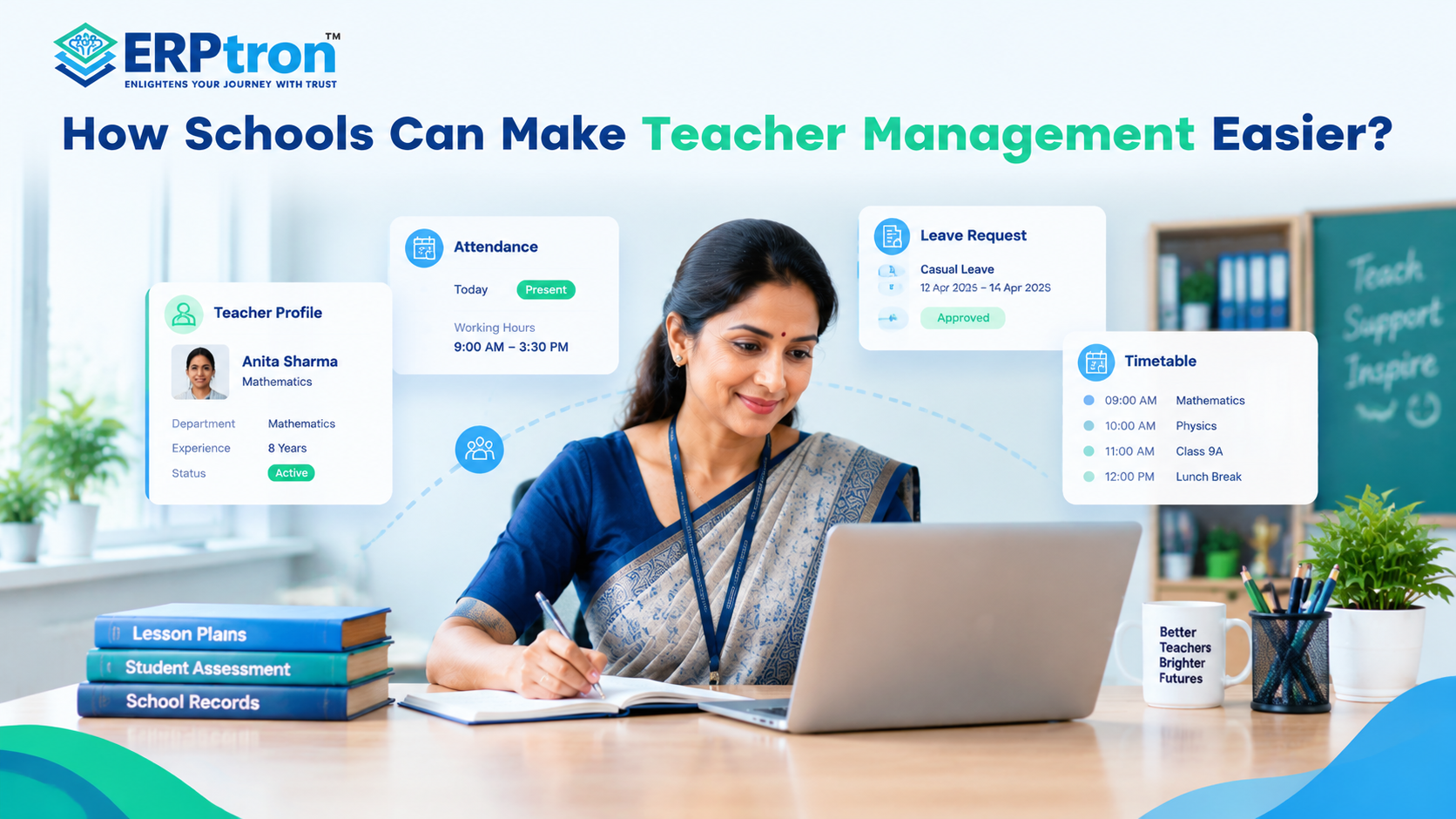
Teachers do much more than teach. They prepare lessons, assess students, manage attendance, communicate with parents, participate in examinations, and support school activities.
As schools grow, coordinating these responsibilities becomes increasingly difficult. Teacher records may sit in spreadsheets, attendance in registers, leave requests in messages, and timetables in separate files. This creates repetitive work, delays, and unnecessary administrative pressure.
Teacher Management Software helps schools organise faculty information and administrative responsibilities in a structured digital environment. When connected with a School ERP, it can also make relevant student records, attendance, examinations, and staff information easier to access.
The goal is simple: reduce administrative friction so teachers and school leaders can focus more on teaching and learning.
For a wider look at how technology is changing school operations, read Technology in Education: How Digital Transformation Is Changing Schools.
What Is Teacher Management Software?
Teacher Management Software is a digital system that helps schools manage faculty information and day-to-day responsibilities.
Depending on the platform, it may support:
- Teacher profiles, qualifications, and employment records.
- Subject allocation, class assignments, and timetables.
- Teacher attendance and leave management.
- Examination responsibilities and academic information.
- Staff communication and notifications.
- Workload records, training information, and reports.
Instead of maintaining disconnected files and registers, schools can organise relevant information in a structured digital environment.
Schools considering broader administrative improvements can also explore School Management Software: The Complete Guide for Schools and Essential School ERP Features Every Educational Institution Should Look For.
Teacher Management Software vs HR Software
Although these systems overlap, their main purposes differ.
HR software generally focuses on employee records, payroll, attendance, leave, and other workforce-related processes.
Teacher Management Software places greater emphasis on academic responsibilities, such as subject allocation, teaching schedules, class assignments, and examination duties.
Schools benefit when these functions work together. HR teams can maintain employee information while administrators coordinate faculty responsibilities and academic schedules.
For more information, see Teacher Management Software: Helping Educators Focus on Teaching.
Key Features of Teacher Management Software
1. Teacher Profiles and Staff Records
A central database can store teachers’ contact details, qualifications, experience, departments, subjects, and relevant documents. This makes faculty information easier to maintain and retrieve.
A structured student database is equally important for academic coordination. Learn how schools can organise student information in the Student Information System (SIS): Complete Guide for Schools.
2. Timetable and Class Allocation
Schools must coordinate teachers, subjects, classes, sections, and periods. Digital scheduling tools can help organise these assignments and identify timetable conflicts, depending on the system’s capabilities.
3. Attendance and Leave Management
Digital records help schools monitor faculty attendance and manage leave requests. Administrators can review approved leave and check teacher availability when planning classes and other activities.
Schools can also learn about the wider role of digital attendance through Student Attendance Management System: The Complete Guide and Benefits of Digital Attendance Systems.
4. Workload and Responsibility Tracking
Teachers may handle regular classes alongside examinations, meetings, clubs, and other school activities. Organised responsibility records can help administrators review workload distribution and identify scheduling pressures.
5. Substitute Planning and Communication
When a teacher is absent, administrators need to identify affected classes and coordinate suitable cover. Access to timetables and availability information can simplify this process, although substitute assignments may still require human decisions.
Digital communication tools can also help distribute schedule changes, notices, and other school updates. For related guidance, read The Complete Guide to Parent Communication Software for Schools and Communication Mistakes Schools Should Avoid.
6. Mobile Access and Reporting
Mobile access can help teachers check timetables, receive announcements, and access relevant student or academic information. Reports can give administrators a clearer view of faculty records and other supported activities.
Explore School Mobile Apps: Transforming Communication Between Schools, Parents, Teachers, and Students to understand how mobile tools can support everyday school communication.
Advanced features, such as automated substitute allocation or detailed performance analytics, should be verified with the software provider rather than assumed to be standard.
How Does Teacher Management Software Reduce Administrative Work?
Consider a teacher who requests leave. In a manual setup, an administrator may need to update a register, check the timetable, identify affected classes, coordinate substitute arrangements, and inform relevant staff.
A digital system can make leave records and schedules easier to access, reducing the time spent searching through different files. Administrators can identify affected classes and coordinate the next steps more efficiently.
The software supports the process, but school staff remain responsible for decisions such as approving leave and selecting appropriate substitutes.
For a broader perspective on reducing routine administrative work, read How School Administration Software Reduces Manual Work and Daily Challenges Faced by School Administrators.
Why Teacher Management Works Better With a School ERP
Teacher management does not operate independently. Teachers also need relevant student records, attendance information, examination details, notices, and academic resources.
When these functions sit in separate systems, staff may need to enter information repeatedly or switch between applications to complete routine tasks.
A connected School ERP system can bring relevant information and workflows closer together.
For example:
- Student records can help teachers access information about their assigned classes.
- Attendance systems can provide relevant attendance information.
- Examination tools can support marks entry and examination administration.
- HR modules can organise employee records and leave.
- Communication tools can distribute notices and school updates.
The available connections depend on the platform, permissions, and configuration. Schools should confirm which workflows are supported before implementation.
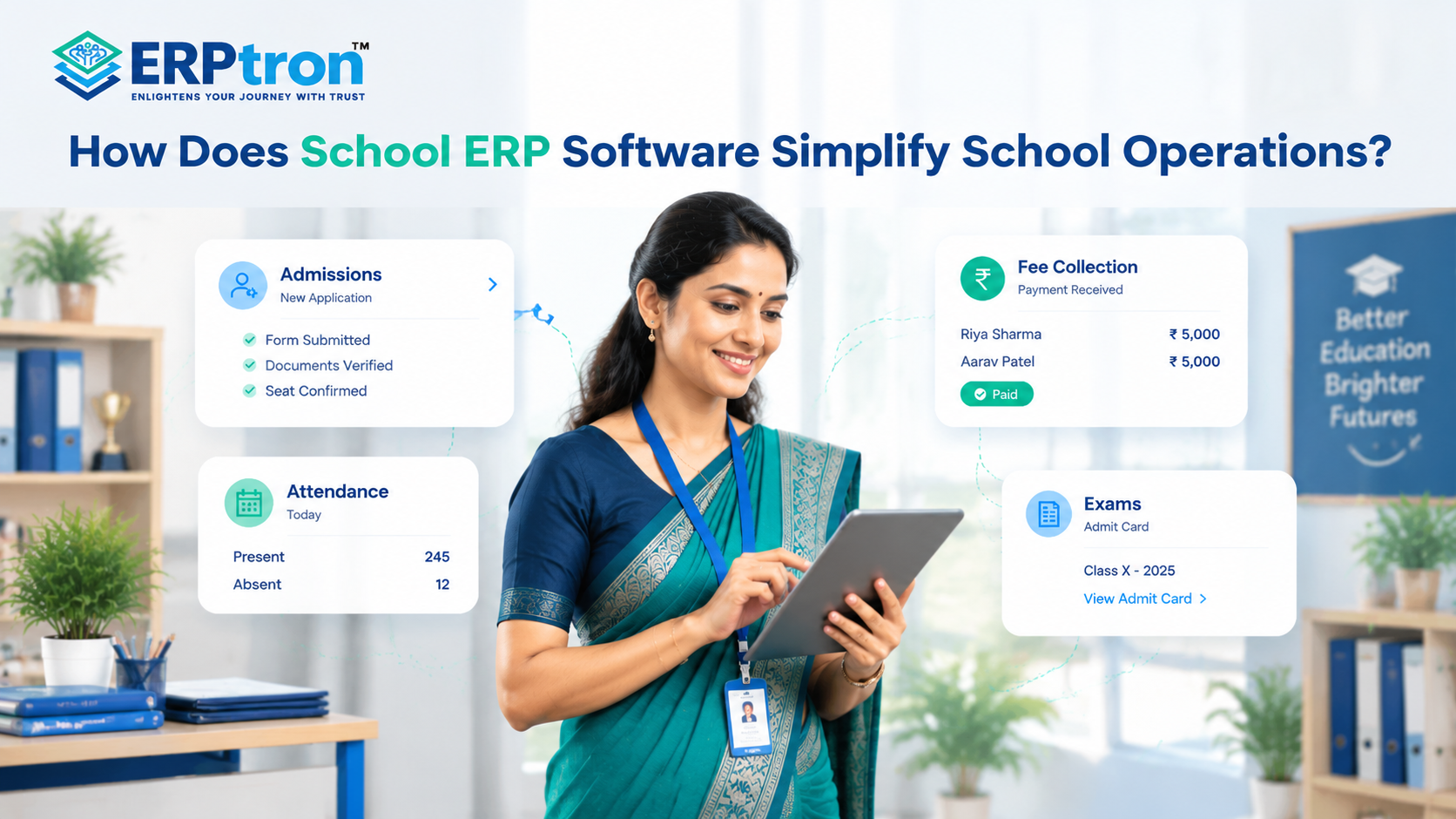
For a comparison of traditional and connected approaches, see Manual School Management vs Digital School Management: Which Is Better? and How School ERP Software Simplifies School Operations.
How Different Stakeholders Benefit
- Teachers: Easier access to timetables, announcements, student information, and supported academic tools.
- Administrators: More organised faculty records, leave information, and scheduling responsibilities.
- Principals: Better visibility into staff availability and workload distribution.
- HR teams: Structured employee records and supported leave and payroll processes.
- School management: A more connected view of faculty administration and fewer dependencies on scattered spreadsheets.
School leaders also play an important role in making these changes successful. Read School Leadership in the Digital Age: Strategies for Modern Principals for further guidance.
The results depend on choosing suitable software and ensuring that staff use it consistently.
How to Choose the Right Teacher Management Software
Before selecting a solution, schools should identify their biggest administrative challenges and test whether the software addresses them.
Consider these questions:
- Can the system maintain teacher profiles, qualifications, and employment records?
- Can administrators organise class assignments, timetables, and workloads?
- Does it support teacher attendance and leave management?
- Can it help identify scheduling conflicts?
- Does it integrate with existing School ERP, HR, attendance, and examination systems?
- Are mobile access and role-based permissions available?
- Can administrators generate useful reports?
- What implementation, training, maintenance, and technical support are included?
A small pilot involving teachers and administrators can help identify usability issues before the full rollout.
Schools should also consider whether they are ready for broader digital adoption. 10 Signs Your School Needs School Management Software offers a useful checklist, while What Is School ERP Software? explains the wider system.
How ERPtron Supports Connected Teacher Management
Managing teachers becomes easier when faculty administration connects with the wider processes of running a school. ERPtron provides a connected school management ecosystem with modules that support staff administration, attendance, examinations, student information, and mobile access.
School OS: Connecting School Operations
ERPtron School OS brings core functions together, including student management, admissions, attendance, examinations, HR, fees, library, and transport. This provides a shared environment for managing essential school operations.
Smart HR Pro: Organising Faculty Administration
Smart HR Pro supports employee records, leave, payroll, and role-based access. These capabilities help schools maintain structured staff information and organise important employee-related processes.
Hybrid Digital Attendance Platform: Managing Attendance Records
ERPtron’s Hybrid Digital Attendance Platform supports biometric and mobile-based attendance methods. Schools can use it to manage attendance digitally and reduce reliance on manual registers.
Schools should confirm how teacher attendance is configured within their implementation.
Exam Operating System: Supporting Examination Workflows
The Exam Operating System supports admit cards, marks entry, tabulation, report cards, and rank lists. These digital workflows help organise examination activities and reduce repetitive administrative work.
Student Information System: Accessing Student Records
ERPtron’s Student Information System keeps student details and documents organised. With appropriate permissions, authorised staff can access relevant information when managing their classes and responsibilities.
Teacher Mate / Student Mobile App: Accessing School Information
Teacher Mate / Student Mobile App provides access to relevant information such as notices, attendance, fee details, examination information, report cards, and study materials, depending on available features and user permissions.
This gives teachers, parents, and students a convenient way to access supported school information.
Explore ERPtron’s school management features to review the available modules and identify which ones fit your institution’s requirements.
Why consider ERPtron? Instead of evaluating faculty administration in isolation, schools can assess how staff records, attendance, examinations, student information, and communication fit into a wider digital environment. This can help them identify opportunities to reduce fragmented workflows and repetitive administrative work.
If your school is planning to digitise teacher management, start by identifying the tasks that consume the most time, then evaluate the relevant ERPtron modules against those needs. Confirm the required features, integrations, implementation scope, and training arrangements before making a decision.
Giving Teachers More Time for Teaching
Teacher Management Software should do more than replace paper registers with digital records. Its real purpose is to organise everyday responsibilities, make information easier to access, and reduce unnecessary coordination.
When faculty administration connects with attendance, examinations, HR, and student information, teachers and administrators can spend less time chasing updates and more time supporting students.
Technology cannot replace the professional judgement teachers and school leaders bring to their work. It can, however, help remove avoidable administrative friction.
Frequently Asked Questions
1. What is the difference between Teacher Management Software and HR software?
HR software focuses on employee-related processes such as records, payroll, and leave. Teacher Management Software places greater emphasis on academic responsibilities, including class assignments, timetables, and teaching workloads.
2. Can Teacher Management Software integrate with a School ERP?
Yes, depending on the platform. Integration may connect faculty information with student records, attendance, examinations, HR, and communication tools.
3. Can Teacher Management Software handle payroll?
Some solutions include payroll or integrate with HR and payroll systems. Schools should confirm whether payroll is included or requires a separate module.
4. How much does Teacher Management Software cost?
Pricing varies according to users, features, integrations, customisation, implementation, hosting, and support.
5. How long does implementation take?
The timeline depends on school size, existing records, configuration, integrations, and training requirements. A phased rollout can help larger schools adopt the system more smoothly.
Conclusion: Make Teacher Management Easier With ERPtron
As schools grow, managing faculty records, attendance, leave, schedules, and academic responsibilities becomes more complex.
Teacher Management Software can organise these activities and reduce repetitive administrative work. When connected with a wider School ERP, it can also make relevant information easier to access across departments.
ERPtron’s School OS, Smart HR Pro, Hybrid Digital Attendance Platform, Exam Operating System, Student Information System, and Teacher Mate / Student Mobile App provide capabilities that schools can evaluate as part of a connected digital management approach.
Ready to simplify teacher management at your school? Visit ERPtron’s features page to explore its school management modules and identify the capabilities that match your institution’s needs. Discuss your school’s current administrative challenges with the ERPtron team and evaluate a practical path towards more connected school operations.
The objective isn’t simply to introduce more software. It is to reduce avoidable paperwork, improve coordination, and give educators more time to focus on teaching and learning.
ERPtron — Enlightens Your Journey with Trust.