
Attendance is a daily task, but managing attendance records can become difficult as a school grows. Teachers need to mark attendance, while administrators may need to maintain records, prepare reports, track absences, and share updates with parents.
Paper registers and spreadsheets can handle basic attendance, but they often require additional manual work. A digital attendance system can make the process more organized by recording and managing attendance electronically.
It can save time, reduce paperwork, speed up record access, generate reports, improve parent communication, and help schools understand attendance trends.
In this guide, we’ll explore the key benefits of digital attendance systems and how they can make attendance management easier for teachers, parents, administrators, and school leaders.
What Is a Digital Attendance System?
A digital attendance system is software that helps schools record, store, and manage student attendance digitally. Teachers can mark attendance using a computer, mobile phone, tablet, or other digital devices.
The system can also help schools calculate attendance, generate reports, track absences, manage leave, and notify parents.
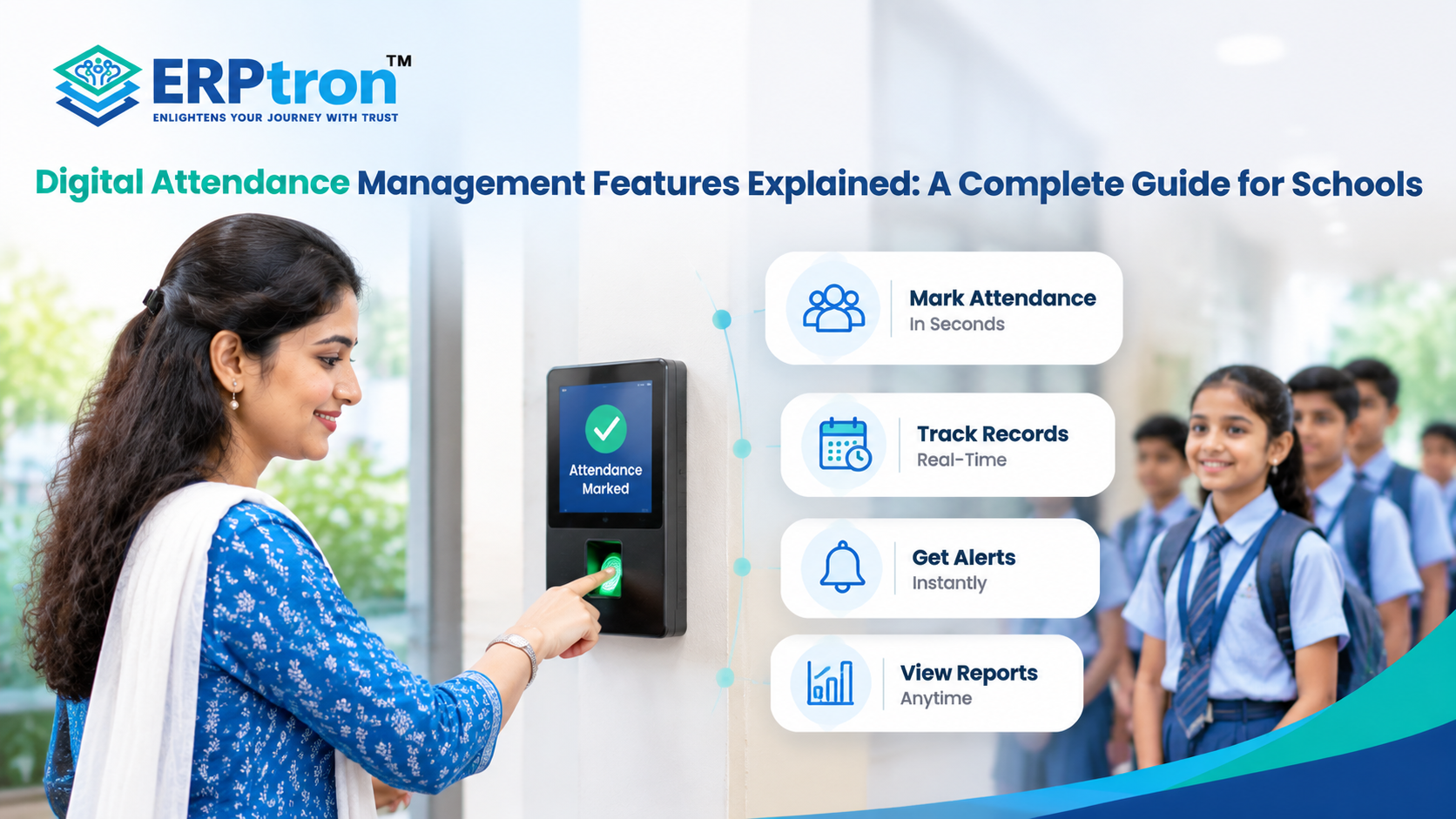
Digital attendance can be recorded in different ways, such as through a teacher’s app, web portal, biometric device, or QR code.
It is important to understand that digital attendance and biometric attendance are not the same thing. Biometric attendance is one method of recording attendance using a fingerprint or face. Digital attendance is the broader process of recording, storing, managing, and using attendance data electronically.
For a broader understanding of digital school operations, read Technology in Education: How Digital Transformation Is Changing Schools.
Top 20 Benefits of Digital Attendance Systems for Schools
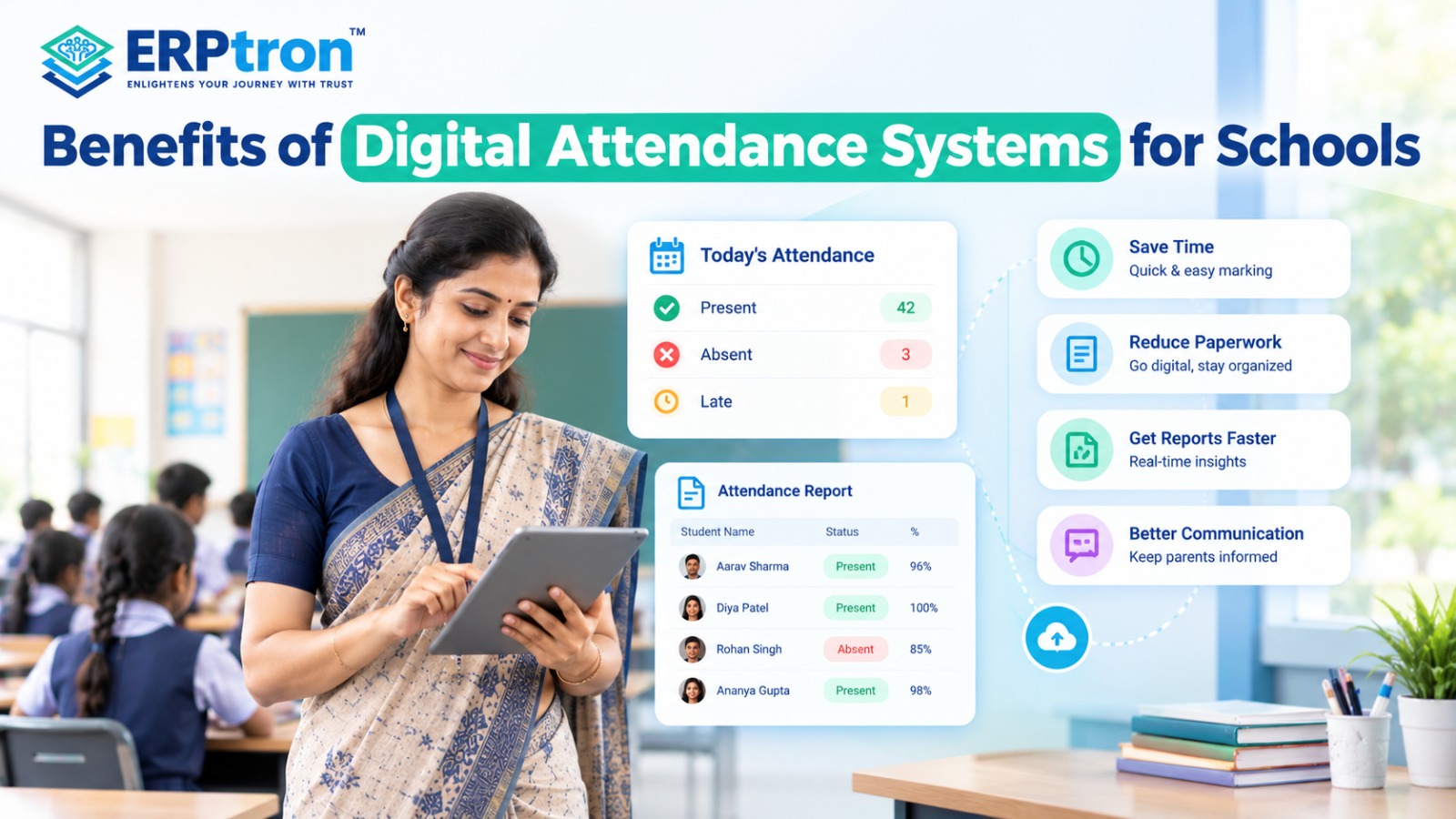
Digital attendance systems help schools record attendance, reduce paperwork, save teachers’ time, and keep parents informed. They also help schools track student attendance and prepare reports more easily. Here are the top 20 benefits of using a digital attendance system.
1. Saves Teachers’ Time
Teachers can mark students as present or absent using a digital system. Attendance records are saved automatically, reducing manual work and giving teachers more time to focus on teaching.
2. Reduces Paperwork
Digital attendance stores records electronically instead of relying on paper registers. This makes student attendance easier to manage and reduces the need for physical files.
3. Reduces Repeated Data Entry
Teachers do not need to enter the same attendance information into different registers and spreadsheets. The system can store attendance once and use it to prepare reports.
4. Improves Attendance Accuracy
Digital systems help reduce mistakes such as missing entries, incorrect dates, and calculation errors. Teachers can also review and correct records when needed.
5. Calculates Attendance Automatically
The system can calculate present days, absent days, and attendance percentages automatically. For example, if a student attends 90 out of 100 working days, their attendance percentage is 90%.
6. Provides Quick Access to Attendance Information
Teachers and administrators can quickly check daily attendance, absent students, class-wise records, and attendance percentages. This helps schools understand attendance information without collecting multiple registers.
7. Sends Faster Parent Notifications
When a student is marked absent, the system can notify the parent if this feature is enabled. This helps parents stay informed about their child’s attendance.
Schools can further improve communication by exploring school mobile apps that connect parents, teachers, and students.
8. Improves Parent Engagement
Parents can check their child’s attendance, absence history, and attendance percentage through a school app or parent portal, if available. This helps parents stay involved in their child’s school life.
9. Makes Attendance Reporting Easier
Digital systems can prepare daily, monthly, class-wise, and student-wise attendance reports using saved records. This reduces the time spent preparing reports manually.
10. Identifies Students with Low Attendance
A digital system helps schools identify students with frequent absences, repeated late arrivals, or low attendance percentages. Teachers can then follow up with parents and provide support where needed.
11. Tracks Attendance Trends
Schools can compare attendance over different months and terms. This helps teachers and administrators identify whether attendance is improving or declining.
12. Keeps Attendance Records in One Place
A digital attendance system brings records from different classes and sections into one central platform. Authorized staff can access the information they need more easily.
13. Makes Old Records Easier to Find
Teachers and administrators can search previous attendance records by student, class, date, month, or academic year, depending on the system’s features. This saves time when checking past attendance.
14. Helps School Management Monitor Attendance
Principals and administrators can review attendance across different classes and grades. This helps them understand attendance patterns and decide where additional attention may be needed.
Effective monitoring is an important part of school leadership in the digital age.
15. Simplifies Leave Management
When leave management is connected to attendance, schools can record leave requests, approvals, and related attendance details in one place. This reduces the need for separate records.
16. Tracks Late Arrivals
A suitable digital system can record late arrivals and other attendance details. This helps schools identify students who regularly arrive late and monitor attendance according to school rules.
17. Supports Better Decision-Making
Attendance reports help schools identify patterns, such as frequent absences in a particular class or declining attendance among certain students. This information helps school management decide what action may be needed.
18. Reduces Administrative Work
Digital attendance reduces the time spent collecting registers, calculating percentages, checking entries, and preparing reports. This allows teachers and administrative staff to focus on other important tasks.
19. Helps Schools Support Students Early
When a student’s attendance starts to decline, teachers can identify the problem earlier and contact parents to understand the reason. This gives the school an opportunity to provide timely support.
20. Supports School Growth
As a school grows, managing attendance for more students and classes becomes harder. A centralized digital system helps schools manage larger volumes of attendance records without depending entirely on separate registers and spreadsheets.
A well-integrated School ERP system can help schools connect attendance with other administrative activities as they grow.
The Bigger Benefit: From Attendance Records to Attendance Management
Digital attendance is more than replacing a paper register. The real benefit is how schools can use attendance data after it is recorded.
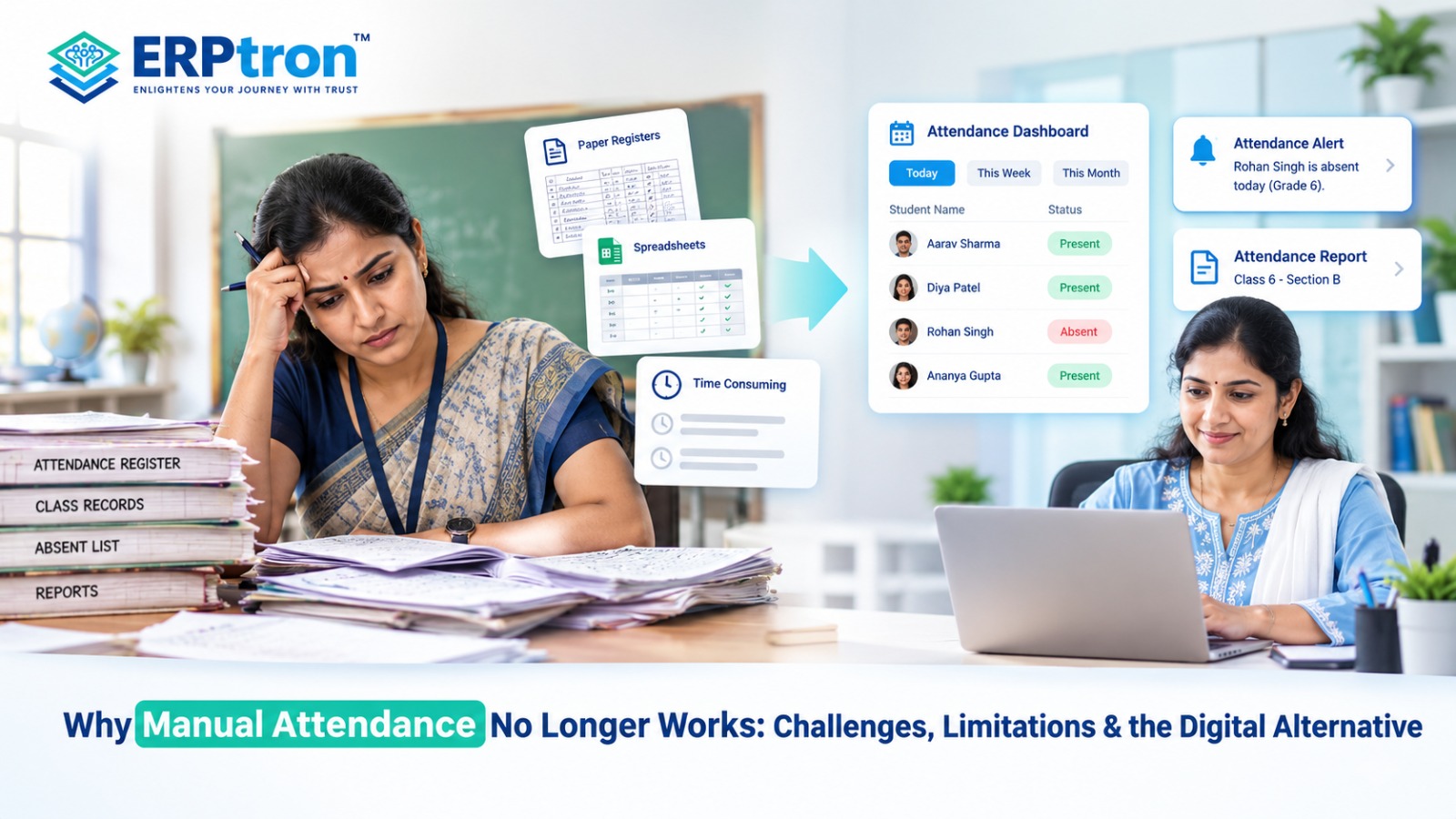
With manual attendance, teachers mark the register, but checking attendance percentages, finding repeated absences, or preparing reports may require extra work.
With digital attendance, these tasks can be connected in one system:
Attendance Marked → Data Stored → Percentage Calculated → Reports Generated → Patterns Identified → Parents Informed → Follow-Up
The system can store attendance, calculate percentages, and make reports easier to access.
For example, if a student’s attendance keeps falling, the school can notice the pattern and contact the parents when needed.
This makes attendance more than a daily record. It helps schools monitor students, communicate with parents, identify concerns, and take timely action.
Digital Attendance vs. Manual Attendance
| Area | Manual Attendance | Digital Attendance |
| Recording | Paper or spreadsheet | Digital |
| Calculation | Often manual | Can be automated |
| Reporting | Time-consuming | Faster |
| Parent Notification | Manual | Can be automated |
| Data Search | Slower | Faster |
| Trend Analysis | Difficult | Easier |
| Record Storage | Physical or digital | Centralized digital records |
| Management Visibility | Limited | Greater |
| Scalability | More difficult | More manageable |
| Administrative Work | Higher | Lower |
Digital Attendance Does Not Necessarily Mean Biometric Attendance
Digital attendance and biometric attendance are not the same. Digital attendance means recording and managing attendance electronically. Biometric attendance uses fingerprints, facial recognition, or other biometric methods to record attendance.
Schools can use digital attendance without biometric devices. Teachers can mark attendance through a mobile app or web portal, while some schools may use QR codes or other methods.
The right method depends on the school’s size, budget, infrastructure, and daily needs.
- Digital Attendance: Managing attendance digitally.
- Biometric Attendance: One way to record attendance.
Schools should choose a solution that fits their requirements rather than assuming biometric devices are necessary. You can also explore ERPtron’s features to understand how different school management capabilities can support digital operations.
What Should Schools Look for in a Digital Attendance System?
Schools should not choose a system only because it can mark attendance. They should also check whether it is easy to use and useful for daily school operations.
Ease of Use
Teachers should be able to mark attendance quickly without complicated steps.
Mobile or Web Access
Teachers should be able to use the system through a mobile phone, tablet, or computer.
Reporting
The system should provide useful daily, monthly, class-wise, and student-wise reports.
Parent Notifications
The system should help schools quickly inform parents when their child is absent.
Leave Management
Schools should be able to record and manage student leave along with attendance.
Attendance Tracking
The system should help schools track attendance and identify students with low or irregular attendance.
Role-Based Access
Teachers, administrators, and management should have access to the information they need.
Attendance Corrections
Schools should have an easy way to correct genuine attendance mistakes.
Integration
Attendance should connect with student records and other School ERP modules where required.
Scalability
The system should be able to support the school as the number of students and classes grows.
Common Mistakes When Implementing Digital Attendance
Schools should plan the implementation carefully to avoid creating new problems.
Choosing a Difficult System: If attendance takes too many steps, teachers may find it difficult to use.
Not Training Staff: Teachers and staff should receive basic training before using the system.
Sending Too Many Notifications: Parents should receive important updates without getting unnecessary messages.
Ignoring Corrections: Schools should have a simple process for correcting attendance mistakes.
Using Separate Systems: Separate attendance, student, and communication systems can create extra work. An integrated system can reduce duplicate data entry.
Choosing Biometric Technology Without a Need: Biometric attendance can be useful, but not every school needs it. Schools should choose the method that fits their needs.
Focusing Only on Features: A system with many features is not always better. Ease of use and reliability are also important.
Not Using Attendance Data: Recording attendance is only the first step. Schools should use the data to track patterns, identify concerns, and take action.
How to Implement Digital Attendance Successfully?
Schools can move from paper registers to digital attendance step by step. A simple plan can make the process easier for teachers, staff, students, and parents. The goal is to make attendance simple, accurate, and easy to manage.
Step 1: Evaluate the Existing Process
Before choosing a digital attendance system, understand how the school currently manages attendance. Check who records it, where it is stored, how reports are prepared, how parents are informed, and how mistakes are corrected. This helps schools find problems and choose the right system.
Step 2: Identify the Main Problems
Find out what makes attendance difficult. Teachers may spend too much time on registers, staff may enter the same data again, reports may take time, or parents may not get updates quickly. Knowing these problems helps schools choose a system that saves time and reduces work.
Step 3: Define the School’s Requirements
Every school has different needs. Decide which features are important, such as teacher attendance, mobile access, reports, parent notifications, leave management, analytics, and School ERP integration. Clear requirements help schools choose the right system.
Step 4: Choose the Right Attendance Method
Schools can record attendance through mobile or web entry, biometric devices, QR codes, or RFID. The right method depends on the school’s size, budget, infrastructure, and daily needs.
Step 5: Set Up Classes and Student Records
Before using the system, add important information such as students, classes, sections, teachers, and academic sessions. Correct information helps maintain accurate attendance records and reports.
Step 6: Train Teachers and Staff
Teachers should know how to open their class, mark attendance, submit records, and correct mistakes. Simple training helps teachers use the system comfortably.
Step 7: Start With a Pilot
Schools can first test the system with a few classes or departments. This helps identify technical issues, user problems, and reporting gaps before expanding it across the school.
Step 8: Monitor the System
After implementation, check how well the system is working. Review attendance accuracy, teacher usage, correction requests, parent feedback, and reports. If there are problems, make the necessary improvements.
Step 9: Expand Across the School
Once the system works well in the pilot classes, gradually introduce it to other classes and departments. Continue to monitor the system and support teachers during the transition.
ERPtron Modules Relevant to Digital Attendance
ERPtron offers different modules that help schools manage attendance and other daily activities digitally. These modules help reduce paperwork, organize student records, improve communication with parents, and make school management easier.
1. Hybrid Digital Attendance Platform
ERPtron’s Hybrid Digital Attendance Platform helps schools record attendance using biometric devices and mobile-based methods. It reduces the need for manual registers and makes attendance records easier to manage, check, and report.
2. Teacher Mate
ERPtron Teacher Mate helps teachers manage attendance and keeps parents and students informed about important updates. It makes it easier for parents to stay updated about their child’s attendance through digital communication.
3. School Operating System (School OS)
ERPtron School OS connects attendance with student records, admissions, fees, examinations, HR, library, and transport. This helps schools manage attendance and other activities through one connected system.
4. School Safety Hub
ERPtron School Safety Hub helps schools keep student information and important records organized in one place. Authorized staff can access relevant information more easily when checking attendance or handling student-related concerns.
5. Exam Operating System
ERPtron Exam Operating System helps schools manage examinations, marks, report cards, and academic records digitally. When used alongside attendance management, it helps schools review student attendance and academic performance more easily.
6. Paperless Admission Platform
ERPtron’s Paperless Admission Platform helps schools manage admission forms, documents, verification, payments, and student registration online. Organized student information from the admission stage makes it easier to manage attendance throughout the academic year. Learn more about online admission management software for schools.
7. School Fee Collection Hub
ERPtron School Fee Collection Hub helps schools manage fee structures, payments, concessions, receipts, and pending fees. Keeping fee and student information organized helps administrators access important records more easily.
8. Smart HR Pro
ERPtron Smart HR Pro helps schools manage employee records, payroll, leave, and HR activities. It supports organized staff management and can complement the school’s wider attendance management processes.
9. Transport Revenue System
ERPtron Transport Revenue System helps schools manage transport routes, available seats, student allocations, and transport payments. It keeps transport information organized alongside other student records.
10. Finance Automation Platform
ERPtron Finance Automation Platform helps schools manage expenses, suppliers, payment vouchers, ledgers, and financial reports. It supports better coordination between attendance management and other school administration activities.
11. Library Pro System
ERPtron Library Pro helps schools manage books, availability, issues, returns, and fines digitally. It reduces manual record-keeping and helps schools maintain organized library information alongside student records.
12. School Store 360
ERPtron School Store 360 helps schools manage inventory, books, accessories, sales, and stock records. It supports the school’s overall digital management and reduces dependence on separate manual records.
13. Hostel Management System
ERPtron Hostel Management System helps schools manage hostel bookings, available seats, fees, payments, and outstanding balances. For residential schools, it keeps hostel information organized alongside other student records.
Conclusion
Digital attendance is more than replacing a paper register. It helps schools save time, reduce paperwork, and manage attendance more easily.
Teachers can mark attendance quickly, parents can receive timely updates, and administrators can easily check attendance records and reports.
With a School ERP like ERPtron, attendance can be connected with student records, parent communication, and other school activities in one place.
The goal is simple: make attendance faster, easier, and more organized for everyone.
Ready to make attendance management easier? Explore ERPtron and take your school attendance digital.
ERPtron — Enlightens Your Journey with Trust.
FAQs
1. How does digital attendance save teachers’ time?
Teachers can mark attendance digitally instead of using paper registers. This reduces manual work and calculations.
2. Can digital attendance notify parents?
Yes. Some systems can automatically send attendance or absence notifications to parents.
3. Is digital attendance the same as biometric attendance?
No. Digital attendance means attendance is managed electronically. Biometric attendance is one way to record attendance digitally.
4. Can schools use mobile phones to mark attendance?
Yes. Some digital attendance systems allow teachers to mark attendance using a mobile app or phone.
5. Can digital attendance generate reports automatically?
Yes. Many systems can create attendance reports and summaries using the stored attendance data.