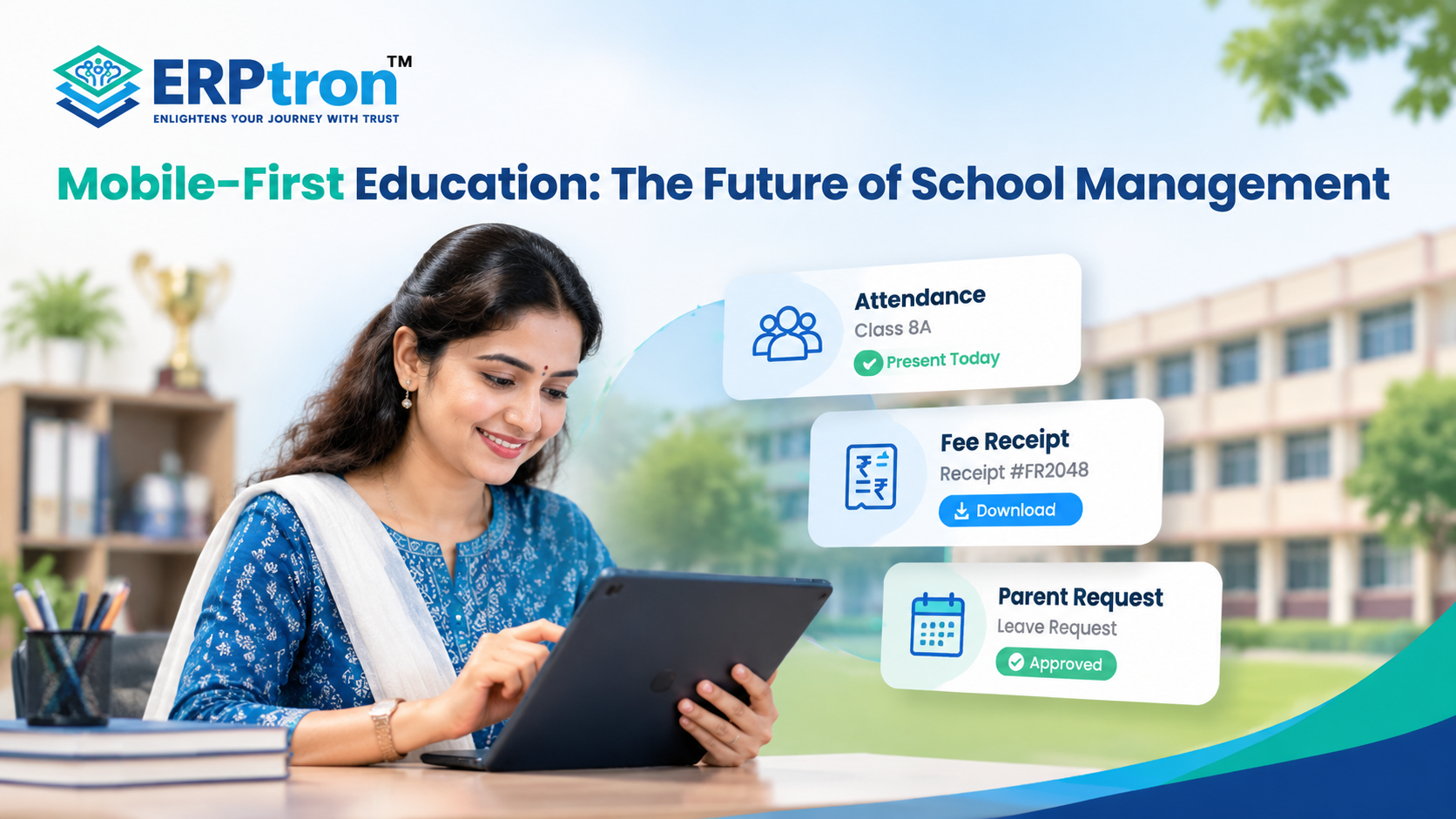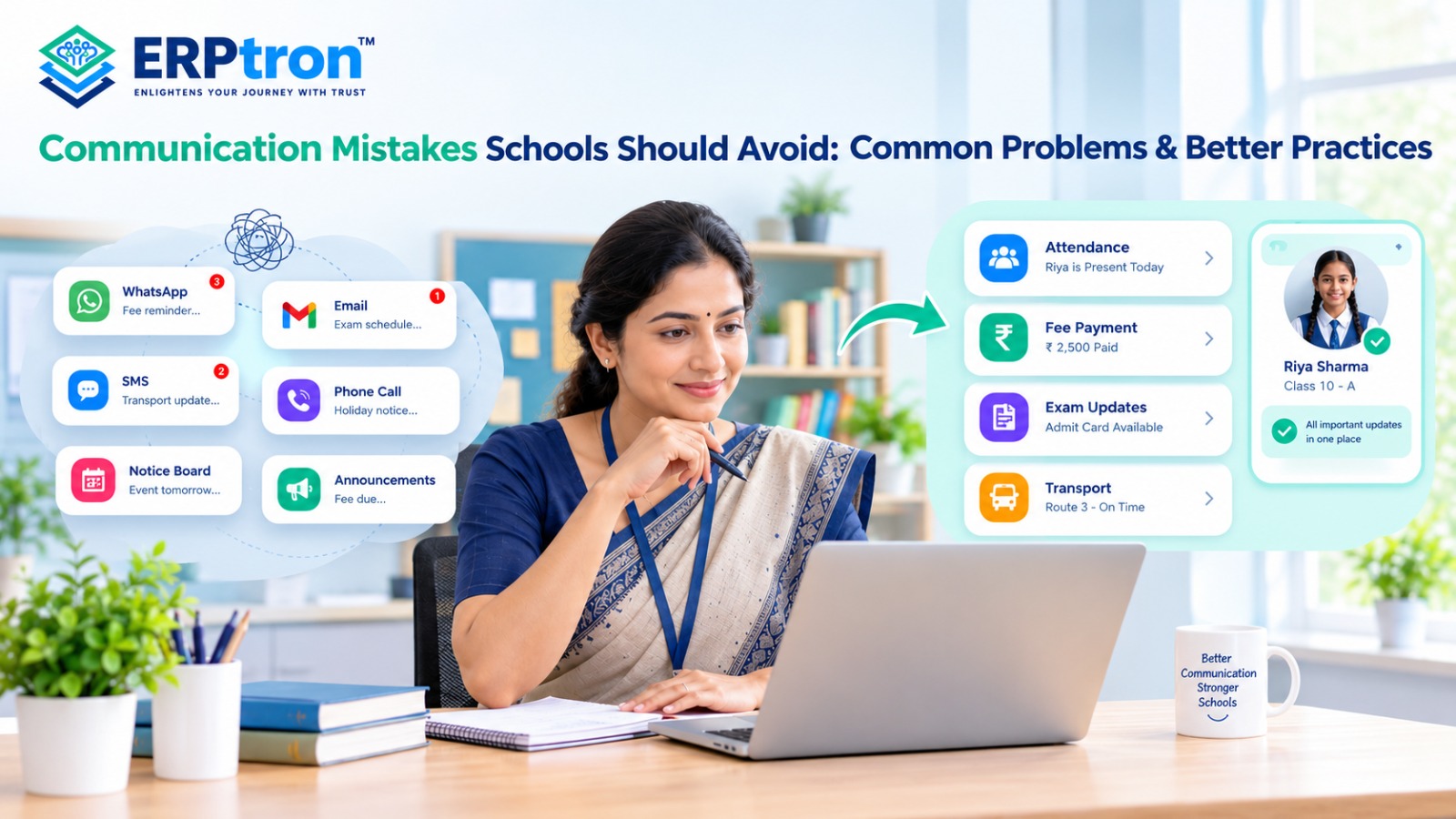

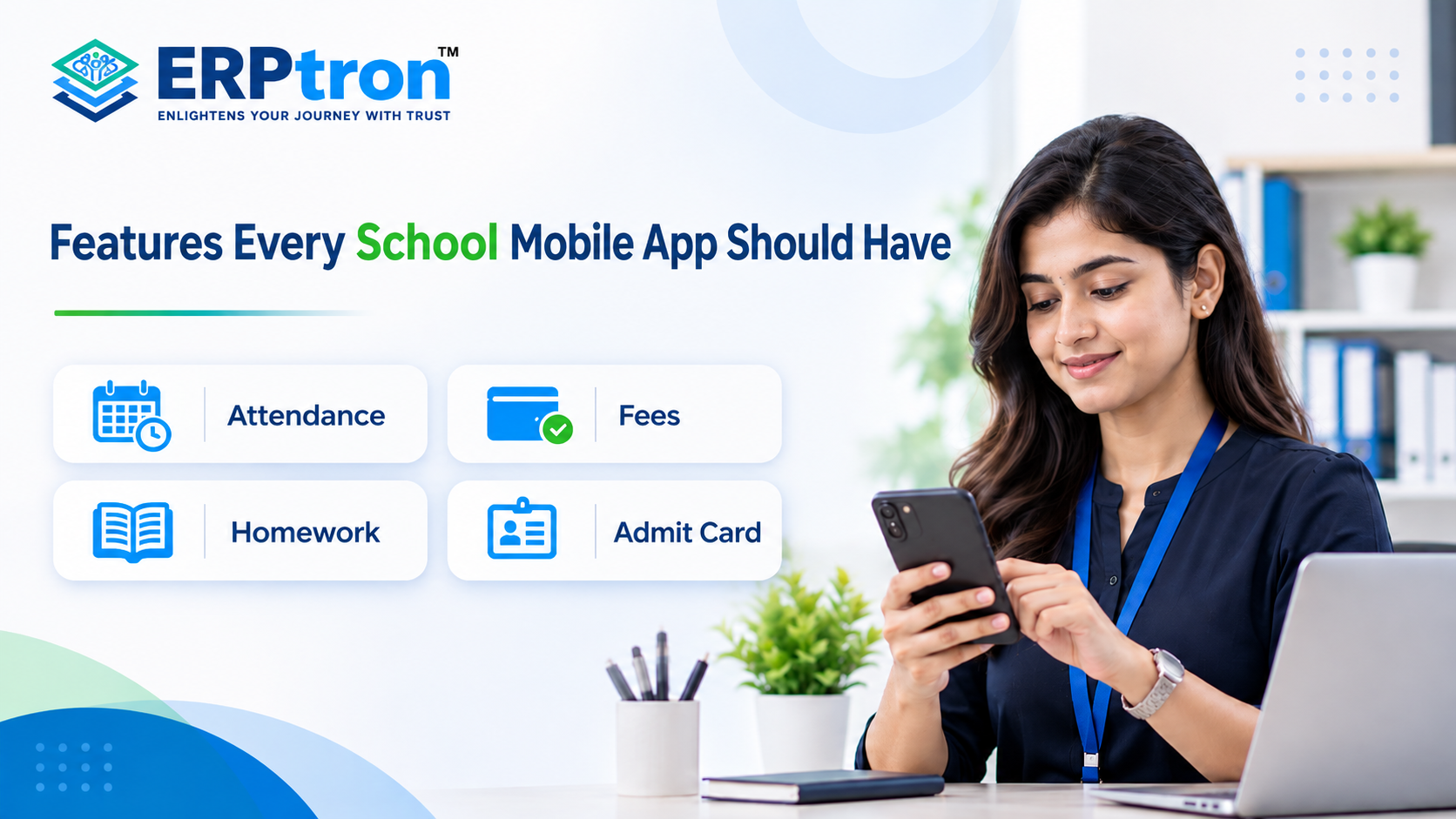
A good school mobile app should do more than send notifications. It should make everyday school communication and tasks easier for parents, teachers, and school administrators.
Parents may use it to check attendance, fees, homework, exams, and school updates. Teachers may use it to manage attendance, student information, and daily tasks. School management can use it to improve communication and access important information.
The most useful apps focus on simple, practical features that people actually need, rather than offering a long list of rarely used tools.
Let’s explore the essential features every school mobile app should have and what schools should consider when choosing one.
Top 15 Features Every School Mobile App Should Have
A school mobile app should do more than simply send notifications. It should make everyday school activities easier for parents, teachers, students, and administrators. The best apps focus on the tasks users need most and keep the experience simple.
1. Parent-School Communication
Communication is one of the most important features of a school app. Parents should be able to receive school announcements, notices, circulars, event updates, and important messages in one place. This can reduce missed information and make communication more organised.
Schools can also improve their communication processes with dedicated parent communication software for schools.
2. Student Attendance
Parents should be able to check their child’s attendance from their phone. They can view daily attendance, absences, and attendance history. Teachers should also be able to mark attendance quickly from the app, making the process easier and reducing paperwork.
A dedicated student attendance management system can help schools manage attendance records more efficiently.
3. Academic Information
Parents and students should have easy access to important academic information. This may include subjects, class details, homework, assignments, and academic updates. Keeping this information in one place makes it easier to follow a student’s daily learning activities.
4. Examination & Results
The app should make examination information easy to access. Parents and students can check exam schedules, marks, grades, results, and performance updates. This removes the need to depend only on printed reports or separate messages.
5. Fee Management
Parents should be able to check fee details, pending amounts, due dates, payment history, and receipts from their phones. If online payment is available, they can also pay fees through the app. This makes fee management easier for both parents and the school.
A dedicated fee management system for schools can help schools organise collections, receipts, reminders, and payment records.
6. Homework & Assignments
Teachers can use the app to share homework, assignments, instructions, and submission dates. Students and parents can check these tasks anytime. This helps students stay organised and reduces the chances of missing important work.
7. Timetable & Daily Schedule
A mobile timetable helps students and parents quickly check the day’s classes and subjects. It can also show period timings, examination schedules, and timetable changes. This makes it easier to plan the school day.
8. School Calendar & Events
Schools have many important dates throughout the year. A school calendar can bring holidays, examinations, sports events, cultural programmes, competitions, and parent-teacher meetings into one place. Parents can check upcoming events without searching through old messages.
9. Student Safety & Emergency Alerts
A school app can help schools communicate important safety information quickly. This may include emergency announcements, attendance alerts, authorised pickup information, or other urgent messages. Safety communication should be quick, reliable, and shared only with the right users.
10. Transport Updates
For schools that provide transport, a mobile app can make it easier for parents to access bus information. This may include routes, pickup points, schedules, and transport updates. If the school supports GPS tracking, parents may also be able to track the bus.
11. Teacher Mobile App
Teachers should also have a simple mobile experience. They may need to mark attendance, check student information, manage assignments, receive announcements, and complete other academic tasks. The app should help teachers save time and complete daily work with fewer steps.
Schools can explore how teacher management software supports faculty administration and daily operations.
12. Student Information
A school app connected to a School ERP can provide authorised users with important student information. This may include the student’s profile, attendance, academic records, examination details, and other relevant information. Role-based access should ensure that users only see the information they are allowed to access.
13. Push Notifications
Push notifications help schools share important information quickly. These can include attendance alerts, fee reminders, examination updates, event reminders, and school announcements. However, schools should avoid sending unnecessary messages. Notifications should be relevant, timely, and useful.
14. Role-Based Access
Not every user should see the same information. Parents, students, teachers, principals, and administrators have different responsibilities. Role-based access ensures that each user gets the features and information relevant to them while helping protect sensitive school data.
15. School ERP Integration
A mobile app becomes more useful when it is connected to the school’s main ERP system. Attendance, fees, examinations, student records, admissions, communication, and other school activities can work together. This reduces duplicate data entry and creates a more connected school management system.
To understand the wider system behind these features, read School ERP Software Explained: Everything Schools Need to Know Before Investing.
What Should Schools Prioritize When Choosing a Mobile App?
Schools do not need every feature from the beginning. The focus should be on choosing an app that solves real problems and is easy for people to use.
- Solve Real Problems: The app should help with actual school needs, such as attendance, communication, fees, or academic updates.
- Easy to Use: Teachers, parents, and staff should be able to use the app without complicated steps.
- Reduce Manual Work: The app should reduce paperwork, repeated data entry, and other routine tasks.
- Useful Information: Principals and administrators should be able to access important school information when they need it.
- Connect With Existing Systems: The app should work with the school’s existing ERP or other systems instead of creating another separate system.
- Keep Data Secure: The app should provide proper login, permissions, and access controls to protect school information.
- Support School Growth: The system should be able to handle more students, teachers, and users as the school grows.
- Good Technical Support: The software provider should offer reliable support when users face technical problems.
- Support Different Users: Parents, teachers, students, principals, and administrators should have access to features based on their roles.
- Support Future Needs: The app should be able to support the school’s future digital plans and new requirements.
The right mobile app should fit the school’s workflow and make daily work easier, not force the school to completely change how it works.
School Mobile App vs. School ERP: What’s the Difference?
A School Mobile App and a School ERP are different, but they work together. A mobile app helps users access school information from their phones, while a School ERP manages the school’s main activities.
A School Mobile App is mainly used by parents, teachers, students, and staff. Parents can check attendance, fees, results, notices, and events. Teachers can mark attendance, check student details, manage assignments, and receive updates. The main purpose is to make daily school tasks easier from a phone.
A School ERP is the main system that manages school operations. It can handle student records, admissions, attendance, fees, examinations, communication, accounts, staff, and other activities. It keeps important school information organised in one place. Learn more about school administration software for modern educational institutions.
The ERP keeps school information in a central system. For example, when a teacher marks attendance, the record can be updated in the ERP. Other authorised users can then access the same information without entering it again.
The mobile app makes this information easier to access. A teacher can mark attendance from the classroom, a parent can check attendance from home, and a principal can quickly view important school information while away from the office.
When the mobile app and ERP are connected, information can move between users automatically.
For example:
Teacher marks attendance → ERP updates the record → Principal can view it → Parent receives an update.
This reduces manual work and keeps school information connected.
For a broader understanding of how digital systems are changing school operations, explore technology in education and digital transformation.
How ERPtron Supports the Features of a School Mobile App?
A school mobile app can make everyday communication and access to school information much easier for students and parents. Instead of depending on multiple channels, families can access important updates related to fees, attendance, examinations, notices, and learning resources through one digital connection with the school.
1. School Operating System (School OS)
ERPtron School OS connects important school activities such as student management, admissions, fees, attendance, examinations, HR, library, and transport. This provides the foundation for a connected school environment where information from different activities can work together.
Explore ERPtron’s school management features to learn more about the tools available for managing school operations.
2. Paperless Admission Platform
A school mobile app can make the admission experience more convenient for parents. ERPtron’s Paperless Admission Platform helps schools manage applications, document submission, verification, fee payments, and admissions digitally, reducing the need for unnecessary paperwork and repeated visits to the school.
Schools can also learn more about online admission management software and how it can simplify the admission process.
3. School Fee Collection Hub
Fee information and payments are important features for any school mobile app. ERPtron’s School Fee Collection Hub helps manage fee structures, payments, receipts, concessions, pending fees, and reminders, making it easier for parents to access and manage their fee-related information.
4. Hybrid Digital Attendance Platform
Parents often want to know whether their child is attending school regularly. ERPtron’s Hybrid Digital Attendance Platform supports biometric and mobile-based attendance, helping schools record attendance digitally and provide relevant attendance updates to parents.
5. Exam Operating System
Students and parents need easy access to examination-related information. ERPtron’s Exam Operating System helps schools manage admit cards, marks entry, tabulation, report cards, and rank lists digitally, making examination information easier to manage within the wider school system.
6. School Safety Hub
A school mobile app can be more useful when it is connected to accurate student information. ERPtron’s School Safety Hub helps schools keep student details and documents organised in one place, allowing administrators to manage important records more efficiently.
7. Finance Automation Platform
Although finance management is primarily an administrative function, it is an important part of the wider school management system. ERPtron’s Finance Automation Platform helps schools manage suppliers, expenses, payment vouchers, ledgers, and financial reports, keeping financial operations organised.
8. School Store 360
A school app can also support access to information related to school store activities. ERPtron School Store 360 helps schools manage books, accessories, inventory, sales, and store performance digitally, keeping stock and sales information organised.
9. Library Pro System
ERPtron Library Pro helps schools manage book catalogues, availability, issues, returns, and fines digitally. By keeping library information organised, it supports a more connected digital school environment and reduces dependence on manual library records.
10. Smart HR Pro
Behind every school mobile experience is a team of teachers and staff managing daily operations. ERPtron Smart HR Pro helps schools manage employee records, payroll, leave, and role-based access, making staff administration more systematic.
11. Transport Revenue System
Transport information can be an important part of a school’s digital ecosystem. ERPtron’s Transport Revenue System helps schools manage routes, seat availability, student allocations, route-based pricing, and transport payments, keeping transport-related information organised.
12. Teacher Mate
Teacher Mate is the most directly connected mobile experience within ERPtron. It helps students and parents access important school information such as school notices, fee details, attendance, biometric in-and-out notifications, examination information, report cards, and study materials. This creates a convenient digital connection between the school and families.
13. Hostel Management System
For schools with hostel facilities, a mobile-connected system can make relevant information easier to manage and access. ERPtron’s Hostel Management System helps manage hostel bookings, seat availability, fees, payments, and outstanding balances digitally.
Conclusion
The best school mobile app is not the one with the most features. It is the one that makes school work simple, fast, and easy.
Parents can check attendance, fees, homework, and updates without calling the school. Teachers can manage daily tasks with less paperwork. Principals can get a better view of school activities.
When choosing an app, schools should look beyond features. The app should be easy to use, secure, reliable, and work well with the school’s other systems.
With ERPtron, schools can connect their mobile app with a complete School ERP to manage attendance, fees, academics, communication, and other daily operations in one place.
Want to make your school management simpler and more digital? Explore ERPtron and see how it can help your school work smarter.
ERPtron — Enlightens Your Journey with Trust.
FAQs
1. Should a school mobile app include online fee payment?
Yes. Parents can check fees, view payment history, pay fees online, and download receipts easily.
2. Is a school mobile app the same as a School ERP?
No. A mobile app is mainly used by parents, teachers, and students. A School ERP manages different school operations. The app can be connected to the ERP.
3. Should a school app include attendance tracking?
Yes. Teachers can mark attendance easily, while parents can check their child’s attendance and receive updates.
4. What should schools consider besides app features?
Schools should also check whether the app is easy to use, secure, reliable, and well-supported. It should also work well with the school’s existing systems.
5. How can a School ERP improve a school mobile app?
A School ERP connects important school activities in one place. It can connect attendance, fees, exams, student information, communication, and other school tasks with the mobile app.