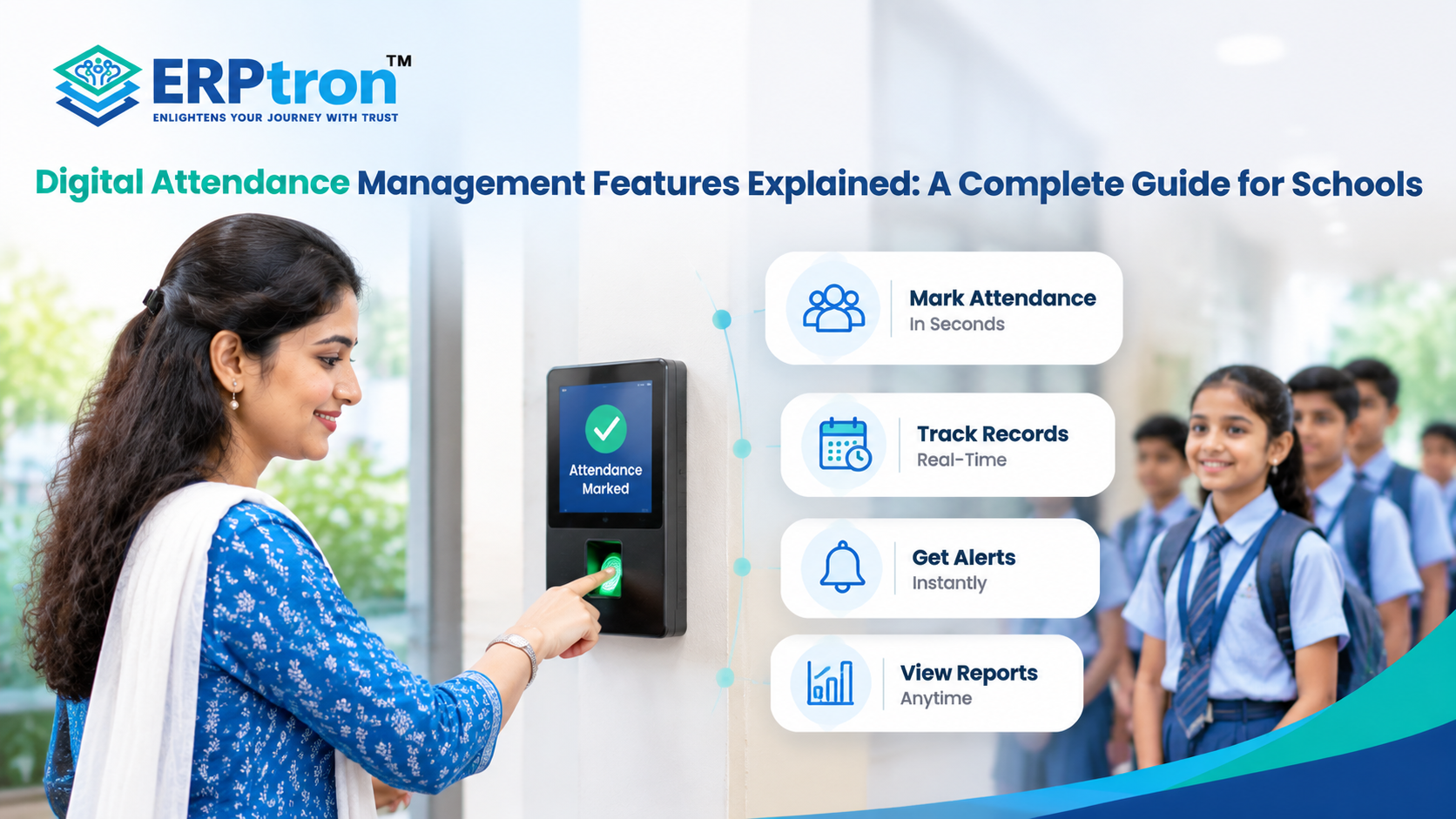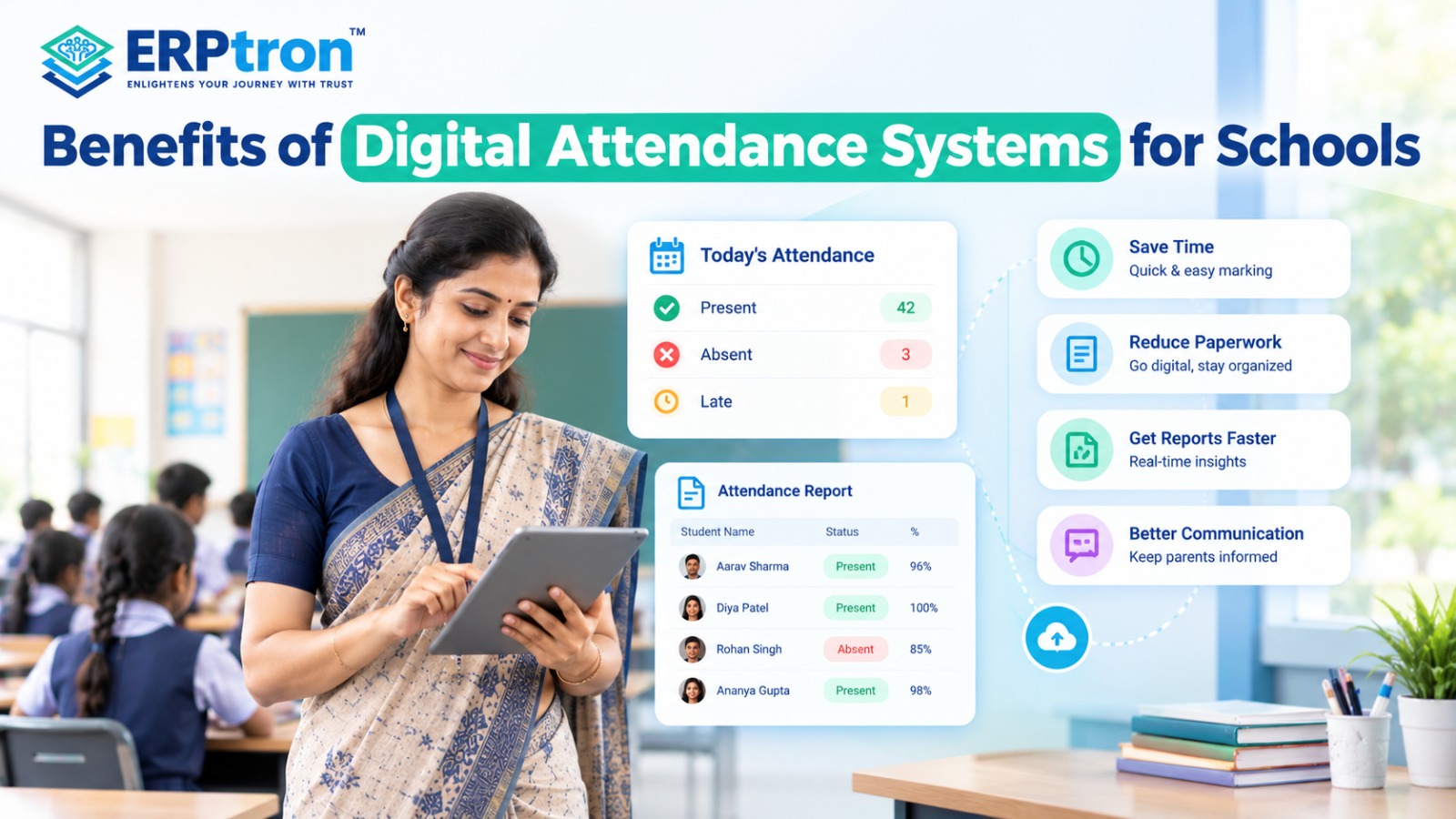

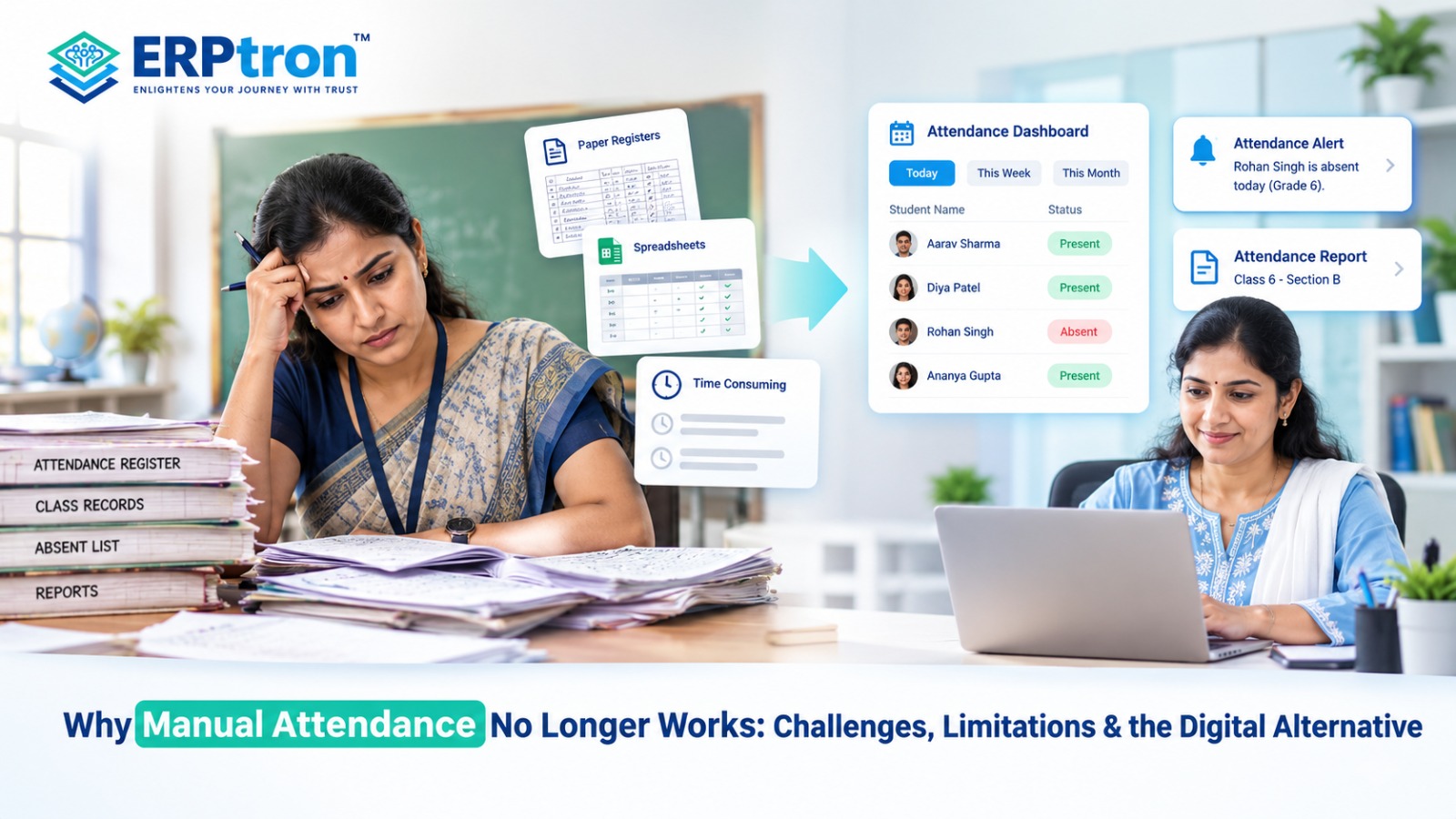
Attendance may seem like a simple daily task, but managing attendance records across a growing school can become time-consuming. Teachers have to mark attendance, while administrators may need to maintain records, calculate percentages, prepare reports, and follow up on absences.
Paper registers, spreadsheets, and other manual methods can make these tasks harder. Finding old records, correcting mistakes, preparing reports, and sharing attendance information can take additional time.
The bigger challenge is not simply marking attendance. It is managing and using the attendance data after it has been recorded.
In this guide, we’ll explore the common problems with manual attendance, why they become difficult as schools grow, and how digital attendance systems can make attendance management easier.
What Is Manual Attendance?
A manual attendance system is a traditional way of recording student attendance. Teachers usually mark attendance in paper registers, printed sheets, spreadsheets, or other manually maintained records.
The process is simple: the teacher checks which students are present, marks the attendance, and updates the record. Attendance reports are usually prepared later using these records.
Manual attendance can work well for schools with simple requirements. However, as the number of students, classes, and teachers increases, managing all these records can take more time.
Why Did Schools Traditionally Use Manual Attendance?
Manual attendance became common because it was simple, affordable, and familiar. Teachers did not need special equipment, internet access, or technical training to use a paper register.
For many years, marking attendance was also a straightforward task. A teacher could open the register, mark students as present or absent, and continue with the class.
But school attendance needs have changed. Schools now often need attendance reports, absence tracking, parent notifications, leave records, late-arrival information, and historical data.
So, the challenge is no longer just marking attendance. Schools also need to manage and use the attendance information effectively. This is one reason many institutions are exploring technology-driven school management.
The Hidden Cost of Manual Attendance
Recording attendance means marking whether a student is present or absent. Managing attendance goes further. It helps schools track, understand, and use attendance information.
Manual Attendance: Recording What Happened
Manual attendance mainly answers one question: “Who was present today?”
A teacher marks attendance in a register. If the school wants to check a student’s attendance percentage or absence history, staff may need to review old records and calculate it manually.
Digital Attendance Management: Using the Data
Digital attendance does more than record attendance. It stores the information in a structured way and makes it easier to use.
Schools can quickly check:
- Attendance percentage
- Number of absences
- Monthly attendance
- Repeated absences
- Attendance trends
This information can help teachers and school management identify students who may need attention.
The key difference is what happens after attendance is recorded. With manual attendance, the process may end with marking the register.
With digital attendance, the data can support: Attendance Recorded → Data Stored → Reports Generated → Patterns Identified → Action Taken.
For example, if a student’s attendance keeps falling, the school can identify the issue early and communicate with the parents.
15 Problems with Manual Attendance in Schools
Manual attendance may seem simple, but managing it every day can become difficult as a school grows. Teachers have to record attendance, while administrators may need to prepare reports, track patterns, communicate with parents, and maintain historical records. Here are 15 common challenges schools can face with manual attendance.
1. Takes Valuable Teaching Time
Teachers need to spend classroom time checking names, marking attendance, recording late arrivals, and making corrections. A few minutes every day can add up across many classes and teachers.
2. More Chances of Human Error
Manual attendance depends on accurate data entry. A student can be marked incorrectly, a name can be missed, or attendance can be recorded for the wrong date. These mistakes can later affect reports and attendance calculations.
3. Attendance Corrections Become Difficult
Correcting a mistake in a physical register can take time, especially if the attendance has already been included in a report. A digital system can make reviewing and correcting records more organized.
4. Limited Real-Time Visibility
School management may want to know how many students are absent today or which classes have low attendance. With paper registers, this information may need to be collected from different teachers before it can be reviewed.
5. Parent Communication Can Be Slow
When a student is absent, parents may need to be informed. With manual attendance, this often requires additional calls or messages. A connected digital system can support faster attendance notifications. Schools can also explore school mobile apps for parent and teacher communication to understand how digital channels can make school updates more accessible.
6. Attendance Data Gets Trapped in Registers
Paper registers contain useful information, but finding specific data can take time. Staff may have to go through several pages to understand a student’s attendance history or identify frequent absences.
7. Monthly Reports Take Time
Schools often need monthly attendance reports. With manual records, staff may have to count present and absent days and calculate attendance percentages for many students.
8. Attendance Trends Are Difficult to Identify
A student’s attendance may change over several months. Finding these patterns manually can be difficult because staff have to compare records from different dates and registers.
9. Follow-Up Becomes Difficult
Regular absences or repeated late arrivals may require follow-up with students and parents. When attendance records are maintained manually, identifying students who need attention can take more time.
10. Managing Multiple Classes Becomes Complex
In a large school, attendance is recorded by many teachers across different classes and sections. Bringing all these records together can become a time-consuming administrative task.
11. Manual Attendance Does Not Scale Easily
A process that works for 300 students may become difficult with 1,500 or 3,000 students. As student numbers and classes increase, the amount of attendance data also increases.
12. Creates Duplicate Data Entry
Attendance information may need to be used for reports, student records, parent communication, and management reviews. Copying the same information into different records can create extra work and inconsistencies.
13. Finding Old Records Takes Time
If a parent or administrator needs a student’s attendance from a previous month or academic year, staff may have to search through physical registers. Digital records can make this information easier to find.
14. Physical Registers Need Storage
Attendance registers accumulate every academic year. Schools need space to store, organize, and protect these records. Digital records can reduce dependence on physical storage, while still requiring proper backup and security.
15. Delays Decision-Making
When attendance information is available only after registers are collected and reports are prepared, school management may not see problems quickly. Digital attendance can make information available sooner, helping schools identify issues and take action earlier.
The Difference Between Recording Attendance and Managing Attendance
Recording attendance simply means marking whether a student is present or absent. Managing attendance goes further by helping the school understand, track, report, and act on that information.
Manual Attendance
Manual attendance mainly answers one question: “Who was present today?”
Digital Attendance Management
A digital system can help answer more questions, such as who was absent, how often a student is absent, what their attendance percentage is, and whether there is a pattern that needs attention.
The key difference is moving from recording attendance to using attendance data for communication, monitoring, reporting, and decision-making. This is one of the practical benefits of a well-integrated School ERP system.
What Is a Digital Attendance Management System?
A Digital Attendance Management System is software that helps schools record, manage, monitor, and report student attendance electronically.
Depending on the system, teachers may be able to mark attendance through a mobile app or web portal, while administrators can access attendance records and reports from a central system. Some systems may also support parent notifications, leave management, late attendance, and attendance analytics.
The main benefit is that attendance information is stored digitally instead of remaining mainly in paper registers or separate spreadsheets.
Schools evaluating attendance software should also understand the essential School ERP features every educational institution should look for.
How Does Digital Attendance Change the Workflow?
In a manual process, attendance may move from the teacher’s register to the school office, where staff later calculate attendance and prepare reports.
With a digital system, the teacher can mark attendance directly in the system. The attendance record is then stored centrally, and relevant calculations and reports can be generated from the same data.
This can reduce repetitive work and make attendance information easier for authorized teachers, administrators, and management to access.
Benefits of Digital Attendance Management
Digital attendance can benefit different people across the school.
For Teachers: Teachers can mark attendance more easily, spend less time on paperwork, and access class attendance records when needed.
For Administrators: Administrators can manage centralized records, prepare reports, and find attendance information without checking multiple registers.
For Parents: Parents can potentially receive attendance notifications and get better visibility into their child’s attendance.
For School Management: Management can view attendance reports, identify trends, and understand attendance patterns across classes and students.
Does Digital Attendance Mean Biometric Attendance?
No. Digital attendance and biometric attendance are not the same thing.
Digital attendance refers to recording and managing attendance electronically. Biometric attendance is one particular method that uses biometric identification to record attendance.
Schools can use teacher-entered attendance, mobile apps, web systems, QR-based methods, biometric devices, or other supported technologies.
So, biometric attendance can be a form of digital attendance, but digital attendance does not always require biometrics.
Does Digital Attendance Mean Fully Automated Attendance?
Not necessarily. A digital system can still require teachers to mark attendance.
For example, a teacher may open an app, select the class, mark students as present or absent, and submit the attendance. After that, the system can store the record and use it for reports and notifications.
The important change is that the attendance management process becomes digital, even if the teacher is still involved in recording attendance.
What Should Schools Look for in an Attendance Management System?
Schools should look beyond simply asking whether a system can mark attendance.
Easy to Use
Teachers should be able to mark attendance quickly without dealing with a complicated process.
Mobile Access
The system should work conveniently on the devices teachers actually use.
Centralized Records
Attendance information should be available in one place for authorized users.
Attendance Reports
The system should make it easy to view and generate useful attendance reports.
Parent Notifications
Schools should be able to communicate relevant attendance information to parents where required.
Leave Management
The system should support the school’s process for recording approved student leave.
Late Attendance
Schools should be able to record and monitor late arrivals if required.
Attendance Analytics
Management should be able to identify attendance patterns and students who may need attention.
ERP Integration
Attendance should ideally connect with student records and other relevant School ERP modules.
Security
Student attendance information should be protected through appropriate access controls and security practices.
Common Mistakes When Digitizing Attendance
Moving from paper to software does not automatically solve every attendance problem.
Schools should avoid choosing a system that is too complicated, requires unnecessary data entry, or does not consider teacher usability. Staff should also receive proper training before the system is introduced.
Schools should clearly define who can correct attendance records and how corrections should be handled. Parent notifications should also be useful and relevant rather than excessive.
Most importantly, schools should not assume that biometric technology is the only way to digitize attendance. The right approach depends on the school’s size, workflow, infrastructure, and requirements.
The goal should be simple: easy attendance recording, reliable records, and useful attendance information.
How Can Schools Move From Manual to Digital Attendance?
Schools do not have to change everything at once. A gradual approach can make the transition easier for teachers and administrators.
Step 1: Understand the Existing Process
First, identify how attendance is currently recorded, who maintains the records, and how reports are prepared.
Step 2: Identify the Problems
Look for common issues such as manual calculations, reporting delays, duplicate data entry, difficult record retrieval, and slow parent communication.
Step 3: Choose the Right Digital Method
Based on the school’s needs, this could be a web-based system, mobile attendance app, biometric system, or attendance module within a School ERP.
Step 4: Train Teachers
Teachers should understand how to mark attendance, make corrections where permitted, and use the basic features of the system.
Step 5: Start With a Pilot
The school can first introduce the system in selected classes or departments. This allows the team to identify and fix practical problems.
Step 6: Monitor the Results
The school can review attendance accuracy, teacher feedback, reporting quality, adoption, and parent communication.
Step 7: Expand Gradually
Once the process works smoothly, the school can extend digital attendance across more classes and departments.
Manual vs. Digital Attendance: Complete Comparison
| Area | Manual Attendance | Digital Attendance |
| Recording | Paper or spreadsheet | Digital |
| Data Entry | Manual | Digital and structured |
| Calculations | Often manual | Can be automated |
| Reports | Time-consuming | Faster |
| Parent Updates | Manual | Can be automated |
| Data Search | Slower | Faster |
| Trend Analysis | Difficult | Easier |
| Storage | Physical or digital files | Centralized digital records |
| Scalability | More difficult | More manageable |
| Management Visibility | Limited | Can be real-time or near-real-time |
ERPtron Modules Relevant to Digital Attendance
ERPtron helps schools manage attendance and other daily activities digitally. Its modules help reduce paperwork, save time, organize student records, and make it easier for teachers and administrators to manage school operations.
1. Hybrid Digital Attendance Platform
ERPtron’s Hybrid Digital Attendance Platform helps schools record attendance using biometric devices and mobile-based methods. It reduces the need for paper registers and makes attendance records easier to manage, check, and report.
Schools looking for a broader solution can explore ERPtron’s features to understand how different school management capabilities can work together.
2. Teacher Mate
ERPtron Teacher Mate helps teachers manage attendance and share important updates with parents and students. It helps parents stay informed about their child’s attendance through digital communication.
3. School Operating System (School OS)
ERPtron School OS connects attendance with student records, admissions, fees, examinations, HR, library, and transport. This helps schools manage different activities through one connected system.
4. School Safety Hub
ERPtron School Safety Hub helps schools keep student details and important records organized in one place. Authorized staff can access relevant information easily when checking attendance or handling student-related concerns.
5. Exam Operating System
ERPtron Exam Operating System helps schools manage examinations, marks, report cards, and academic records digitally. This makes it easier to review student attendance alongside academic performance.
6. Paperless Admission Platform
ERPtron’s Paperless Admission Platform helps schools manage admission forms, documents, verification, payments, and student registration online. Keeping student information organized from the beginning makes attendance management easier.
Schools can learn more about online admission management software and how digital admission processes help maintain structured student records.
7. School Fee Collection Hub
ERPtron School Fee Collection Hub helps schools manage fee structures, payments, concessions, receipts, and pending fees. It keeps fee information organized and helps administrators access important student records more easily.
8. Smart HR Pro
ERPtron Smart HR Pro helps schools manage staff records, payroll, leave, and other HR activities. It supports organized staff management and can complement employee attendance processes.
9. Transport Revenue System
ERPtron Transport Revenue System helps schools manage routes, available seats, student allocations, transport fees, and payments. It keeps transport-related student information organized and easy to access.
10. Finance Automation Platform
ERPtron Finance Automation Platform helps schools manage expenses, suppliers, payments, ledgers, and financial reports. It supports better coordination between attendance management and other school activities.
11. Library Pro System
ERPtron Library Pro helps schools manage books, availability, issues, returns, and fines digitally. It reduces paperwork and keeps library records organized alongside student information.
12. School Store 360
ERPtron School Store 360 helps schools manage inventory, books, accessories, sales, and stock records. It reduces manual record-keeping and supports the school’s overall digital management.
13. Hostel Management System
ERPtron Hostel Management System helps schools manage hostel bookings, available seats, fees, payments, and outstanding balances. It keeps hostel information organized and makes student administration easier for residential schools.
Conclusion
Manual attendance can record whether a student is present, but managing all that information manually can take a lot of time.
Modern schools need attendance data that is accurate, easy to access, simple to track, and easy to use.
Digital attendance helps teachers record attendance faster, allows parents to receive updates, and gives administrators easy access to reports and attendance records.
A School ERP like ERPtron can connect attendance with other school activities, helping schools manage student records, parent communication, and reports in one place.
The goal is simple: make attendance easier to record, manage, and understand.
Ready to move beyond manual attendance? Explore ERPtron and make attendance management simpler for your school.
ERPtron — Enlightens Your Journey with Trust.
FAQs
1. Why is manual attendance difficult for modern schools?
Manual attendance takes more time when schools have many students. It can also make reporting, record-keeping, and parent communication harder.
2. Is manual attendance prone to errors?
Yes. Teachers may sometimes make missed entries, wrong markings, or calculation mistakes when managing attendance manually.
3. How does digital attendance save teachers’ time?
Digital attendance reduces paperwork, manual calculations, and repeated record-keeping, helping teachers save time.
4. Can digital attendance notify parents automatically?
Yes. Some digital attendance systems can send automatic absence or attendance updates to parents.
5. Is biometric attendance necessary for a digital attendance system?
No. Digital attendance can use mobile apps, web systems, QR codes, or other methods. Biometric attendance is only one option.