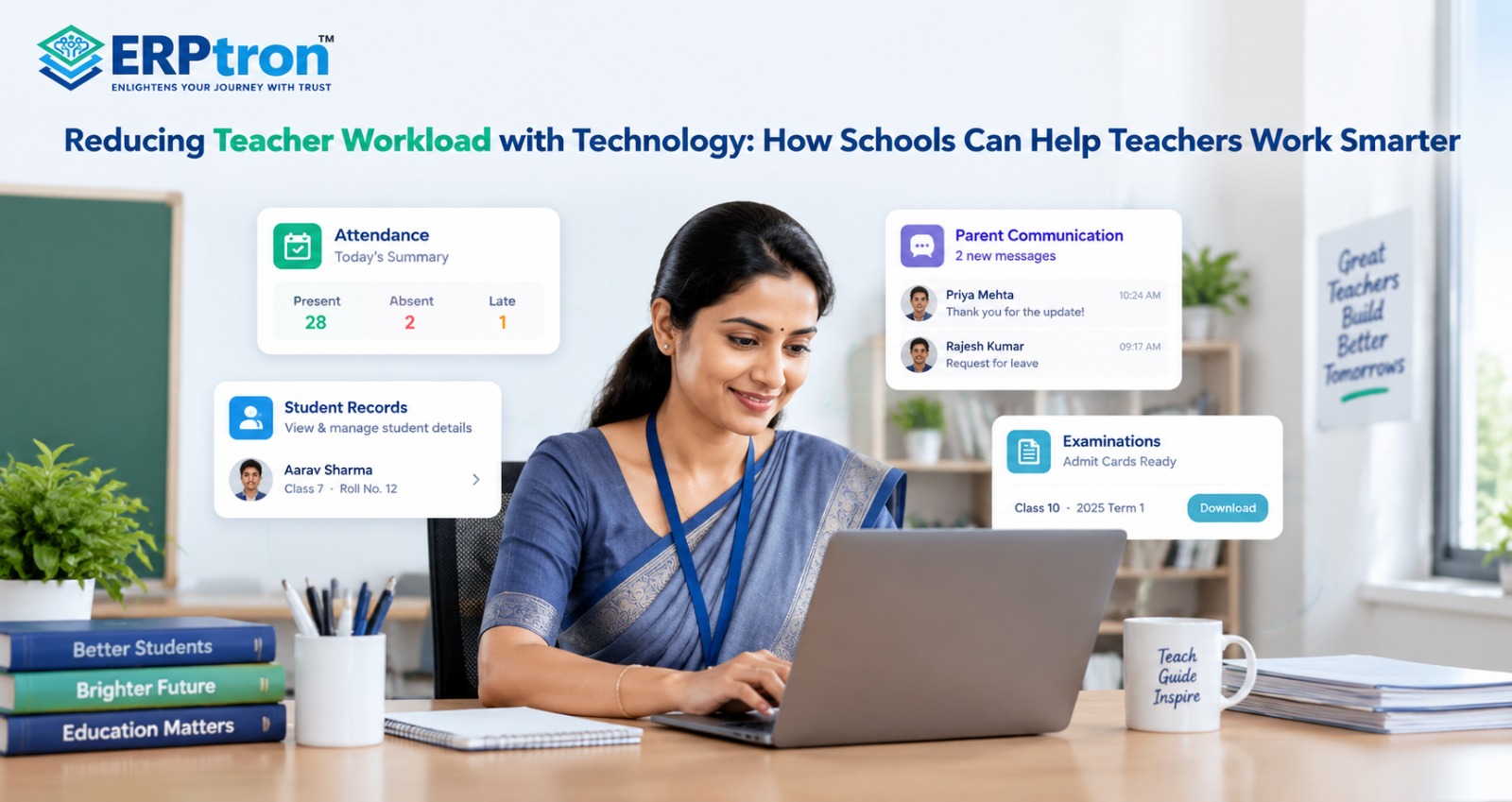
Teachers have a lot to manage beyond the classroom. Attendance, marks, reports, student records, parent communication, examinations, and daily administrative tasks can take up valuable time.
When too much of this work is done manually, teachers may spend less time focusing on their students. The right technology can help by simplifying routine tasks, reducing paperwork, and keeping important information in one place.
The goal is simple: less time spent on repetitive administration and more time spent teaching, guiding, and supporting students.
In this guide, we’ll explore how technology can reduce teacher workload, which tasks can be simplified or automated, and how schools can help teachers work more efficiently.
Why Is Teacher Workload Increasing?
Teachers today do much more than teach in the classroom. They prepare lessons, teach students, check assignments, conduct tests, provide feedback, and help students with their academic needs.
Along with teaching, teachers also have many administrative tasks. They may need to mark attendance, enter marks, prepare reports, update student records, answer parent queries, and complete school documents.
For example, a teacher may spend time every day on attendance, assignments, examination marks, student records, and parent communication. These tasks are important, but they can take time away from teaching and working directly with students.
The main problem is not that teachers have many responsibilities. The bigger problem is the amount of repetitive manual work involved in those responsibilities.
Digital tools can help reduce some of this manual work. They can make tasks such as attendance, marks entry, reporting, and record-keeping faster and easier. A connected School ERP system can bring many of these activities together.
What Does Teacher Workload Really Include?
Teacher workload includes both teaching work and administrative work.
Teaching work includes preparing lessons, teaching classes, managing students, checking assignments, conducting assessments, and giving feedback. These activities require teachers to work directly with students.
Administrative work includes tasks such as taking attendance, entering marks, preparing reports, updating records, managing examination information, and responding to routine queries.
For example, after conducting an exam, a teacher may need to check answer sheets, enter marks, calculate grades, prepare reports, and submit the information to the school.
Technology can help with many of these repetitive tasks. The goal is not to replace teachers. It is to reduce unnecessary manual work so teachers can spend more time with students.
The Hidden Cost of Manual Teacher Tasks
Many teacher tasks may take only a few minutes. But when the same tasks are repeated every day and for several classes, they can take a lot of time.
For example, attendance may involve more than simply marking students present or absent. A teacher may also need to update records, prepare reports, calculate attendance, and sometimes inform parents.
A manual process may look like:
Take Attendance → Update Record → Prepare Report → Inform Parents
Marks management can also involve several steps:
Collect Marks → Enter Marks → Calculate Results → Prepare Report → Share Results
Similar work can be required for assignments, examinations, student records, and parent communication.
Each task may look small on its own. But together, these tasks can create a large administrative workload for teachers.
A digital system can help reduce this workload by making routine tasks faster, keeping records organized, and reducing repeated data entry. This gives teachers more time to focus on teaching and supporting students.
How Can Technology Reduce Teacher Workload?
Technology can make teachers’ daily work easier by reducing paperwork, repetitive tasks, and manual data entry. It helps teachers save time and focus more on teaching and supporting students.
1. Automate Daily Tasks
Teachers spend time on attendance calculations, report preparation, reminders, and notifications. Digital systems can automate many of these tasks, helping teachers finish their work faster.
2. Keep Student Information in One Place
Teachers need to check student details, attendance, marks, and other records regularly. A digital system stores this information in one place, making it easier to find when needed.
A centralized School Administration Software solution can help organize information and reduce the need to maintain separate records.
3. Connect School Activities
Attendance, examinations, student records, and parent communication are closely connected. When these activities use the same student information, teachers do not need to enter the same details repeatedly.
4. Make Attendance Easier
Teachers can use a digital student attendance management system to select their class and mark students as present or absent. The system stores the records and can calculate attendance percentages automatically.
5. Reduce Attendance Reporting Work
Preparing daily, monthly, and term-wise attendance reports can take time. A digital system can generate these reports using recorded attendance, reducing manual calculations.
6. Make Parent Communication Easier
Teachers regularly update parents about attendance, homework, events, and academic progress. Digital notifications and parent portals can send routine updates automatically.
For example, when a student is marked absent, the system can notify the parent if this feature is enabled. A structured parent communication system can also help keep school updates organized.
7. Simplify Marks Management
Teachers enter marks for tests, assignments, and examinations. A digital marks management system helps organize marks and calculate totals and grades, reducing manual work.
8. Prepare Reports Faster
Preparing student and class reports can be time-consuming. A digital system can use existing attendance, marks, and academic records to prepare reports. Teachers can then review the information and make corrections if needed.
9. Find Student Records Quickly
Teachers often need to check a student’s attendance, marks, or parent details. Instead of searching through files and registers, they can search for the student in the system and find the required information.
10. Make Lesson Planning Easier
Digital tools help teachers organize lesson plans, teaching materials, syllabus progress, and notes. Teachers can also reuse saved resources instead of preparing everything from the beginning.
11. Simplify Assignment Management
Teachers need to create assignments, inform students, check submissions, and follow up on missing work. Digital systems can help manage assignments, track submissions, and share feedback in one place.
A Learning Management System for schools can support digital learning activities and help organize assignments and educational resources.
12. Make Examination Work Easier
Examinations involve marks entry, calculations, grades, results, and report preparation. A digital examination system helps organize these tasks and reduces paperwork and manual calculations.
13. Make Timetable Management Easier
Teachers need to track their classes, periods, rooms, and timetable changes. A digital timetable allows teachers to check their schedules easily and receive updates when changes occur.
14. Simplify Substitute Teacher Management
When a teacher is absent, the school needs to arrange a substitute. A digital system helps administrators assign another teacher and share timetable changes quickly.
15. Make Teacher Leave Management Easier
Teachers can apply for leave online instead of filling out paper forms. They can also check their application status, while administrators can manage approvals and leave records digitally.
16. Reduce Repeated Data Entry
Teachers often use the same student information for attendance, marks, reports, and communication. When these activities are connected, the system can reuse existing information instead of requiring teachers to enter it multiple times.
Benefits of Reducing Teacher Workload
Reducing teacher workload does not mean reducing the responsibilities of teachers. It means reducing unnecessary administrative work so teachers can spend more time on teaching, students, and academic activities.
1. More Time for Teaching
When teachers spend less time on attendance, paperwork, reports, and data entry, they have more time for lesson preparation, classroom teaching, and helping students.
2. Less Paperwork
Digital systems can reduce the need for physical registers, forms, and files. Teachers can enter and manage information digitally instead of maintaining multiple paper records.
3. Faster Access to Student Information
Teachers often need to check attendance, marks, student details, or other records. A digital system can make this information easier to find without searching through different files.
4. Easier Attendance Management
Digital attendance systems can make daily attendance faster and easier. They can also calculate attendance percentages and prepare reports automatically, depending on the system.
5. Simpler Report Preparation
Teachers may spend a lot of time preparing attendance and academic reports. A digital system can use existing information to generate reports, reducing manual calculations and formatting.
6. Less Repeated Data Entry
Teachers may sometimes enter the same student information in different places. Connected systems can reduce this repetition by allowing relevant information to be used across different school processes.
7. Easier Parent Communication
Routine updates such as attendance notifications, announcements, and reminders can be sent digitally. This can reduce the number of repetitive calls and messages teachers need to handle.
8. Better Organization
Digital records can keep student and academic information more organized. Teachers can find relevant information when they need it instead of checking multiple registers and files.
Common Mistakes When Digitizing Teacher Work
Technology does not automatically reduce workload. If the wrong system is selected or implemented poorly, it can create additional work for teachers.
1. Choosing Complicated Software
A system may have many features, but if teachers find it difficult to use, it can slow down their daily work. Schools should look for simple and practical software.
2. Using Too Many Separate Tools
Using different software for attendance, marks, communication, reports, and other tasks can create confusion. Teachers may have to switch between multiple systems throughout the day.
3. Requiring Duplicate Data Entry
Entering the same student information into different systems creates unnecessary work. Schools should look for connected systems that can share relevant information.
4. Not Taking Teacher Feedback
Teachers are the people who use these systems every day. Their feedback can help schools understand which tasks are difficult and what improvements are needed.
5. Providing Limited Training
Even a simple system can be difficult to use if teachers are not properly trained. Schools should provide enough training and support during implementation.
6. Automating Everything
Not every task should be automated. Student support, academic decisions, evaluations, and sensitive situations often require teacher judgment.
7. Focusing Only on Software Adoption
A school should not consider the implementation successful simply because teachers are using the software. The bigger question is whether the software is actually making their work easier.
How Can Schools Introduce Technology Successfully?
Schools should start by understanding the problems teachers face in their daily work.
The first step is to ask teachers which tasks take the most time. These may include attendance, marks entry, report preparation, parent communication, leave management, or other administrative activities.
Once these problems are identified, schools can choose technology that directly addresses them. This is better than selecting software simply because it has a large number of features.
Teachers should also be involved in the implementation process. Their feedback can help schools understand whether the new system is simple, useful, and practical.
Training is another important part of implementation. Teachers should learn how to use the software and understand how it will change their daily workflow.
Schools can also start with a few important processes instead of changing everything at once. After teachers become comfortable with the system, additional features can be introduced gradually.
How to Measure the Impact?
Schools should check whether the technology is actually reducing teacher workload.
They can compare the time spent on common tasks before and after implementation.
For example, schools can look at:
- Time spent taking and managing attendance
- Time spent preparing reports
- Time spent on routine parent communication
- Number of repeated data entries
- Hours spent on administrative work
- Teacher feedback
- Number of manual errors
Teacher feedback is especially important. A system may look efficient from an administrative point of view but still be difficult for teachers to use.
The key question is: Is the technology actually saving teachers time, or is it simply changing how they do the same work?
The Future of Teacher Workload Management
School technology is moving beyond basic digital record-keeping. Modern systems can support automated reports, digital communication, integrated student records, data analysis, and AI-assisted administrative tasks.
These tools may help schools reduce some of the repetitive work teachers handle every day. They can also help teachers access useful information more quickly and make routine processes easier.
However, technology should always support teachers rather than replace their judgment.
The future of teacher workload management is not about giving teachers more software to use. It is about giving them simple, connected, and useful tools that remove unnecessary administrative work.
Ultimately, the goal is simple: less paperwork, less repetition, and more time for teaching and students.
How Does ERPtron Help Reduce Teacher Workload?
Teachers spend a lot of time on tasks beyond teaching, such as recording attendance, managing student information, preparing exam records, and communicating with parents. ERPtron helps schools manage these activities digitally, reducing paperwork and repetitive work so teachers can focus more on teaching and helping students.
1. School Operating System (School OS)
ERPtron School OS connects student management, admissions, fees, attendance, examinations, HR, library, and transport in one system. This helps teachers and staff access information more easily without managing multiple separate systems.
2. Paperless Admission Platform
ERPtron’s Paperless Admission Platform helps schools manage admission forms, document submission, verification, fee payments, and registrations online. This reduces paperwork and saves time spent on admission-related tasks. Schools can learn more from this complete guide to online admission management software.
3. School Fee Collection Hub
ERPtron’s School Fee Collection Hub helps schools manage fee structures, payments, concessions, receipts, pending fees, and reports. This makes fee information easier to find and reduces repetitive administrative work.
4. Hybrid Digital Attendance Platform
ERPtron’s Hybrid Digital Attendance Platform supports biometric and mobile-based attendance. It helps schools record attendance digitally, maintain organized records, and share relevant attendance updates with parents.
5. Exam Operating System
ERPtron’s Exam Operating System helps schools manage admit cards, marks entry, calculations, report cards, and rank lists digitally. This reduces manual work and makes examination management easier for teachers and staff.
6. School Safety Hub
ERPtron’s School Safety Hub keeps student details and documents organized in one central system. Teachers and authorized staff can find important records more easily without searching through physical files.
7. Finance Automation Platform
ERPtron’s Finance Automation Platform helps schools manage suppliers, expenses, payment vouchers, ledgers, and financial reports. This reduces manual financial record-keeping and helps administrative teams manage financial tasks more efficiently.
8. School Store 360
ERPtron School Store 360 helps schools manage books, accessories, stock, and sales digitally. This reduces manual record-keeping and makes store management easier.
9. Library Pro System
ERPtron Library Pro helps schools manage books, availability, issue and return records, and fines. This reduces repetitive library work and makes it easier to maintain accurate records.
10. Smart HR Pro
ERPtron Smart HR Pro helps schools manage employee records, payroll, leave applications, and user access. This reduces repetitive HR tasks and makes staff management easier for school administrators.
11. Transport Revenue System
ERPtron’s Transport Revenue System helps schools manage routes, student allocations, available seats, transport fees, and payments. This keeps transport information organized and reduces the need for separate records.
12. Teacher Mate
ERPtron’s Teacher Mate mobile app helps students and parents access school notices, fee details, attendance, examination information, report cards, and study materials. This can reduce repeated questions and save teachers and staff time on routine communication.
13. Hostel Management System
ERPtron’s Hostel Management System helps schools manage hostel bookings, available seats, fees, payments, and outstanding balances. This reduces manual record-keeping and makes hostel administration easier.
Conclusion
Teachers need more time to teach, support, and connect with students. Too much paperwork and repetitive administrative work can take that time away.
Technology can help schools simplify tasks such as attendance, marks, reports, parent communication, student records, timetables, and exams.
A School ERP like ERPtron can bring these tasks together in one system, helping teachers spend less time on routine work and more time in the classroom.
The goal is not to give teachers more technology to manage. It is to use technology to reduce their workload and give them more time for teaching.
Want to reduce your teachers’ administrative workload? Explore ERPtron and make everyday school management simpler.
ERPtron — Enlightens Your Journey with Trust.
FAQs
1. Which teacher tasks can be automated?
Schools can automate tasks such as attendance calculations, reminders, reports, notifications, timetables, and some administrative work.
2. Can School ERP reduce teacher administrative work?
Yes. A School ERP can connect student records, attendance, exams, communication, and reports in one system, reducing repetitive work.
3. How does digital attendance help teachers?
Teachers can mark attendance quickly, while the system can calculate attendance, organize records, and create reports.
4. How can teachers reduce paperwork?
Schools can move tasks such as attendance, marks, reports, leave, exams, and student records from paper to digital systems.
5. Can technology reduce examination-related workload?
Yes. Digital systems can help with exam schedules, marks entry, calculations, results, and reports, reducing manual work.