
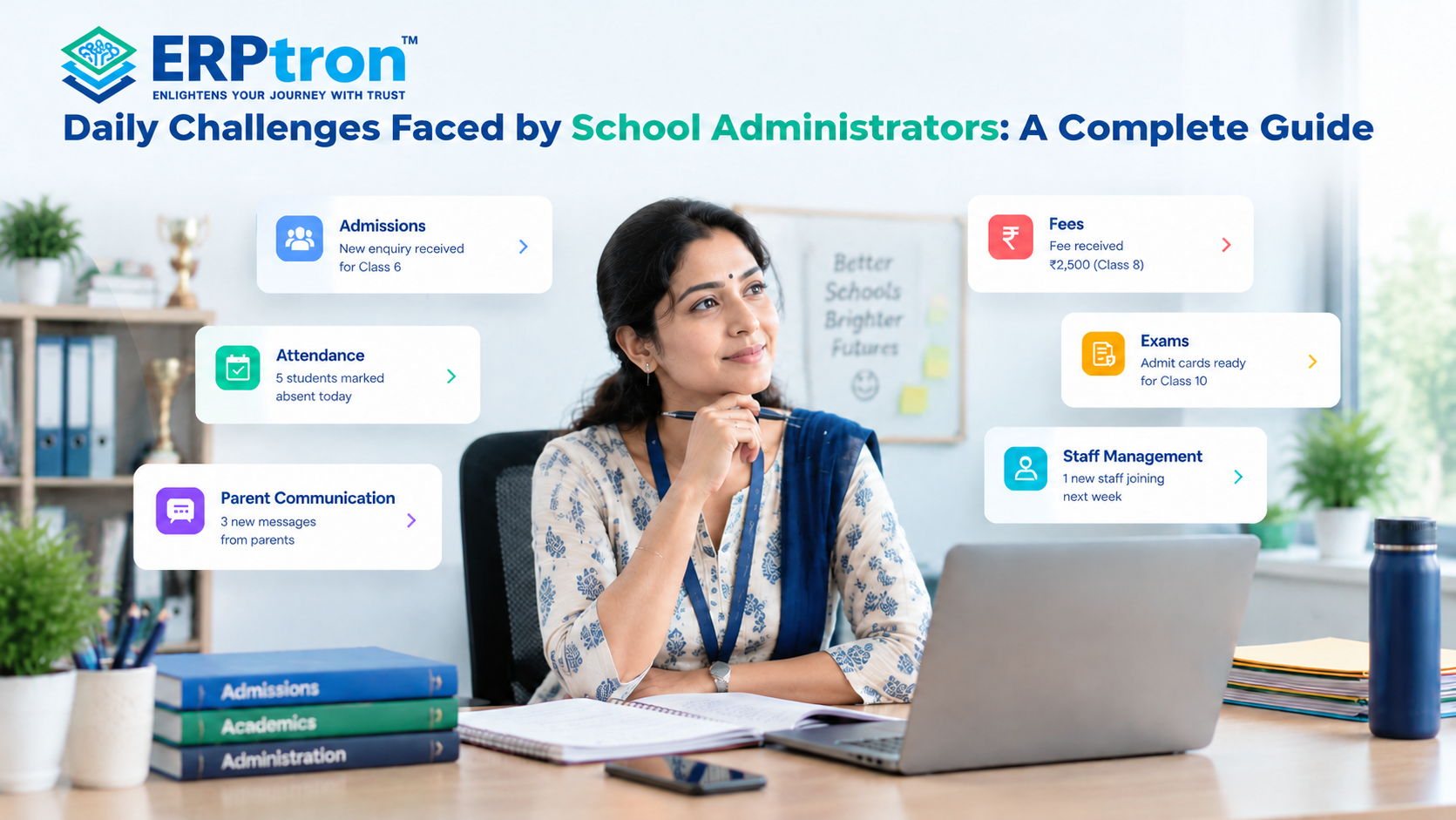
School administrators manage many daily tasks, such as admissions, attendance, fees, exams, staff management, and parent communication. They work with teachers, students, parents, and different departments to keep the school running smoothly.
Managing all these tasks can be challenging. Administrators spend time updating records, preparing reports, answering parents’ questions, handling admission enquiries, and solving daily problems.
When schools use paper files, Excel sheets, and separate systems, these tasks can take even more time and effort. An integrated school administration software system can help connect different processes and make information easier to manage.
In this guide, we will discuss the common challenges school administrators face and how to make their daily work easier.
Top 12 Challenges Faced by School Administrators
Running a school involves many tasks, such as managing students, admissions, attendance, fees, exams, staff, and parents. As the school grows, managing these tasks becomes harder, especially when using paper files, Excel sheets, and different systems.
Let’s explore common school management challenges and their solutions.
1. Managing Student Information
Schools maintain many student records, including personal details, parent information, attendance, fees, and academic results. When these details are stored in different files, finding and updating information can take time. A Student Information System helps keep records organized in one place and makes them easier for authorized staff to access.
2. Managing Admissions and Enquiries
School admissions involve handling enquiries, collecting applications, checking documents, and following up with parents. Managing these tasks manually can be difficult. A digital admission system helps schools track applications, store documents, and manage the admission process more easily. A dedicated online admission management system can also help staff monitor applications from enquiry to admission.
3. Managing Attendance and Fees
Recording attendance, tracking fee payments, issuing receipts, and following up on pending fees are regular school tasks. Managing them manually can take a lot of time. Digital attendance and fee management systems help keep records organized, reduce paperwork, and make daily work easier.
Schools can explore a student attendance management system for attendance-related processes and a school fee management system for payment tracking, receipts, and pending dues.
4. Coordinating Teachers and Staff
School administrators manage staff attendance, leave, timetables, and class assignments. When a teacher is absent, schedules may need to change quickly. Digital staff management tools help organize staff records, manage leave, and make timetable updates easier.
Dedicated teacher management software can help schools manage faculty information and routine staff-related activities more efficiently.
5. Managing Examinations and Results
Schools need to prepare exam schedules, collect marks, calculate results, and create report cards. Doing all this manually can take time and may lead to errors. Digital examination systems help teachers and administrators manage marks, results, and reports more efficiently.
When examination data is connected with other student records, schools can also reduce repeated data entry and make academic information easier to access.
6. Handling Parent Communication
Parents often ask about fees, attendance, exams, holidays, and school events. Answering every question manually can increase the workload. Parent portals, mobile apps, and digital notifications help schools share updates and allow parents to access important information more easily.
Schools can use parent communication software and school mobile apps to make communication more organized and reduce repeated enquiries.
7. Preparing Reports and Finding Information
Administrators regularly prepare reports about attendance, fees, admissions, examinations, and staff. When information is stored in different places, collecting and checking it can take time. A centralized system helps schools find information quickly and prepare reports more easily.
For example, management can review fee collection or admission progress using existing data instead of collecting information separately from different departments.
8. Managing Paperwork and Documents
Schools handle many documents, including admission forms, certificates, receipts, and student records. Finding an old document in physical files can be difficult. Digital document management helps schools organize records, reduce paperwork, and find important documents more quickly.
Digitizing admission forms and supporting documents can be especially useful for schools handling a large number of applications.
9. Managing Different Systems
Schools may use separate tools for admissions, attendance, fees, accounting, and communication. Managing these systems separately can lead to repeated data entry and extra work. An integrated School ERP system connects related activities and helps schools manage information more easily.
The aim is not simply to replace paper with computers. It is to connect processes so that information can be reused where appropriate.
10. Keeping Data Accurate and Secure
Schools manage important information about students, parents, staff, and finances. Manual data entry can lead to mistakes, while poorly managed records may create security risks. A good School ERP can support accurate record-keeping through user permissions, secure access, and regular data backups.
Schools should also review their data access policies and ensure that only authorized users can view or change sensitive information.
11. Handling Unexpected Problems
School administrators often deal with sudden changes, such as teacher absences, timetable changes, urgent parent requests, and event updates. These situations require quick decisions. By reducing routine administrative work, technology can give administrators more time to handle unexpected problems.
Access to current information can also help administrators understand the situation faster and coordinate with the right staff members.
12. Managing School Growth
As a school grows, it needs to manage more students, staff, records, fees, and examinations. Manual processes that worked earlier may become difficult to handle. School ERP Software helps organize growing amounts of information, reduce repetitive tasks, and support smoother daily operations.
Schools can evaluate school management software for CBSE, ICSE, and state board schools to understand how different institutions may approach their operational requirements.
How School ERP Can Address These Challenges
Once the challenges are clear, the role of School ERP Software becomes easier to understand. The objective is not simply to put paper records on a computer. It is to connect processes and reduce unnecessary administrative work.
| Challenge | Potential Digital Solution |
| Scattered student records | Centralized Student Information |
| Manual attendance | Digital Attendance |
| Fee tracking | Fee Management |
| Admission follow-ups | Admission + CRM |
| Fragmented communication | Parent Communication |
| Manual reports | Automated Reporting |
| Repeated data entry | Connected Modules |
| Difficult data retrieval | Centralized Search |
| Departmental silos | Integrated Workflows |
| Growing data volume | Scalable Digital Infrastructure |
Schools should assess their existing processes before choosing a system. Reviewing essential School ERP features can help administrators identify which capabilities are most relevant to their needs.
How ERP Changes the Administrator’s Role
School ERP can change how administrators spend their time. Instead of spending most of the day on data entry, record searching, follow-ups, and reports, they can focus more on monitoring, decision-making, and solving important problems.
The role of the administrator does not disappear. Technology simply helps reduce repetitive work and makes daily tasks easier to manage.
This shift also supports school leadership in the digital age, where accessible information and better coordination can help school leaders make more informed decisions.
What Should Schools Digitize First?
Schools do not need to digitize everything at once. They can start with important daily processes such as student information, attendance, and fees.
Later, they can add admissions, examinations, communication, HR, transport, library, analytics, or other modules based on their needs.
The right approach is to start with the areas that create the most work and expand gradually.
For example, a school that spends considerable time tracking applications may prioritize admissions first. A school struggling with fee reconciliation may begin with fee management. The choice should depend on the school’s actual problems, available resources, and staff readiness.
When Should a School Consider School ERP?
A school may consider School ERP when:
- Administrators spend too much time on repetitive work.
- Student information is spread across different files.
- Reports take too long to prepare.
- Fee tracking is difficult.
- Admission follow-ups are hard to manage.
- Parents frequently ask for basic information.
- Different departments use separate systems.
- The same information is entered multiple times.
- The school is growing, and manual processes are becoming difficult to manage.
If several of these problems exist, it may be time to explore an integrated digital system.
How ERPtron Helps Administrators Manage Daily Challenges
School administrators handle many daily tasks, including admissions, attendance, fees, exams, staff management, and finances. Managing all these activities through paper files and separate systems can take a lot of time.
ERPtron helps schools manage these tasks digitally through different modules. It keeps information organized, reduces paperwork, and makes daily school management easier.
1. School Operating System (School OS)
ERPtron’s School Operating System helps manage student records, admissions, fees, attendance, exams, HR, libraries, and transport in one system. This makes it easier for administrators to manage different departments.
2. Paperless Admission Platform
ERPtron’s Paperless Admission Platform helps manage applications, documents, verification, and admission payments digitally. It reduces paperwork and makes it easier to track applications.
3. School Fee Collection Hub
ERPtron’s School Fee Collection Hub helps administrators manage fee structures, payments, concessions, receipts, and pending dues. It keeps fee records organized and makes payment tracking easier. Schools can also explore ERPtron’s fee collection system for more information.
4. Hybrid Digital Attendance Platform
ERPtron’s Hybrid Digital Attendance Platform supports biometric and mobile-based attendance. It helps schools maintain digital attendance records and makes attendance monitoring easier.
5. Exam Operating System
ERPtron’s Exam Operating System helps schools manage admit cards, marks, results, report cards, and rank lists. It reduces manual work and keeps examination activities organized.
6. School Safety Hub / Student Information System
ERPtron’s School Safety Hub / Student Information System stores student details and documents digitally. Authorized staff can find important information more easily without searching through physical files.
7. Finance Automation Platform
ERPtron’s Finance Automation Platform helps manage suppliers, expenses, payment vouchers, ledgers, and financial reports. It keeps financial information organized and simplifies routine finance tasks.
8. School Store 360
ERPtron’s School Store 360 helps manage books, accessories, inventory, and sales. It makes it easier to track stock and maintain store records.
9. Library Pro System
ERPtron’s Library Pro System helps manage book records, issues, returns, availability, and fines. It makes library management easier and keeps book records organized.
10. Smart HR Pro
ERPtron’s Smart HR Pro helps manage employee records, payroll, leave, and user access. It reduces manual work and helps administrators manage staff information more efficiently.
Conclusion: Administrators Need Better Systems, Not More Work
School administrators manage many daily tasks, including admissions, attendance, fees, exams, staff, and parent communication. Handling everything manually can take time and increase their workload.
School ERP Software helps reduce paperwork, organize information, and make daily tasks easier. With proper planning, training, and the right tools, schools can improve coordination and manage their operations more efficiently.
The goal is to help administrators spend less time on repetitive work and more time on important decisions and school development.
Ready to simplify your school’s daily work? Explore ERPtron and discover how it can make school management easier and more organized.
ERPtron — Enlightens Your Journey with Trust.
FAQs
1. What are the biggest challenges faced by school administrators?
Common challenges include managing student records, admissions, attendance, fees, exams, staff, reports, documents, and parent communication.
2. Does School ERP reduce administrative work?
Yes. ERP can reduce repetitive work by connecting information, simplifying workflows, and automating selected tasks.
3. Can ERP manage student information?
Yes. Most School ERP systems provide student management features for storing student, parent, class, attendance, academic, and other relevant information.
4. How does ERP help with admissions?
ERP and CRM tools can help manage enquiries, applications, documents, follow-ups, and admission status in a more organized way. A CRM for schools can be particularly helpful for tracking enquiries and maintaining follow-up records.
5. Is ERP useful for small schools?
Yes. Small schools can also use ERP to manage important processes and reduce manual work. The right modules depend on the school’s needs and budget.
Reduce repetition across sectionsStrengthen the opening with administrator pain points