
Managing a school involves many daily tasks, such as admissions, attendance, fees, exams, student records, and parent communication. Handling all these tasks manually can take a lot of time and effort.
School ERP Software helps schools manage these activities in one place. It reduces paperwork, avoids repeated work, and makes it easier for teachers and staff to manage their daily tasks. A well-integrated school administration software system can connect different departments and make information easier to access.
In this blog, let’s explore how School ERP Software makes school operations easier and more organized.
What Makes School Operations Complex?
Managing a school involves many tasks, such as admissions, attendance, exams, fees, and parent communication. All these activities are connected and need to be managed properly.
When schools use paper files, Excel sheets, and different tools, work can become difficult. Staff may have to enter the same information multiple times, search for records, and prepare reports manually. School ERP Software helps bring these activities together, making daily work easier and more organized.
For example, information collected during admission may later be required by the accounts team, teachers, and examination department. An integrated system can make this information available to authorized users without requiring repeated data entry.
How School ERP Software Simplifies Operations
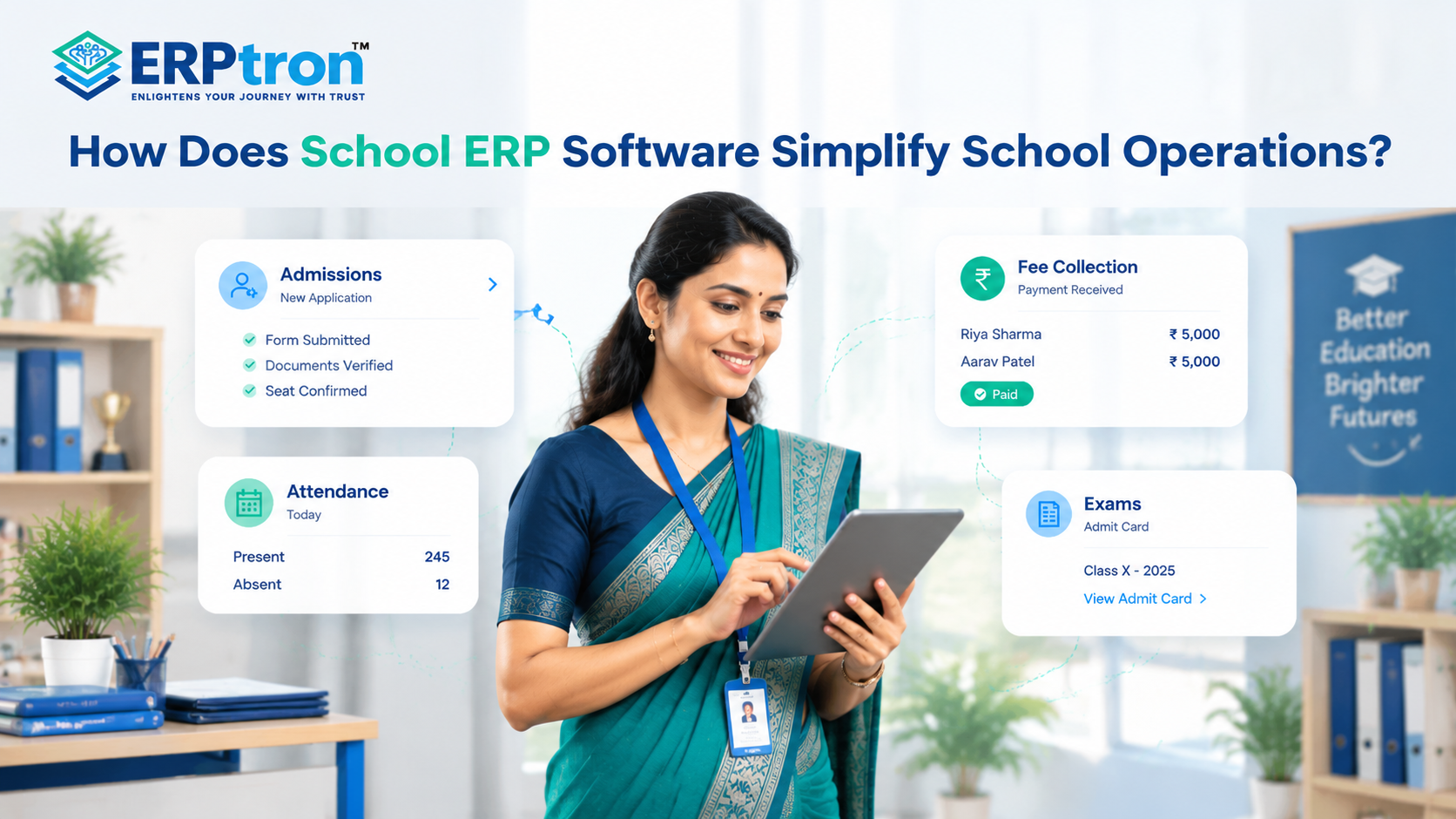
School ERP Software helps schools manage their daily activities in one place. It reduces paperwork, saves time, and makes it easier for teachers and staff to handle their work. It also connects different school activities, reducing the need to enter the same information again and again.
1. One Platform for Multiple School Functions
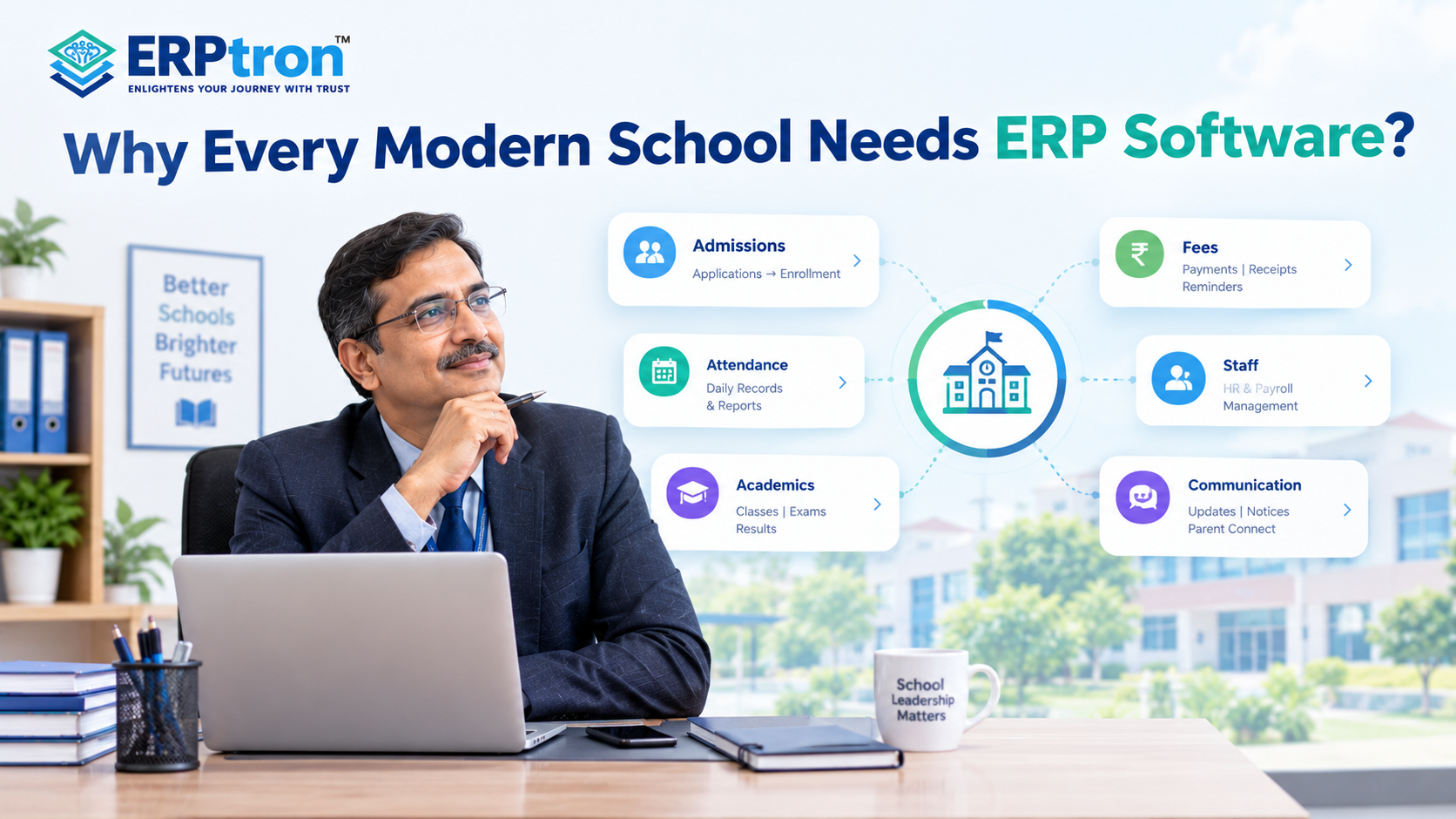
School ERP Software helps manage admissions, attendance, fees, exams, student records, staff, library, transport, and communication in one system. This makes it easier for schools to manage different activities and keep information organized.
For example, student details entered during admission can also be used for attendance, fee management, and examinations. This reduces repeated data entry and saves time.
Schools evaluating their options can explore essential School ERP features to understand which functions can help connect their daily operations.
2. Simplifies Student Information Management
Schools need to manage student details, parent information, class records, attendance, fees, and academic results. Keeping these details in different files can make them difficult to find.
School ERP Software stores student information digitally in one place. Authorized staff can find and update records more easily, reducing paperwork and repeated work.
A dedicated Student Information System can help schools organize student details and related documents.
3. Simplifies the Admission Process
School admissions involve enquiries, applications, document collection, verification, and follow-ups. Managing these tasks manually can be time-consuming.
School ERP Software helps schools track applications, store documents, and manage admission steps in an organized way. This makes the admission process easier for both parents and school staff.
A dedicated online admission management system can help staff monitor applications and keep track of the admission process.
4. Simplifies Attendance Management
Recording attendance every day can take time when schools use paper registers. Staff may also need to prepare attendance reports manually.
School ERP Software helps record attendance digitally and prepare reports more easily. Teachers and administrators can check attendance records, while parents may receive updates if the system supports this feature.
Schools can learn more about a student attendance management system to understand how digital attendance can simplify daily routines.
5. Simplifies Fee Management
Schools need to track fee payments, receipts, concessions, and pending dues. Managing these records manually can lead to errors and extra work.
School ERP Software keeps fee information organized in one place. Staff can check payments, prepare receipts, and track outstanding fees more easily. Some systems also support online payments and automatic reminders.
A school fee management system can help accounts teams manage fee collection and maintain more organized financial records.
6. Simplifies Teacher and Staff Management
Schools need to manage staff details, attendance, leave, and payroll. Keeping these records in separate files can make the work difficult.
School ERP Software helps store staff information and manage routine tasks more easily. Depending on the system, it can also support leave management, staff attendance, and payroll.
Dedicated teacher management software can help schools organize faculty records and manage staff-related activities.
7. Simplifies Academic Management
Schools manage classes, subjects, teachers, timetables, and academic records every day. Keeping all this information organized is important for smooth academic operations.
School ERP Software helps manage these details in one place. Teachers can access information about their classes and subjects more easily, making academic work more organized.
When academic information is connected with attendance and examination records, schools can reduce the effort involved in maintaining separate files.
8. Simplifies Examination Management
Examination work includes preparing schedules, entering marks, calculating results, and creating report cards. Doing these tasks manually can take a lot of time.
School ERP Software helps schools manage exam schedules, marks, results, and report cards digitally. This reduces manual work and makes examination records easier to maintain.
9. Simplifies Parent Communication
Schools regularly share notices, attendance updates, fee reminders, and examination information with parents. Using different communication channels can make it difficult to manage everything.
School ERP Software can help schools send notifications and announcements through supported portals, mobile apps, SMS, or email. This makes it easier to share important information with parents.
Schools can explore parent communication software and school mobile apps to understand how digital tools can improve access to school updates.
10. Simplifies Report Generation
Schools often prepare reports about attendance, fees, admissions, examinations, and student performance. Collecting information from different files can take time.
School ERP Software helps generate reports using stored digital records. This reduces manual calculations and helps staff prepare reports more quickly.
Management can use these reports to review operations, identify issues, and make informed decisions.
11. Makes Finding Student Information Easier
Finding a student’s details can be difficult when records are stored in paper files or multiple spreadsheets.
School ERP Software allows authorized users to search for student information digitally. This makes it easier to find details such as class, attendance, fees, and academic records without checking different files.
12. Reduces Repetitive Work
School staff perform many routine tasks, such as sending reminders, preparing receipts, updating records, and creating reports.
School ERP Software can automate or simplify some of these tasks. This saves time and allows teachers and administrative staff to focus on more important responsibilities.
13. Improves Coordination Between Departments
School departments often need the same information. For example, student details may be required by the admission office, accounts team, teachers, and examination department.
School ERP Software connects related information, allowing authorized staff to access the details they need. This reduces repeated data entry and improves coordination between departments.
14. Supports Better Decision-Making
School management needs accurate information to make decisions about students, staff, fees, and academic performance.
School ERP Software can provide reports and dashboards that show important school information. These reports help management understand daily operations and identify areas that need improvement.
Better access to information can also support school leadership in the digital age by helping school leaders review performance and make informed decisions.
15. Makes Information Easier for Parents to Access
Parents often contact the school to ask about attendance, fees, results, and notices.
If the ERP includes a parent portal or mobile app, parents can check available information themselves. This saves time for both parents and school staff and makes important updates easier to access.
16. Improves School Communication
Communication between management, teachers, students, and parents is important for smooth school operations.
School ERP Software can provide a common platform for announcements, notifications, and updates. This helps schools share information in a more organized way.
17. Simplifies Record Management
Schools maintain many records, including student details, staff information, attendance, fees, and examination results.
School ERP Software stores these records digitally, making them easier to organize and find. Features such as user permissions and data backups can also help schools manage records more safely.
Schools should still review access permissions, backup practices, and data protection procedures to ensure that records are managed responsibly.
18. Supports School Growth
As a school grows, the number of students, teachers, records, and daily tasks also increases. Managing everything manually can become more difficult.
School ERP Software helps schools manage growing amounts of information through organized digital processes. Schools can also add more features as their needs change.
19. Supports Digital Transformation
School ERP Software helps schools move from manual work to digital management. Schools can start with basic features and gradually introduce tools such as online payments, mobile apps, and digital reports.
This gradual approach can support broader digital transformation in schools without requiring every process to change at the same time.
What School ERP Does Not Automatically Simplify
School ERP is not a magic solution. Installing software alone will not fix every school process.
Schools still need clear processes, accurate data, staff training, user adoption, and proper implementation.
For example, if a school has a complicated process, simply moving it from paper to software may not make it better.
The best results come when schools improve their processes first and then use technology to make those processes easier.
Before ERP vs After ERP
The transformation can be summarized through a simple comparison:
| School Operation | Traditional Approach | ERP-Based Approach |
| Student Records | Files / Excel | Centralized digital records |
| Admissions | Forms and spreadsheets | Structured digital workflow |
| Attendance | Registers | Digital attendance |
| Fees | Manual tracking | Digital fee management |
| Examinations | Manual calculations | Digital examination workflows |
| Communication | Multiple channels | More centralized communication |
| Reports | Manual preparation | Faster system-generated reports |
| Data Search | File/spreadsheet search | Centralized search |
| Coordination | Manual information sharing | Connected modules |
| Decision-Making | Fragmented data | Reports and dashboards |
Which School Operations Should Be Digitized First?
Schools do not need to digitize everything at once. Starting with the most important processes can make the transition easier.
Phase 1: Core Operations
Start with basic areas such as student information, attendance, and fees. These are part of everyday school management and can provide quick benefits.
Phase 2: Admissions and Academics
Once the core processes are in place, schools can add online admissions, examination management, and teacher management. This helps bring more academic and admission activities into the digital system.
Phase 3: Communication
Schools can then add parent portals, mobile apps, and notifications. This makes it easier to share important information with parents and students.
Phase 4: Advanced Operations
As the school’s needs grow, it can consider areas such as HR and payroll, transport, library, hostel management, analytics, and AI-powered automation.
The right order depends on the school’s size, budget, priorities, and current processes. Schools should start with the tasks that take the most time or create the greatest operational difficulties.
How to Choose an ERP That Makes Operations Easier
Schools should look at these important factors:
- Easy to Use: The ERP should be easy for teachers and staff to use.
- Connected Modules: Different modules should work together and reduce repeated data entry.
- Automation: The system should reduce repetitive tasks and save time.
- Mobile Access: Users should be able to access important information on mobile devices.
- Scalability: The ERP should support the school as it grows.
- Reports: The system should make it easy to create and access reports.
- Security: The ERP should keep school data safe.
- Training and Support: The provider should offer proper training and ongoing support.
The best ERP is not the one with the most features. It is the one that solves real problems and makes daily work easier.
How to Measure the Impact of ERP
Schools can check these areas after implementing an ERP:
- Time Saved: Staff should spend less time on routine tasks.
- Fewer Errors: Data-entry and calculation errors should decrease.
- User Adoption: Teachers and staff should use the system regularly.
- Better Communication: Parents should receive information more easily.
- Faster Reports: Management should be able to access reports quickly.
- Better Processes: Daily school processes should become simpler.
- User Experience: Teachers, staff, and parents should find the system easy to use.
The goal is not just to use an ERP. The goal is to make school operations simpler, faster, and more organized.
How ERPtron Simplifies School Operations
Running a school involves many daily tasks, such as managing admissions, attendance, fees, exams, staff, and student records. Handling all these activities separately can take a lot of time and effort.
ERPtron helps schools manage these activities through digital systems. It reduces paperwork, keeps information organized, and makes daily school management easier.
1. School Operating System (School OS)
ERPtron’s School Operating System helps schools manage student records, admissions, fees, attendance, exams, HR, libraries, and transport in one system. This makes it easier for different departments to manage information and reduces repeated work.
2. Paperless Admission Platform
ERPtron’s Paperless Admission Platform helps schools manage applications, documents, verification, and admission payments digitally. It reduces paperwork and makes it easier to track applications and manage the admission process.
3. School Fee Collection Hub
ERPtron’s School Fee Collection Hub helps schools manage fee structures, concessions, payments, receipts, and pending dues. It keeps fee records organized and helps staff track payments more easily. Schools can also explore ERPtron’s fee collection system for more information.
4. Hybrid Digital Attendance Platform
ERPtron’s Hybrid Digital Attendance Platform supports biometric and mobile-based attendance. Schools can choose a suitable method and maintain attendance records digitally, reducing the need for manual registers.
5. Exam Operating System
ERPtron’s Exam Operating System helps schools manage admit cards, marks, results, report cards, and rank lists. It keeps examination tasks organized and helps teachers and staff complete their work more easily.
6. School Safety Hub / Student Information System
ERPtron’s School Safety Hub / Student Information System helps schools store and manage student details and documents digitally. Authorized staff can find important information more easily without searching through physical files.
7. Finance Automation Platform
ERPtron’s Finance Automation Platform helps schools manage suppliers, expenses, payment vouchers, ledgers, and financial reports. It keeps financial records organized and makes routine accounting tasks easier.
8. School Store 360
ERPtron’s School Store 360 helps schools manage books, accessories, inventory, and sales. Staff can track available items and maintain stock records more easily.
9. Library Pro System
ERPtron’s Library Pro System helps librarians manage book records, issues, returns, availability, and fines. It makes it easier to track books and keep library records organized.
10. Smart HR Pro
ERPtron’s Smart HR Pro helps schools manage employee records, payroll, leave, and user access. It reduces manual work and helps administrators manage staff information more easily.
Conclusion: From Complex Processes to Connected Operations
Schools manage many daily tasks, such as admissions, attendance, fees, exams, and communication. Managing these activities through different files and tools can take time and create confusion.
School ERP Software brings these activities together in one system. It helps reduce paperwork, avoid repeated work, and make school management easier.
Schools can start with the features they need most and add more as their needs grow. This helps them manage daily tasks in a more organized way.
Looking to simplify your school’s daily operations? Explore ERPtron and discover how it can help make school management easier and more efficient.
ERPtron — Enlightens Your Journey with Trust.
FAQs
1. How does School ERP simplify school operations?
School ERP brings school information and activities into one system. It can reduce manual work, connect different processes, and make daily tasks easier.
2. How does School ERP reduce administrative work?
It can reduce tasks such as repeated data entry, manual calculations, report preparation, fee tracking, and sending routine notifications.
3. Can School ERP replace Excel?
It can reduce the need for Excel for daily school operations. However, Excel can still be useful for analysis, calculations, and specific reports.
4. How does ERP improve student management?
ERP keeps important student information in one place. It can connect student details with attendance, academics, exams, fees, and communication.
5. Can School ERP improve admissions?
Yes. It can help schools manage enquiries, applications, documents, follow-ups, and admission status in a more organized way.