
Running a school involves much more than teaching. Administrators manage student records, attendance, fees, admissions, exams, reports, documents, and parent communication every day.
When these tasks are handled through paper files, Excel sheets, and separate systems, they can take a lot of time and effort.
School Administration Software can reduce this workload by digitizing records, automating routine tasks, and bringing important information into one place. A connected school ERP software system can help schools manage multiple administrative activities without repeatedly entering the same information.
The goal is simple: reduce repetitive work and help administrators manage school operations more easily.
Let’s explore how.
What Is Manual Work in School Administration?
Manual work in school administration means doing tasks that require repeated effort from teachers and staff. Even when schools use computers, Excel sheets, and emails, many tasks still need to be done manually.
For example, when a new student joins, staff may need to enter the same details into different systems. Similarly, managing fees may involve checking payments, preparing receipts, updating records, and creating reports manually.
Using digital tools does not always mean that work is automated. Automation allows software to handle repetitive tasks, saving time and reducing manual effort. This helps school staff focus more on important responsibilities.
Why Manual Work Becomes a Problem as Schools Grow
Manual processes may work well when a school is small. For example, a school with 300 students may manage its records using a few Excel sheets and registers.
But as the school grows, the amount of work also increases.
300 Students → 1,000 Students → 2,000+ Students
More students mean more records, attendance, fees, admissions, exams, documents, reports, and parent queries.
The challenge is not just the number of students. It is the increasing number of daily tasks and connected processes.
For example, information collected during admission may later be needed for student records, attendance, fees, and examinations. If these systems are separate, staff may have to enter the same information several times. A centralized school administration software system can help connect these activities and reduce duplicated work.
As a result, administrators may spend more time on repetitive work and managing information instead of focusing on important school operations.
This is why growing schools need connected and efficient digital processes.
How Does School Administration Software Reduce Manual Work?
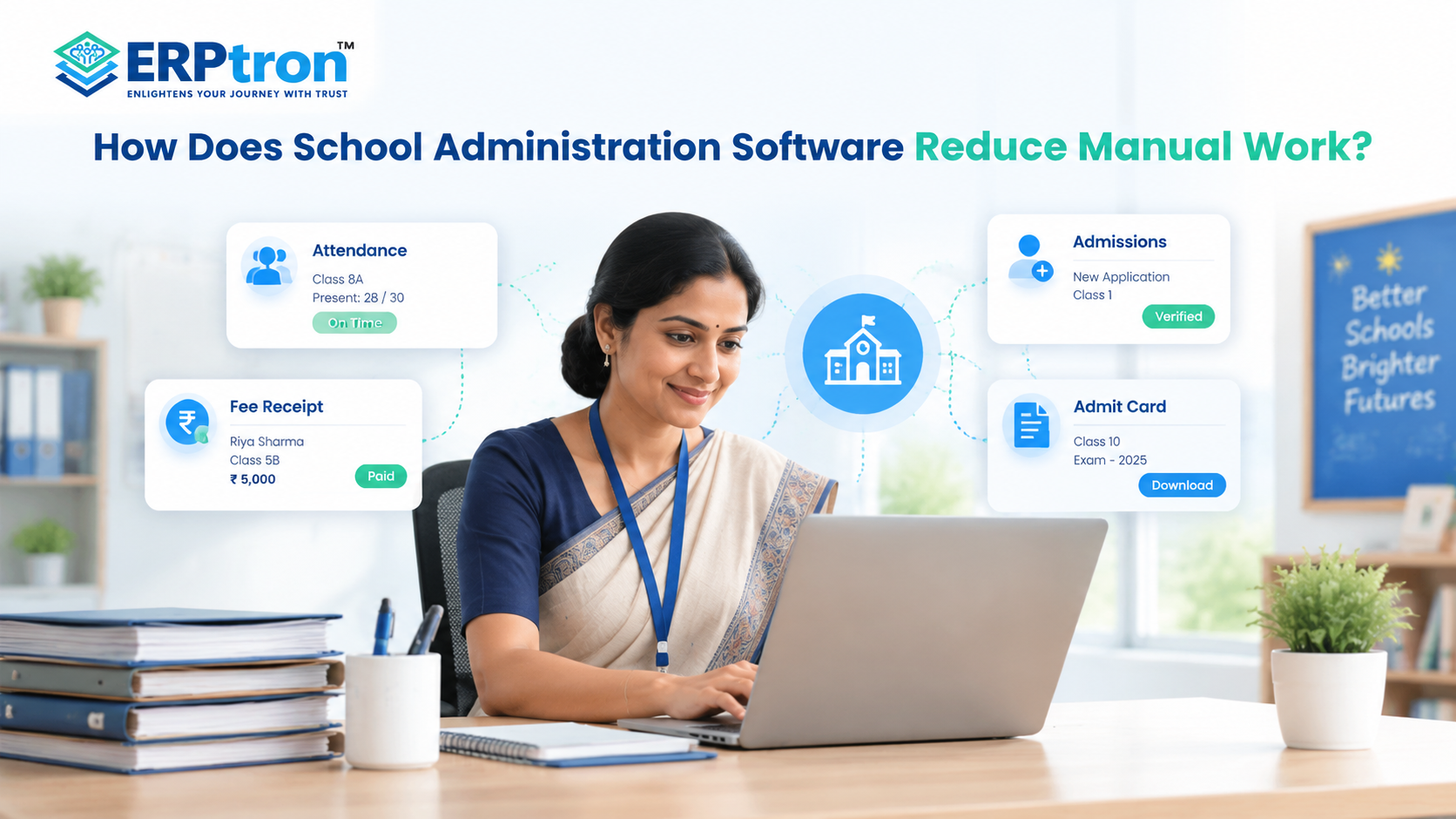
School Administration Software helps schools manage daily tasks digitally. It reduces paperwork, saves time, and keeps important information organized. Here are some ways it helps reduce manual work.
1. Centralized Student Records
School software keeps student details, attendance, fees, and academic records in one place. This reduces repeated data entry and makes information easier to find.
A Student Information System can help schools maintain student profiles and related records digitally, making it easier for authorized staff to access the information they need.
2. Online Admissions
Online admission software helps schools manage applications, documents, and follow-ups digitally. It reduces paperwork and makes the admission process easier to manage.
A dedicated online admission management system can help staff track applications, organize documents, and monitor admission progress without relying entirely on physical files and spreadsheets.
3. Digital Attendance
Digital attendance helps teachers record student attendance and maintain records easily. It also makes checking attendance history and preparing reports simpler.
A dedicated student attendance management system can reduce the effort involved in maintaining registers, calculating attendance, and preparing attendance reports.
4. Digital Fee Management
School software helps manage fee payments, receipts, pending dues, and fee reports. Online payments and reminders can further reduce manual work.
A school fee management system can help accounts teams track collections, identify pending payments, and maintain more organized financial records.
5. Automated Notifications
Schools can use software to send fee reminders, attendance updates, exam notices, and announcements. This saves time spent sending messages individually.
Connected communication tools can also make it easier to keep parents informed through parent communication software.
6. Parent Self-Service
A parent portal or mobile app allows parents to check available information about fees, attendance, exams, and notices. This reduces the need to contact the school for every update.
Schools can use school mobile apps to make relevant information more accessible to parents, teachers, and students.
7. Digital Examination Management
Examination software helps schools manage marks, grades, results, and report cards. It reduces manual calculations and makes examination records easier to maintain.
A connected ERP can also help schools maintain academic information alongside attendance and student records.
8. Automated Reports
School software can generate reports using existing data. This saves administrators from collecting information from different files and preparing every report manually.
For example, management can review fee collection, attendance, and admission progress using information already available in the system.
9. Digital Document Management
Digital document management helps schools store and organize admission forms, certificates, receipts, and other records. Staff can search for documents more easily when needed.
Digitizing these records can also support a more efficient paperless admission process, particularly when schools handle a large number of applications.
10. Teacher and Staff Management
School software helps manage staff details, attendance, leave, and other responsibilities. This keeps staff information organized and reduces paperwork.
Dedicated teacher management software can help schools maintain faculty records and manage routine staff-related activities more efficiently.
11. Timetable Management
Digital timetable tools help schools create, update, and share class schedules. They also make it easier to manage changes when teachers or class timings change.
When timetable information is managed digitally, staff can update schedules more easily and communicate changes to the relevant users.
12. Connected Modules
School ERP connects activities such as admissions, attendance, fees, academics, and examinations. Information can be shared between connected modules, reducing repeated data entry.
This is one of the key benefits of school ERP software: different departments can work with connected information instead of maintaining separate records for every process.
13. Automated Workflows
School software can help manage processes that involve multiple steps, such as application review and admission approval. This makes it easier to track progress and reduces the need for manual follow-ups.
For example, a school can use a defined workflow to track an application from submission through document verification and final admission decisions.
14. Easy Data Search
Centralized digital records make it easier to find student details, fee information, attendance records, and examination results. Staff spend less time searching through files.
This becomes especially useful as schools maintain more records across different academic years.
15. Dashboards for School Management
Dashboards display important information about admissions, fees, attendance, and academic performance. This helps school management review operations and make informed decisions more easily.
Digital dashboards can also support school leadership in the digital age by making operational information easier to review.
16. Role-Based Access
Different users need access to different information. School software can provide role-based access for teachers, administrators, accounts staff, and parents. This helps keep information organized and protects sensitive records.
Schools should ensure that access permissions are configured properly so users can view or update only the information relevant to their responsibilities.
How Automation Changes the Administrator’s Workday?
Automation does not replace school administrators. It helps reduce repetitive work such as checking records, updating spreadsheets, preparing reports, and sending regular notifications.
With better digital systems, administrators can spend less time on routine tasks and more time on monitoring operations, solving problems, making decisions, and improving school processes.
The difference can be understood through a simple comparison:
| Before Automation | With Better Digital Systems |
| Checking attendance records | Reviewing attendance information |
| Updating student spreadsheets | Managing student information centrally |
| Answering routine fee queries | Monitoring fee status and handling important queries |
| Preparing admission reports manually | Reviewing admission progress |
| Sending notifications manually | Using digital or automated notifications |
| Collecting data for reports | Reviewing reports and dashboards |
| Repeated data entry | Using connected information |
| Routine follow-ups | Focusing on issues that need attention |
How Much Manual Work Can School Software Actually Eliminate?
School software can reduce many repetitive tasks, but it cannot remove all manual work. Administrators will still need to make decisions, check information, handle special cases, communicate with parents and staff, and solve problems.
For example, software can send fee reminders automatically, but an administrator may still need to discuss a special payment request with a parent. Similarly, software can calculate exam results, but teachers still need to review the results and understand student performance.
The goal is not zero human work. It is to reduce repetitive tasks and give staff more time for important work.
What Makes School Administration Automation Successful?
Buying software is only the first step. To reduce manual work successfully, schools also need good processes, accurate data, trained staff, and regular use of the system.
Before automating a process, schools should ask:
- Is this process necessary?
- Which steps can be automated?
- Where is manual work taking the most time?
- Which steps need human approval?
- Are staff comfortable using the system?
Staff training is also important. Even good software will not reduce workload if teachers and administrators do not use it properly.
Integration is another key factor. If schools use several disconnected systems, staff may still have to enter the same information multiple times. Automation works best when technology, people, data, and processes work together.
Schools should also evaluate essential school ERP features before choosing a system, focusing on features that solve their actual administrative problems.
What Should Schools Automate First?
Schools don’t need to automate everything at once. A better approach is to start with simple, repetitive tasks that take up a lot of staff time.
Start With Everyday Tasks
Begin with tasks such as attendance, fee management, student records, admissions, notifications, and routine reports. These tasks happen regularly and often involve repeated data entry. Automating them can save time and reduce mistakes.
Move to Other Administrative Tasks
Once the basic processes are working well, schools can automate examinations, teacher management, timetables, and document management. These areas can help staff manage information and daily activities more easily.
Explore Advanced Automation Later
After the main processes are digitized, schools can consider analytics, workflow automation, AI-powered tools, and advanced integrations. These can help schools use their data better and improve decision-making.
A simple rule: Start small, automate repetitive work first, and then move to more advanced processes.
| Priority | Examples |
| Start First | Attendance, fees, student records, admissions, notifications |
| Next | Exams, teacher management, timetables, documents |
| Advanced | Analytics, AI tools, workflow automation, integrations |
For schools beginning their digital transformation, understanding how technology in education is changing school operations can help identify the most useful areas for improvement.
When Should a School Consider Administration Software?
Not every school needs the same level of software.
However, it may be time to evaluate School Administration Software when:
- Staff spend hours updating spreadsheets
- The same data is entered multiple times
- Reports take too long to prepare
- Parents frequently ask for information that could be provided digitally
- Fee tracking requires extensive manual work
- Admissions are difficult to track
- Paper records are becoming difficult to manage
- Different departments use disconnected systems
- Administrative workload is increasing faster than school capacity
- Management wants better operational visibility
The key question isn’t simply: “Are we using technology?”
It is: “How much unnecessary manual work is still happening every day?”
How to Choose Software That Actually Reduces Manual Work?
Not every School Administration Software makes work easier. Choose software that is simple to use, reduces repeated tasks, and saves staff time.
Check Integration
School processes are connected. Choose software that links admissions, attendance, fees, exams, and communication to reduce repeated data entry.
Check Automation
Look at what the software can actually automate. This may include attendance, fee reminders, receipts, notifications, reports, and other repetitive tasks.
Check Ease of Use
The software should be simple for teachers and administrators to use. If basic tasks require too many steps, staff may continue using spreadsheets or paper records.
Check Reporting
Preparing reports manually can take a lot of time. Make sure the software can generate the reports your school regularly needs using existing data.
Check Mobile Access
Mobile access can help teachers, administrators, and parents view or update relevant information when they are away from a computer.
Check Scalability
The software should be able to support the school as it grows. More students should not mean more complicated administration.
Check Support and Training
Good training and support can make implementation easier. Check whether the provider offers onboarding, staff training, and ongoing support.
Schools can also review the school management software options for CBSE, ICSE, and state board schools to understand how their operational requirements may differ.
How to Measure the Reduction in Manual Work?
Installing software does not automatically mean that manual work has been reduced. Schools should check whether their daily work has actually become easier and faster.
Time Per Task
Check how long tasks such as attendance, fee management, admissions, and reports take before and after using the software.
Manual Data Entry
Check how often the same information has to be entered. Connected systems should help reduce repeated data entry.
Report Preparation Time
Compare how long it takes to prepare regular reports. If reports can be generated directly from the system, staff can save time.
Parent Queries
Check whether routine questions about fees, attendance, results, and notices have reduced through parent portals or apps.
Errors
Monitor whether data-entry and calculation errors have decreased after moving to digital processes.
Process Completion Time
Measure how long processes such as admissions, fee collection, and report preparation take from start to finish.
User Adoption
Finally, check whether teachers and administrators are actually using the software regularly. Even good software cannot reduce manual work if staff do not use it.
Reducing Administrative Work with ERPtron
School staff spend a lot of time managing records, updating information, preparing reports, checking fees, and handling paperwork. As a school grows, these tasks can become more difficult to manage.
ERPtron helps schools simplify daily administration through digital tools for different school activities. These solutions can reduce paperwork, avoid repeated data entry, and make routine tasks easier to manage.
1. School Operating System (School OS)
ERPtron’s School Operating System brings student management, admissions, fees, attendance, examinations, HR, library, and transport into one platform. This helps schools manage different activities in a more organized way and reduces the need to maintain separate systems.
2. Paperless Admission Platform
ERPtron’s Paperless Admission Platform helps schools manage applications, documents, verification, payments, and admissions digitally. This reduces paperwork and makes it easier for staff to track applications and manage admission activities.
3. School Fee Collection Hub
ERPtron’s School Fee Collection Hub helps schools manage fee structures, concessions, payments, receipts, pending dues, and reports in one place. This makes fee management easier and reduces the need for repeated manual updates. Schools can also explore ERPtron’s fee collection system for more information.
4. Hybrid Digital Attendance Platform
ERPtron’s Hybrid Digital Attendance Platform supports biometric and mobile-based attendance. It helps schools maintain attendance records digitally, making it easier to track attendance and reduce paperwork.
5. Exam Operating System
ERPtron’s Exam Operating System helps schools manage admit cards, marks entry, tabulation, report cards, and rank lists. It makes examination work more organized and reduces repetitive calculations and paperwork.
6. School Safety Hub / Student Information System
ERPtron’s School Safety Hub / Student Information System keeps student details and documents in one digital place. Authorized staff can find the information they need more easily without searching through multiple physical files.
7. Finance Automation Platform
ERPtron’s Finance Automation Platform helps schools manage supplier details, expenses, payment vouchers, ledgers, and financial reports digitally. This keeps financial information organized and makes routine accounting tasks easier to manage.
8. School Store 360
ERPtron’s School Store 360 helps schools manage books, accessories, inventory, and sales in one system. This makes it easier to track stock, update sales records, and manage school-store activities.
9. Library Pro System
ERPtron’s Library Pro System helps librarians manage book catalogues, issues, returns, availability, and fines digitally. This reduces repetitive register updates and makes library management easier.
10. Smart HR Pro
ERPtron’s Smart HR Pro helps schools manage employee records, payroll, leave, and role-based access in one place. This keeps staff information organized and reduces the effort needed to maintain separate HR records.
Conclusion: Reduce Manual Work with School Administration Software
School Administration Software helps schools reduce paperwork, repeated data entry, and daily workload. It keeps information organized, simplifies routine tasks, and makes school management easier.
ERPtron offers digital solutions for admissions, attendance, fees, examinations, finance, library, and staff management. These solutions help schools manage daily operations more efficiently and reduce manual work.
The goal is to save time and help teachers and administrators focus on more important responsibilities. With the right software, schools can improve coordination and make daily activities simpler and more organized.
Ready to reduce manual work in your school? Explore ERPtron and discover how its School ERP solutions can simplify school management.
ERPtron — Enlightens Your Journey with Trust.
FAQs
1. How does School Administration Software reduce manual work?
It stores information digitally, reduces repeated data entry, automates routine tasks, and makes reports easier to prepare.
2. Can school software replace Excel?
It can reduce the need for Excel for many daily tasks. However, Excel can still be useful for specific calculations and analysis.
3. What school tasks can be automated?
Schools can automate or simplify tasks such as attendance, fees, admissions, notifications, receipts, and reports.
4. Does ERP replace administrative staff?
No. ERP reduces repetitive work so administrators can focus on decisions, communication, and problem-solving.
5. How much manual work can school software eliminate?
It depends on the school and the software. It is mainly useful for reducing repetitive and routine tasks.
Reduce repetition across the articleMake the opening more search-focused