Teachers do much more than teach in the classroom. Their daily work can include attendance, student records, assignments, marks, timetables, parent communication, meetings, and other administrative tasks.
These responsibilities are important for running a school smoothly. However, managing them through paper registers, spreadsheets, and separate applications can take valuable time away from teaching and students.
This is where Teacher Management Software can help. It brings teacher information, schedules, academic responsibilities, communication, and administrative tasks into one organised digital environment.
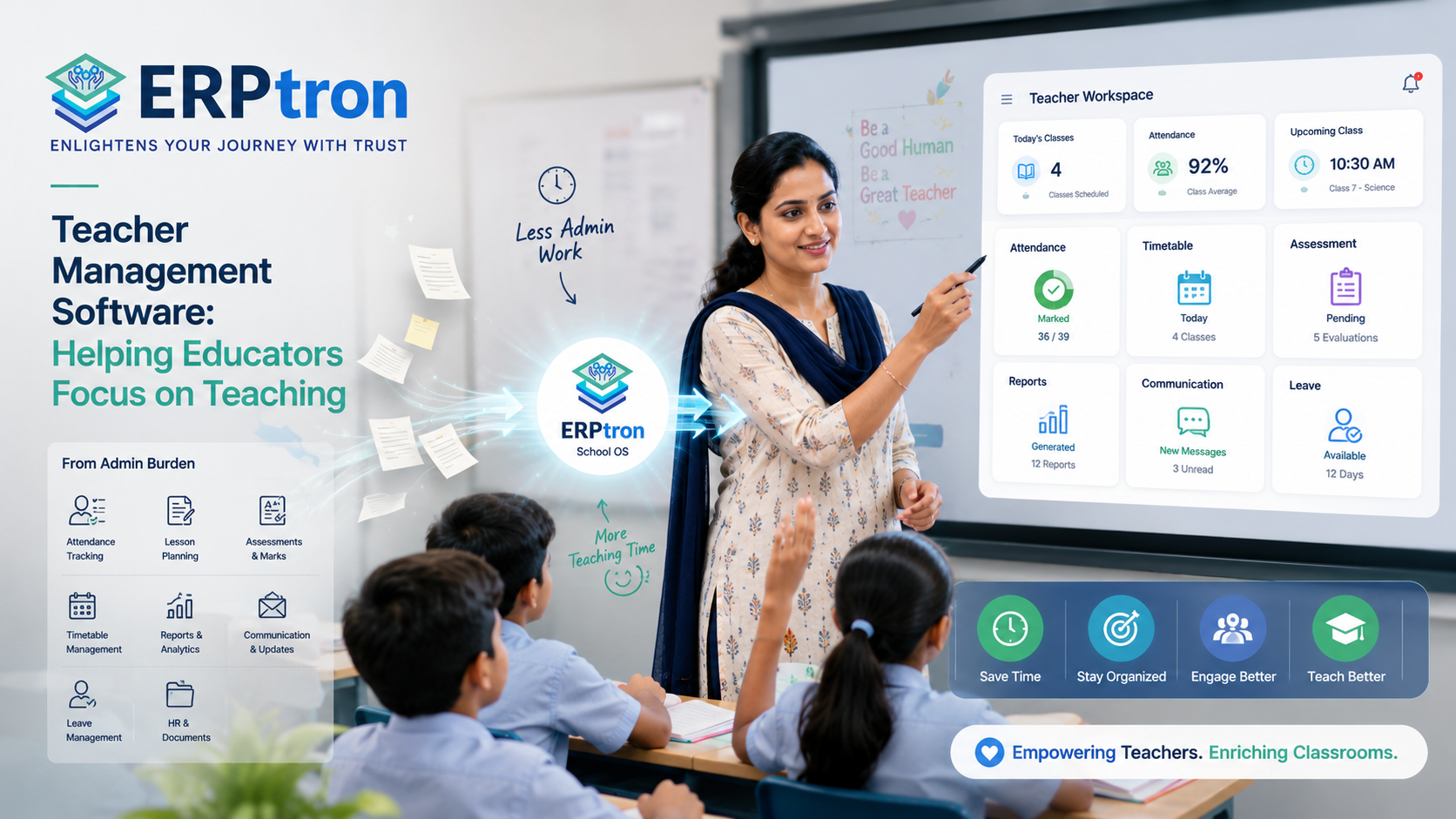
The goal is not to automate teaching. It is to reduce administrative work and give teachers more time to focus on students.
In this guide, we will explore how Teacher Management Software works, its key features and benefits, how it differs from a teacher app and School ERP, and what schools should consider before choosing a solution.
What Is Teacher Management Software?
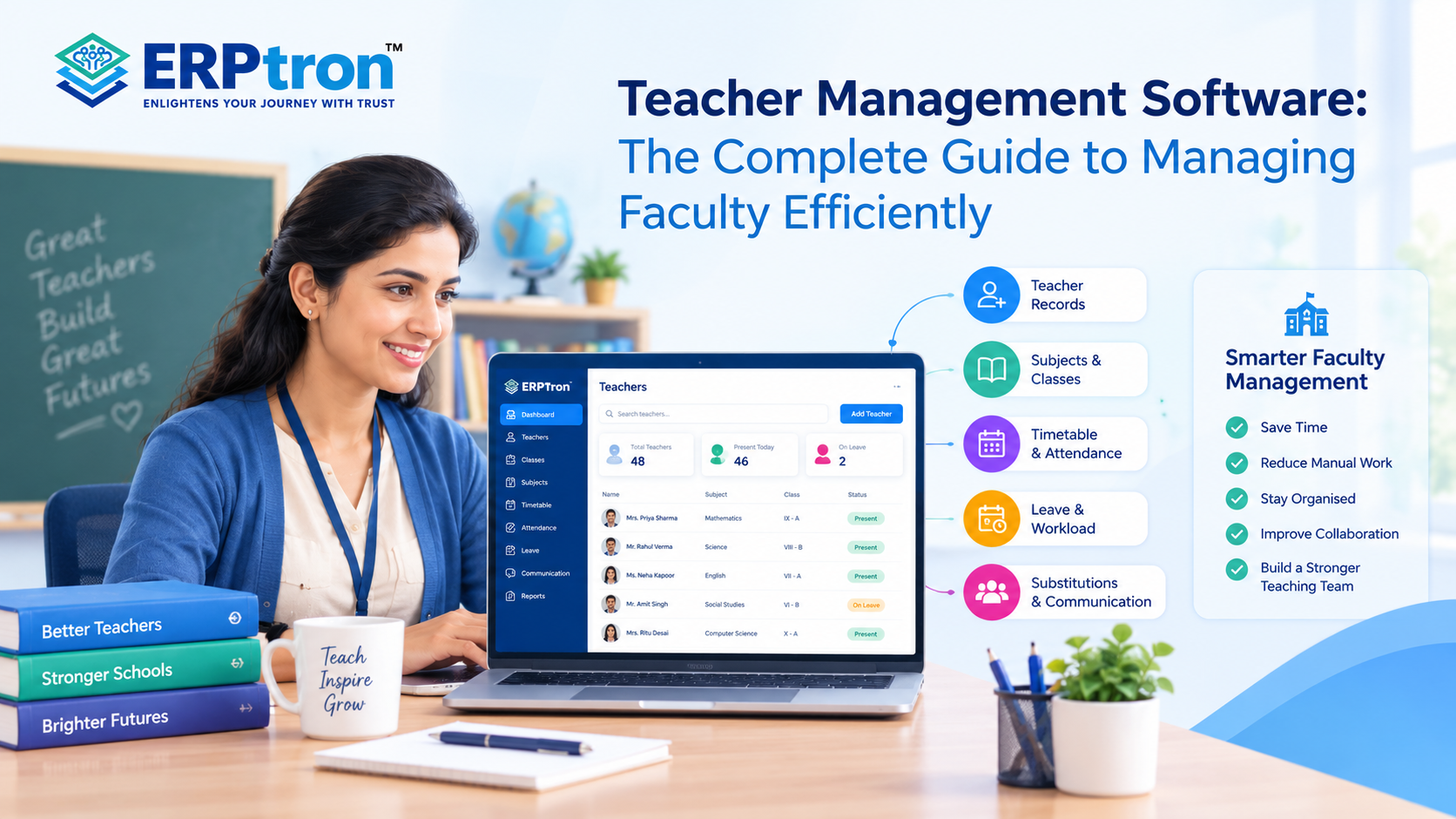
Teacher Management Software helps schools manage teacher information and daily activities from one place. It can cover teacher records, subjects, classes, timetables, attendance, academic work, communication, and reports.
Instead of managing this information through registers, spreadsheets, and separate files, the school can keep it in one organized system. This makes everyday teacher management easier and reduces unnecessary administrative work.
The features can vary from one software to another. Some systems mainly manage teacher records, while others connect teacher management with attendance, academics, examinations, student information, and communication.
Simply put, the goal is to make teacher-related work easier to manage and give teachers more time to focus on teaching.
What Does Teacher Management Software Manage?
A teacher has many responsibilities beyond classroom teaching. Schools need to manage their schedules, subjects, classes, attendance duties, academic activities, examinations, and other tasks.
Teacher management software can bring these activities together. It can help schools manage teacher profiles, departments, subjects, class assignments, timetables, attendance, academic work, examinations, marks, communication, and reports.
With everything organized in one place, teachers and school staff can spend less time searching for information or updating multiple records.
Who Uses Teacher Management Software?
Teacher management software is not only for teachers. Different people in the school can use it depending on their responsibilities.
Teachers: Teachers can use the system to check their timetable, see their assigned classes, record attendance, access student information, and manage academic activities. This can reduce routine administrative work and give teachers more time to focus on their students.
Academic Coordinators: Academic coordinators can use the system to manage teacher assignments, subjects, classes, timetables, and academic responsibilities. It can also help them identify scheduling problems or uneven workloads.
School Administrators: Administrative staff can use the software to maintain teacher records, update information, manage assignments, and handle other teacher-related activities. Instead of checking different files or spreadsheets, they can find the required information in one place.
Principals and Directors: School leaders can use teacher management software to get a clearer view of teacher schedules, responsibilities, attendance, and workloads. This gives them better visibility into academic operations and helps them make informed decisions.
IT Administrators: IT administrators can manage teacher accounts, user permissions, access levels, and system settings. This helps ensure that each user can access the information they need while keeping other information appropriately restricted.
Why Do Schools Need Teacher Management Software?
As a school grows, managing teachers becomes harder. There are more teachers, subjects, classes, schedules, and daily tasks to manage. Teacher Management Software brings this information into one place and makes it easier to manage.
Teachers Handle Many Administrative Tasks
Teachers do more than just teach. They also manage attendance, marks, assignments, schedules, student information, parent communication, and reports. A digital system can make these tasks easier and reduce repetitive work.
Teacher Information Can Become Scattered
Teacher details may be kept in spreadsheets, paper files, or different apps. This can make information difficult to find. A centralized system keeps teacher details, subjects, classes, and responsibilities in one place.
Scheduling Can Become Complicated
Creating timetables can be difficult when a school has many teachers, classes, and subjects. A digital system can make schedules easier to create, update, and access.
Academic Work Requires Regular Updates
Teachers regularly update attendance, assignments, marks, and other academic information. A connected system can reduce repeated data entry and make these tasks easier.
Communication Can Take Time
Teachers communicate with parents, students, and school staff every day. Using different communication channels can make information difficult to manage. A structured system can keep communication more organized.
School Management Needs Better Visibility
School leaders need to know about teacher schedules, responsibilities, and activities. A digital system can provide this information in one place without creating extra work for teachers.
How Does Teacher Management Software Work?
A Teacher Management System keeps teacher details, classes, subjects, schedules, and daily tasks in one place. It helps teachers manage their work and helps schools keep information organized.
Create Teacher Profiles
The school first creates digital profiles for its teachers. These profiles may include basic information, department, subjects, assigned classes, role, and other relevant details. This gives the school a central record of its teaching staff.
Assign Classes and Subjects
Teachers can then be assigned to specific subjects, classes, and sections. For example, the system can connect a teacher with a subject, class, and section, making responsibilities clearer for both teachers and administrators.
Manage Timetables
Teachers can access their schedules through the system. They can see their classes, subjects, periods, and other relevant timetable information. If the schedule changes, the updated information can be shared digitally where supported.
Complete Daily Activities
Teachers can use the system for daily tasks such as attendance, assignments, academic activities, student information, marks, and examination-related work. The exact features depend on the software.
Communicate
Teachers may also use the platform to communicate with parents, students, coordinators, and administrators. This can provide a more organized way to manage school-related communication.
Access Information and Reports
Teachers and authorized school staff can access the information and reports relevant to their roles. This creates a more connected workflow for managing everyday teaching activities.
Key Features of Teacher Management Software
The best Teacher Management Software is not necessarily the one with the most features. What matters is whether it makes the everyday work of teachers and school staff easier.
Teacher Management Hub
A Teacher Management Hub brings teacher information and daily activities into one place. In ERPtron, it can help schools manage teacher records, responsibilities, schedules, and other teacher-related tasks.
Teacher Profiles
A teacher profile can include basic details such as department, subjects, assigned classes, and responsibilities. This helps administrators quickly understand each teacher’s role.
Teacher-Class and Subject Assignment
Schools need to clearly manage which teacher teaches which subject, class, and section. A digital system keeps these assignments organized and can use them for timetables, attendance, academics, and examinations.
Teacher Timetable
Teachers need quick access to their daily schedules. A digital timetable can show their classes, subjects, periods, and other relevant schedule information in one place.
Attendance Management
Teacher management can connect with student attendance. Teachers can open their assigned class, record attendance, and save the information digitally. The attendance record can then be used by other connected school processes where supported.
Assignment and Academic Management
Teachers may use the system to manage assignments, class activities, academic tasks, and student progress information. Keeping these activities connected can reduce the need for separate tools.
Examination and Marks Management
Teachers may also use the system to enter marks, access examination information, and participate in assessment activities. When connected with student records, this can make it easier to manage academic performance information.
Teacher Communication
Teachers regularly communicate with parents, students, administrators, and coordinators. A structured communication feature can help keep these conversations more organized and reduce dependence on scattered communication channels.
Teacher Notifications
Teachers need to know about important school updates, such as timetable changes, meetings, academic deadlines, and announcements. A notification system can help bring these updates directly to the teacher.
Teacher Mobile App or Portal
A Teacher App or web portal can give teachers access to important school activities from their phone, tablet, or computer. They may be able to check their timetable, record attendance, access student information, complete academic tasks, and view notifications from one place.
How Teacher Management Software Helps Teachers Focus on Teaching
Teacher management software helps reduce routine administrative work. This gives teachers more time to focus on teaching, students, and academic activities.
Reduces Repetitive Work: Teachers often repeat the same tasks, such as entering information, searching for records, preparing updates, or maintaining separate files. Digital workflows can reduce this repetition and make routine work faster.
Keeps Teacher Information in One Place: Teachers and administrators can find relevant information without searching through multiple files, spreadsheets, or applications. This makes everyday work more organized.
Makes Schedules Easier to Access: Teachers can quickly check which class they have, what subject they are teaching, and when their next period starts. This is much easier than depending entirely on printed schedules or manually shared updates.
Makes Student Information Easier to Access: When teacher and student information are connected, teachers can access the student information they need for their work. This can help them manage academic activities more efficiently.
Makes Attendance Easier: Teachers can record attendance digitally instead of maintaining separate paper registers. The process can be simple: open the class, mark attendance, and save the record.
Simplifies Communication: A structured communication system can help teachers manage school-related communication without constantly switching between different platforms.
Reduces Dependence on Paper: Schools can reduce the use of paper registers, printed schedules, physical notices, and manual forms.
Teacher Management Software vs Traditional Teacher Administration
| Area | Traditional Approach | Digital Approach |
| Teacher Records | Files and spreadsheets | Centralized system |
| Timetable | Printed or manually shared | Digital access |
| Attendance | Physical register | Digital attendance |
| Student Information | Multiple records | Centralized access |
| Academic Tasks | Manual records | Digital workflows |
| Communication | Calls and messaging | Structured communication |
| Notifications | Paper or manual updates | Digital notifications |
| Reporting | Manual preparation | System-generated where supported |
Benefits of Teacher Management Software
Teacher Management Software can make everyday school work easier for teachers, coordinators, administrators, and school leaders. By bringing teacher-related information and tasks into one system, it can reduce unnecessary administrative work and improve coordination.
Benefits for Teachers
Teachers can spend less time on repetitive administrative tasks and more time focusing on students. They can access schedules, manage attendance, view student information, complete academic tasks, and communicate with parents from a more organized system.
Benefits for Academic Coordinators
Academic coordinators can get a clearer view of teacher schedules, class assignments, subjects, and academic responsibilities. This can make it easier to coordinate teachers and manage day-to-day academic activities.
Benefits for Administrators
Administrators can keep teacher information in one place instead of managing scattered files and spreadsheets. They can also manage teacher assignments, communication, records, and other administrative tasks more efficiently.
Benefits for Principals and Directors
School leaders can get better visibility into teacher-related operations. They can more easily understand teacher assignments, schedules, academic activities, and other important information without depending entirely on manual reports.
Benefits for Students
Students benefit indirectly when teachers have less administrative work to manage. When teachers spend less time searching for information or completing repetitive tasks, they can have more time for teaching, student support, feedback, and classroom activities.
Teacher Management Software and Teacher Productivity
Teacher Management Software can help teachers spend less time on routine administrative work. The goal is not to make teachers do more tasks, but to make their everyday work easier.
Teachers often spend time checking schedules, recording attendance, entering marks, managing assignments, finding student information, and preparing reports. When these tasks are handled manually, they can take away time that could be spent with students.
A digital system can bring many of these tasks into one place. Teachers can quickly find the information they need and complete common tasks without using multiple files or applications.
For example, instead of searching through a paper timetable, a teacher can check the daily schedule from the system. Instead of maintaining separate attendance records, they can record attendance directly on the platform.
This can reduce repeated work and make the school day more organized. Teachers can then spend more time teaching, helping students, checking their progress, and preparing better lessons.
The main idea is simple: teacher productivity is not about doing more work. It is about spending less time on unnecessary administrative work.
Teacher Management Software and School ERP Integration
Teacher Management Software becomes even more useful when it connects with the school’s wider School ERP. Instead of keeping teacher activities separate, the system can connect them with student information, attendance, academics, examinations, and parent communication.
For example, when a teacher marks a student as absent, the attendance record can be updated in the system. Where supported, the system can also use this information to notify the parent.
Similarly, when a teacher enters marks, the information can become part of the student’s academic record. This means teachers do not need to enter the same information again in another system.
Teacher communication can also be connected with other school activities. A teacher may share an academic update with parents through the school’s communication system instead of using a separate communication platform.
This creates a more connected workflow. Teachers complete their regular tasks, while the system helps move the relevant information to other parts of the school.
The result is a simpler working environment where teachers, students, parents, and school management can stay connected through one system.
What Should Schools Look for in Teacher Management Software?
When choosing Teacher Management Software, don’t focus only on the number of features. Start by looking at the daily work teachers actually need to do. The system should make common tasks easier, faster, and less confusing. It should help teachers complete their work without creating another complicated process.
Ease of Use
The software should be simple enough for teachers to understand without extensive training. If teachers need too many steps to complete a basic task like taking attendance or checking their timetable, the system may create more work instead of reducing it.
Mobile Accessibility
Teachers may not always work from a computer. They may need to check their timetable, take attendance, view notifications, or access student information from a phone or tablet. A mobile-friendly system can make these everyday tasks easier to access.
Teacher-Class Mapping
The system should clearly show which teacher is responsible for which subject, class, and section. For example, the school should be able to easily manage the relationship between Teacher → Subject → Class → Section.
Timetable Management
Teachers need quick access to their daily and weekly schedules. A good system should make it easy for teachers to see their classes, subjects, periods, and any relevant schedule changes.
Attendance Integration
Attendance is an important part of a teacher’s daily work. Schools should check whether teachers can mark student attendance easily and whether that information connects with the student’s record and other relevant school processes.
Academic Integration
Teachers regularly manage assignments, assessments, academic activities, and student progress. A connected system can help bring these activities together instead of making teachers use separate tools for each task.
Communication
Teachers communicate with parents, students, coordinators, and administrators. The software should provide suitable communication options based on the school’s needs and help teachers manage these interactions more easily.
Notifications
Teachers need to know about important school updates, meetings, schedule changes, academic deadlines, and other activities. Useful notifications can help teachers stay informed without having to constantly check different platforms.
Role-Based Access
Teachers should only see the information they need for their work. For example, a teacher may need access to students in their assigned classes but may not need access to information about every student in the school. Permissions should match each user’s responsibilities.
Reporting
School management may need reports about teacher activities, schedules, responsibilities, and other information. The system should provide useful reports to authorized users without creating extra reporting work for teachers.
School ERP Integration
If your school already uses a School ERP, check whether the teacher management system can work with it. Integration with student information, attendance, examinations, and communication can help avoid separate systems and repeated data entry.
Scalability
Your school’s requirements may change as it grows. The system should be able to support more teachers, students, classes, sections, campuses, and academic activities without becoming difficult to manage.
How to Choose the Right Teacher Management Software?
Choosing software should not start with the question, “Which system has the most features?”
A better question is, “Which teacher tasks are taking the most time today?”
Identify Teacher Problems
Start by speaking with teachers. Ask them which tasks take the most time, which work is repetitive, and which information is difficult to find. This helps the school understand what actually needs to be improved before choosing software.
Map Teacher Workflows
Look at how teachers complete their regular work. This may include checking the schedule, taking attendance, teaching classes, managing assignments, assessing students, communicating, and preparing reports. Once the school understands this workflow, it becomes easier to see where software can save time.
Prioritize Features
Not every school needs every feature. Separate features into three groups: features that are essential for daily work, features that would be useful, and features that may become important as the school grows. This helps schools choose software based on actual needs rather than a long feature list.
Test the Teacher Experience
Don’t look at the software only from an administrator’s point of view. Ask teachers to perform common tasks such as checking their timetable, opening an assigned class, taking attendance, and viewing student information. This can show whether the system is actually easy to use.
Check Integration
Find out whether the software can connect with the school’s student information, attendance, examination, parent communication, and School ERP systems. Good integration can reduce repeated work and keep information connected.
Check the Mobile Experience
If teachers regularly use smartphones or tablets, test the software on those devices. Don’t assume that a system that works well on a computer will automatically provide the same experience on mobile.
Check Security and Permissions
Understand what information teachers can view, add, or change. Different users should have appropriate access based on their responsibilities.
Ask for a Live Demo
Instead of asking a vendor to show individual features, ask them to demonstrate how a teacher completes a normal school day using the system. This gives you a much better idea of whether the software will actually work for your teachers.
Questions to Ask a Teacher Management Software Vendor
Before choosing a system, schools should ask practical questions about how it will work in everyday use.
Teacher Management:
Ask whether teacher profiles can be managed from one place and whether teachers can be assigned to specific subjects, classes, and departments.
Timetable:
Ask how teachers access their schedules and how timetable changes are managed and communicated.
Attendance:
Check whether teachers can easily mark student attendance and whether attendance information connects with student records and parent communication.
Academics:
Ask whether teachers can manage assignments, access relevant student information, and enter marks where supported.
Communication:
Find out whether teachers can communicate with parents, students, and administrators through the system.
Mobile Access:
Ask whether there is a teacher mobile app and whether teachers can complete important daily tasks from their phones.
Security:
Ask how teacher permissions are managed and what student information individual teachers can access.
Integration:
Find out whether the teacher system can connect with the wider School ERP, student information, attendance, examination, and communication systems.
Security and Privacy in Teacher Management Software
Teacher management systems can contain information about both teachers and students. Because of this, security should be an important part of the school’s software evaluation.
Role-Based Access: Teachers should only have access to the information they need for their work. For example, a teacher may need information about students in their assigned classes but not information about every student in the school.
Authentication: Schools should understand how users log in and how the system protects accounts from unauthorized access.
Student Data Protection: Student information accessed through the teacher system should be protected and available only to appropriate users.
Teacher Information Protection: Teacher profiles and professional information should also have suitable access controls.
Activity and Record History: Schools should understand how important changes are recorded and whether authorized users can review relevant activity history.
Backup and Recovery: Ask the software provider how school data is backed up and how information can be recovered if there is a problem.
Common Mistakes Schools Make When Choosing Teacher Software
Choosing software is only the first step. Schools can still face problems if they choose or implement the system without considering the teacher’s experience.
Choosing Software Only for Management
A system may look impressive to school management, but teachers are the people who will use it every day. The system should work well for both management and teachers.
Ignoring Teacher Feedback
Teachers understand their daily work better than anyone else. Their feedback can help schools identify which tasks are difficult and whether the proposed software will actually make those tasks easier.
Making the System Too Complicated
More features do not always mean better software. If a simple task such as taking attendance requires too many steps, teachers may find the system frustrating.
Using Separate Tools for Everything
Using one application for attendance, another for assignments, another for communication, and another for student records can create the same fragmentation the school is trying to solve. A connected system can make these workflows easier to manage.
Ignoring Mobile Usability
Teachers may use their phones for many daily tasks. A system that works well on a computer but poorly on mobile devices may not be suitable for everyday use.
Ignoring Integration
A teacher management system should ideally work with other important school systems. If it cannot connect with student information, attendance, examinations, or communication, it may create another separate data system.
Giving Too Much or Too Little Access
Teachers need enough access to complete their work, but they should not automatically have access to information they do not need. Good permissions balance usability with data protection.
Focusing Only on Automation
Automation is useful when it makes work easier. The important question is: Does this feature actually save teachers time, or does it create another task for them?
How to Implement Teacher Management Software
Introducing new software should be treated as a change in the school’s workflow, not simply as installing a new application.
Understand Current Teacher Workflows: First, understand how teachers currently manage timetables, attendance, student information, academic work, assessments, communication, and reports. This helps the school identify where the biggest problems are.
Find the Main Problems: Look for tasks that take too much time or require teachers to repeat the same work. These are the areas where the new system should provide the most value.
Set Up Teacher Profiles: Create teacher profiles with the information the school needs. This gives the school a structured starting point for managing teacher-related activities.
Connect Teachers With Classes and Subjects: Set up clear relationships between teachers, subjects, classes, and sections. This information can then support other workflows such as timetables and attendance.
Set Up Timetables: Make sure teachers can easily access accurate and updated schedules.
Connect Important Modules: Where supported, connect teacher activities with other school processes. For example, teacher attendance work can connect with student records and parent communication.
Train Teachers: Training should focus on the tasks teachers actually perform every day. Teachers do not need to learn every feature at once. They should first understand the workflows they will use regularly.
Start With a Pilot: Begin with a small group of teachers or one department. This allows the school to find problems before introducing the system to everyone.
Collect Teacher Feedback: Ask teachers what has become easier, what is still difficult, and which steps take too long. Their feedback can help improve the system before the full rollout.
Roll Out the System: Once the main issues are resolved, the school can expand the system to more teachers and departments.
Keep Improving: Implementation does not end when the software goes live. Schools should continue reviewing teacher workflows and making improvements as their needs change.
How to Measure the Success of Teacher Management Software?
- Less Administrative Work: Measure whether teachers spend less time on repetitive tasks such as data entry, attendance, and reports.
- Faster Access to Information: Check whether teachers can find student, timetable, and academic information more quickly.
- Easier Attendance Management: See whether teachers can complete attendance faster and with fewer manual steps.
- Simpler Communication: Check whether communication with parents, students, and administrators has become easier.
- Better Reporting: Measure whether teachers and management can prepare and access reports with less effort.
- Higher Teacher Adoption: Look at whether teachers are regularly using the system for their daily work.
- Teacher Satisfaction: Ask teachers whether the software is actually making their work easier.
- Fewer Repetitive Tasks: Check whether teachers have to enter or manage the same information less often.
- Better Daily Workflows: The overall goal is to make everyday teacher tasks simpler without adding unnecessary complexity.
Teacher Management Software for Different Types of Schools
Different schools may need different levels of teacher management.
Small Schools
Small schools may mainly need simple teacher profiles, timetables, attendance, basic communication, and an easy-to-use system. The focus should be on keeping things simple rather than adding unnecessary features.
Growing Private Schools
Growing schools may need better teacher-class mapping, subject management, academic workflows, mobile access, parent communication, and connections with student records. As the school grows, having these processes organized becomes more important.
Large K–12 Schools
Large schools may have many teachers, subjects, classes, and sections. They may need stronger scheduling, permissions, reporting, and School ERP integration to manage this complexity.
Multi-Campus Schools
Schools with multiple campuses may need centralized teacher records while still allowing each campus to manage its own users and workflows. The system should support consistent processes while giving the right people access to the information they need.
Teacher Management Software Checklist
Before choosing a Teacher Management System, schools should check whether it supports the areas that matter most to them.
Teacher Administration: Look for teacher profiles, department management, subject assignments, class assignments, and role management.
Daily Teaching: Check whether the system supports timetables, attendance, student information, assignments, academic records, and examination-related work.
Communication: Consider parent communication, school announcements, teacher notifications, and communication with administrators.
Technology: Check for a teacher mobile app, web portal, role-based access, security, backup, integration, and scalability.
Management: Look at the reports and dashboards available to authorized users. These can help school management understand teacher responsibilities, activities, and other relevant information.
How ERPtron Makes Teacher Management Easier?
Teachers have a lot on their plate beyond classroom teaching. Managing academic work, keeping records updated, handling regular tasks, and staying connected with school processes can take up valuable time. The right Teacher Management Software can help reduce this workload and give teachers more time to focus on students. ERPtron brings teacher-focused tools into the wider School ERP ecosystem.
Teacher Mate
Teacher Mate is designed specifically around the everyday needs of teachers. It gives educators a dedicated digital platform to manage and support their regular academic work, helping reduce dependence on scattered tools and manual processes.
School Operating System (School OS)
Teachers are also connected to many wider school activities. School Operating System (School OS) provides a central platform that connects different school operations, helping teachers work within a more organized digital environment instead of dealing with disconnected systems.
Hybrid Digital Attendance Platform
Taking and maintaining attendance is a routine task that teachers handle regularly. The Hybrid Digital Attendance Platform helps schools manage attendance digitally, making it easier for teachers to record and maintain attendance information as part of their daily workflow.
Exam Operating System
Teachers are closely involved in examinations and academic assessments. The Exam Operating System provides a dedicated system for managing examination-related processes, helping keep exam activities and academic assessment work more structured.
Customized Certificate Generation
Teachers and schools may need to prepare certificates for different academic or school-related requirements. Customized Certificate Generation makes this process more convenient by allowing schools to create certificates according to their requirements rather than preparing each one manually.
Smart HR Pro
Teacher management also includes managing staff information and HR-related processes. Smart HR Pro gives schools a dedicated system for organizing teacher and staff-related HR activities, helping administration teams manage employee information more efficiently.
FAQs
1. What is Teacher Management Software?
Teacher Management Software is a digital system that helps schools manage teacher information, schedules, class and subject assignments, academic activities, communication, and other teacher-related workflows from a centralized environment.
2. Can teachers manage attendance through the software?
Many teacher management platforms can connect teacher workflows with student attendance management. Teachers may be able to record attendance digitally for their assigned classes, depending on the system.
3. Can teachers access their timetables online?
Yes, teacher management platforms may provide digital access to teacher schedules through web portals or mobile applications, depending on the software.
4. Can teacher management software integrate with a School ERP?
Yes, depending on the platform. Integration can connect teacher workflows with student information, attendance, examination, parent communication, and other school-management processes.
5. Can teachers communicate with parents through the system?
Some school management platforms provide teacher-parent communication capabilities. Schools should verify the exact communication features supported by the vendor.
Conclusion: Give Teachers More Time to Teach
Teachers should spend more time teaching and less time on repetitive administrative work. Managing attendance, student records, assignments, assessments, communication, and reports can take away valuable time from the classroom.
Good teacher management software can bring these tasks into one place and make daily work easier. Instead of using different tools and maintaining manual records, teachers can manage important tasks through a connected system.
The goal is not to give teachers more software to manage. It is to reduce the amount of administrative work they have to do.
For schools, the real question should not be how many features a system has. The better question is: How much time and effort can it save teachers every day?
ERPtron’s Teacher Management Hub helps bring teacher-related activities into a connected school management environment. It can work alongside attendance, academics, examinations, student information, and parent communication.