School ERP Software helps schools manage daily activities more easily. However, many schools still have doubts about using it.
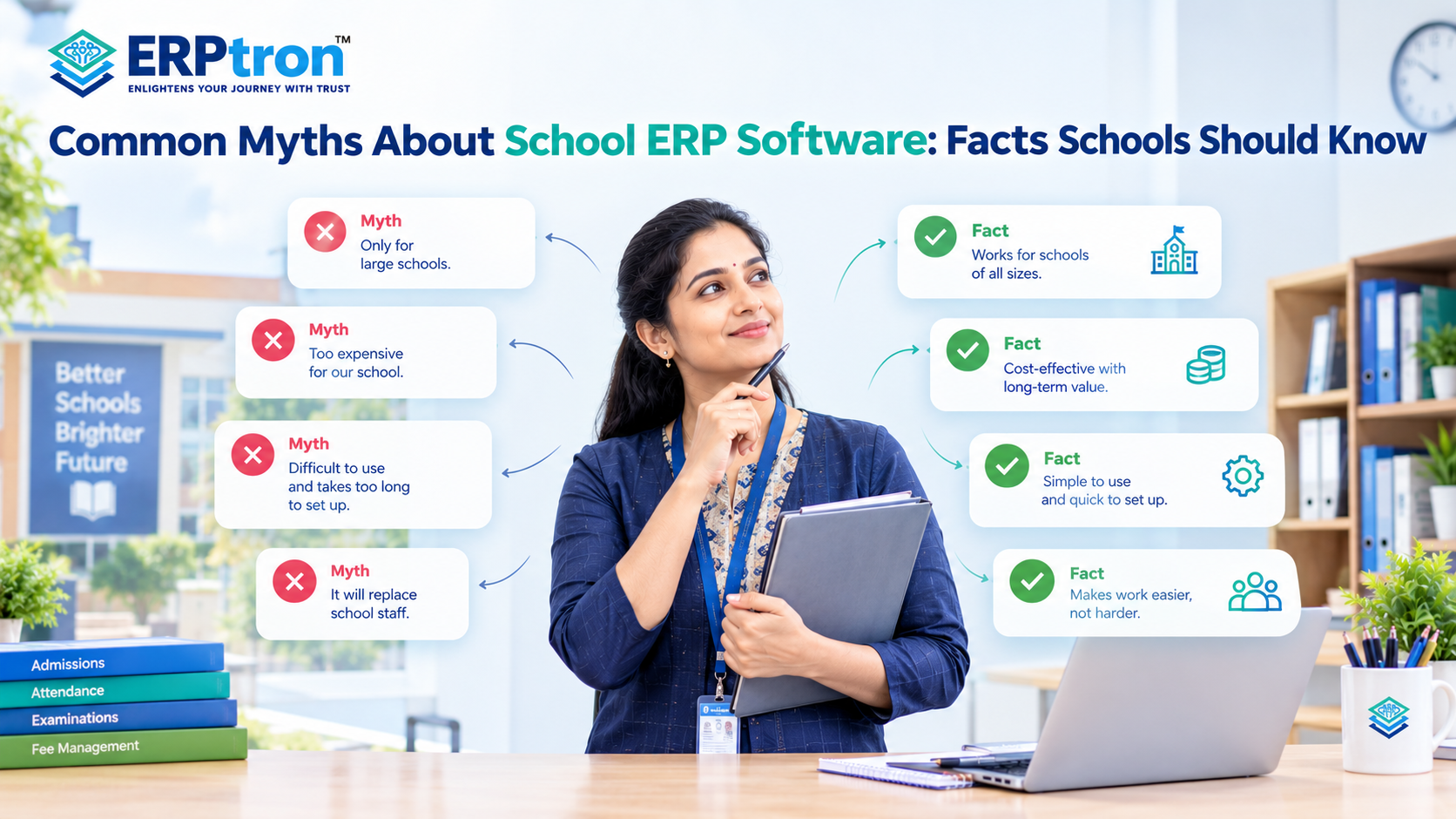
Some believe it is only for large schools, while others think it is expensive, difficult to use, or takes too much time to set up. There is also a common fear that ERP software may replace school staff.
In reality, School ERP Software is designed to save time, reduce paperwork, and make school management easier. An integrated school administration software system can connect different departments and simplify everyday processes.
Let’s explore some common myths about School ERP Software and understand the facts schools should know.
What Is School ERP Software?
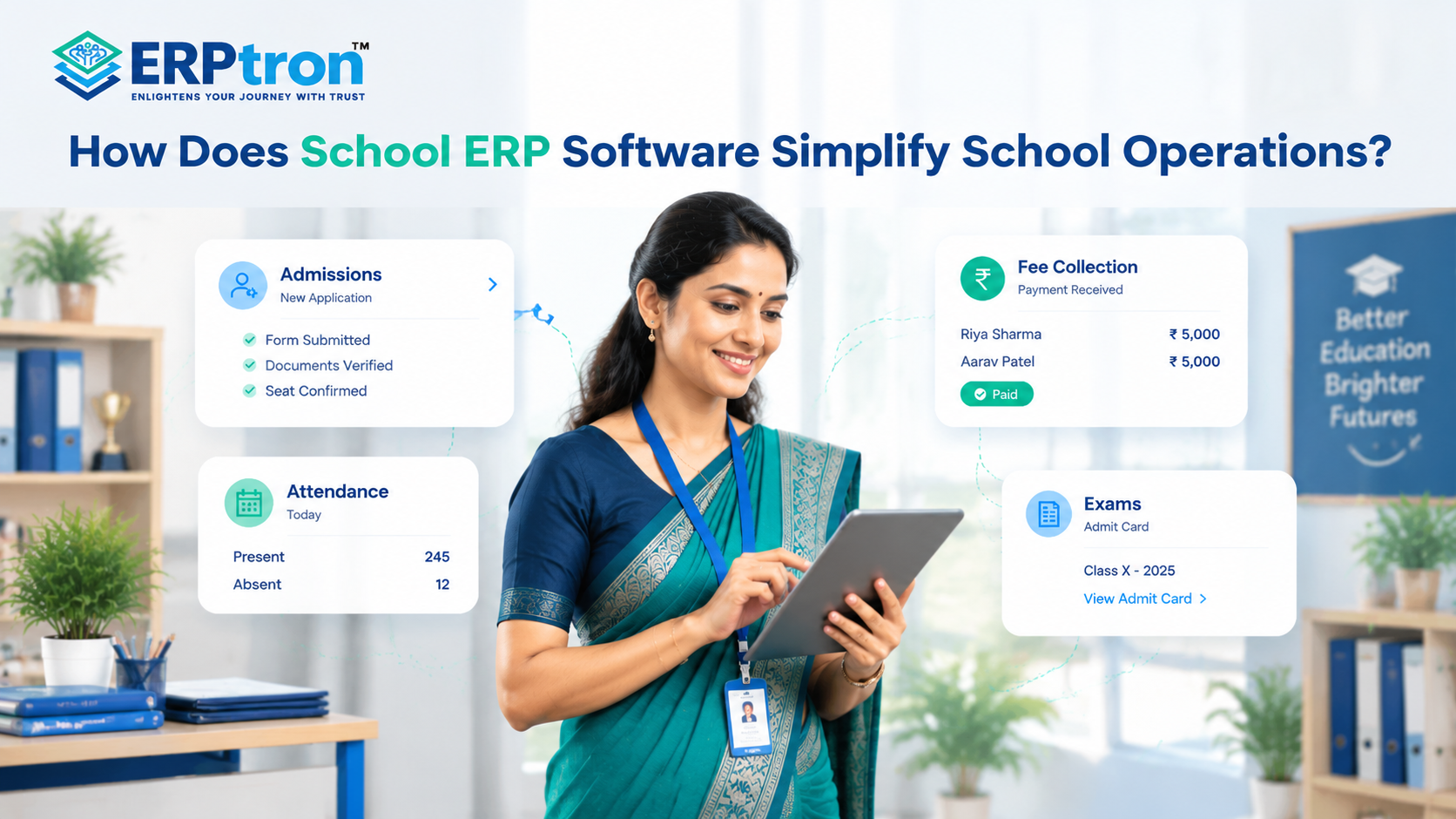
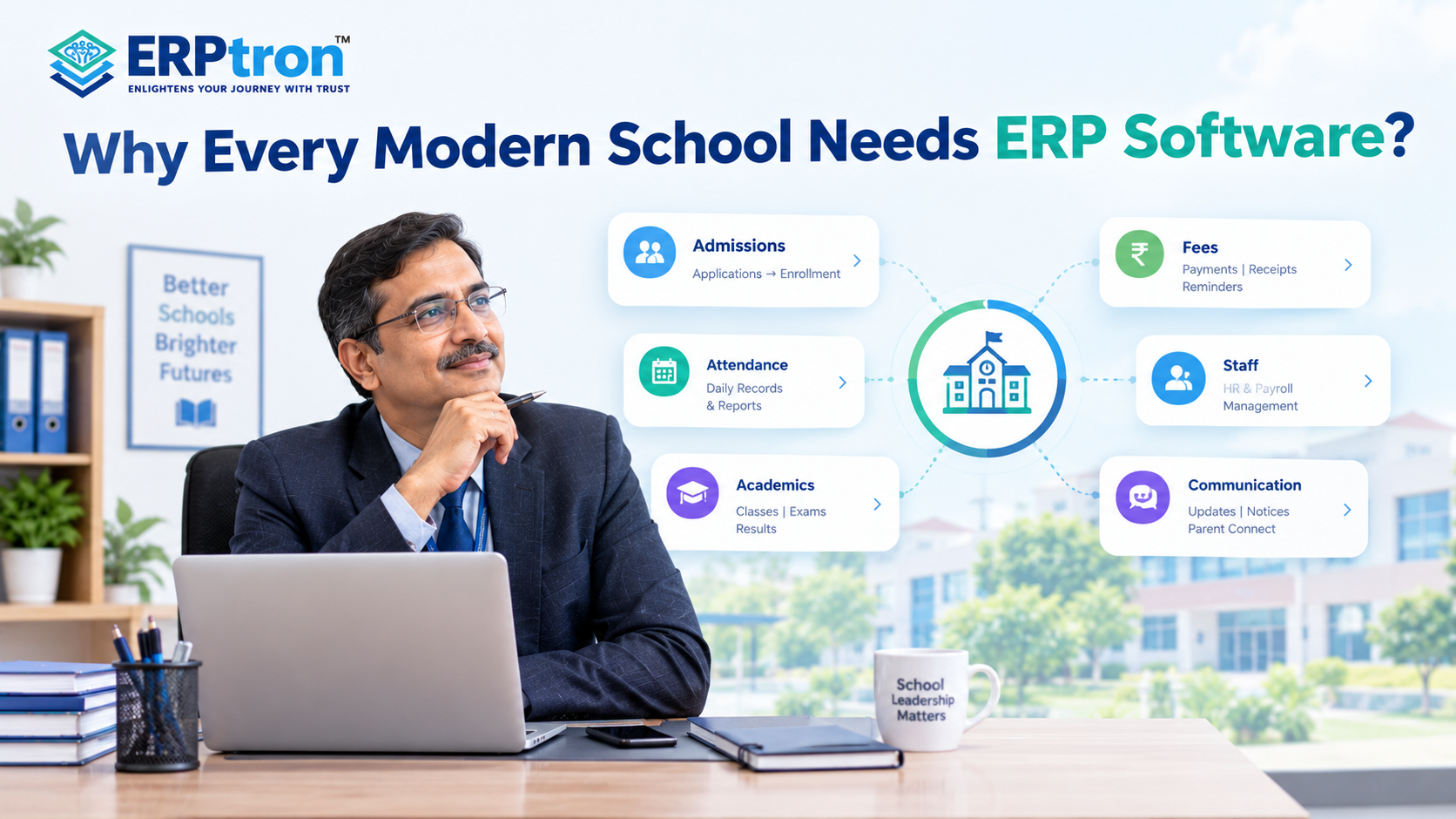
School ERP Software is a digital tool that helps schools manage their daily activities in one place. It makes tasks like student admission, attendance, fee collection, examinations, teacher management, and communication easier.
Instead of using separate registers, spreadsheets, and tools, schools can manage many activities through a single system. This saves time, reduces paperwork, and helps avoid repeated data entry.
For example, student details entered during admission can also be used for attendance, fee management, and examinations. This makes daily work easier for teachers and administrative staff.
Schools can learn more about school ERP software and its core functions before deciding whether it is suitable for their requirements.
Top 12 Common Myths About School ERP Software
Many schools have questions about School ERP Software. Some worry about its cost, while others think it is difficult to use or takes too much time to set up. Let’s look at 12 common myths and understand the facts.
Myth 1: School ERP Is Only for Large Schools
Reality: Schools of all sizes can use ERP.
School ERP Software helps small and large schools manage admissions, attendance, fees, student records, and communication. Small schools can use basic features, while large schools can use more features like payroll, transport, and library management. The right ERP depends on what the school needs.
Myth 2: School ERP Is Only for Attendance and Administration
Reality: ERP helps manage many school activities.
Attendance is just one feature of School ERP Software. It can also manage admissions, student records, examinations, fees, academics, staff details, and parent communication. These features work together in one system, helping schools save time, reduce paperwork, and manage daily activities more easily.
Schools looking for a broader solution can explore essential School ERP features to understand how different modules support school operations.
Myth 3: ERP Will Replace School Staff
Reality: ERP supports staff instead of replacing them.
School ERP Software helps with daily tasks like taking attendance, tracking fees, sending notifications, and preparing reports. This saves time for teachers and staff, allowing them to focus more on teaching, helping students, and talking to parents. ERP makes their work easier but does not replace them.
Myth 4: School ERP Is Too Expensive
Reality: The cost depends on the school’s needs.
The cost of School ERP Software depends on the features and services a school needs. Some schools may need only basic features, while others may need a complete system. ERP can save time, reduce paperwork, and help avoid errors. Schools should choose software that fits their needs and budget.
When comparing providers, schools should consider the total cost of implementation, training, support, and any additional modules rather than looking at the initial price alone.
Myth 5: Excel Is Enough for School Management
Reality: Excel is useful, but it has limitations.
Excel is useful for managing records and preparing reports. However, handling student details, attendance, fees, and admissions in different files can be difficult. It may also cause errors and duplicate records. School ERP Software keeps all this information in one place, making school management easier.
For schools managing increasing amounts of information, school management software for different school boards can help illustrate how connected digital processes can support day-to-day operations.
Myth 6: ERP Implementation Is Too Complicated
Reality: Proper planning makes the process easier.
Setting up School ERP Software involves preparing data, transferring records, testing features, and training users. Schools do not need to start with every module at once. They can begin with student management, attendance, and fees, then add other features later. This makes it easier for teachers and staff to adjust to the new system.
A phased approach can also help schools identify implementation issues early and improve the process before introducing additional modules.
Myth 7: Teachers Need Technical Skills to Use ERP
Reality: Good ERP software should be easy to use.
Teachers do not need advanced technical knowledge to use School ERP Software. Tasks like marking attendance, checking student details, and entering marks should be simple. With a user-friendly system, basic training, and proper support, teachers can learn to use the software comfortably.
Schools should involve teachers in software demonstrations and trials to understand whether the system fits their everyday work.
Myth 8: More Features Mean Better ERP Software
Reality: The right features matter more than the number of features.
An ERP system with many features is not always the best choice. Schools should choose software that meets their needs and is easy to use. They should also check its reliability, security, integration, and customer support. Schools can start with essential modules and add more features as their needs grow.
Myth 9: ERP Will Automatically Fix School Management Problems
Reality: Schools must also improve their processes.
School ERP Software can make daily work easier, but it cannot solve every problem automatically. Schools should first identify unnecessary steps, repeated tasks, and delays in their existing processes. After improving these processes, they can use ERP to manage work more efficiently and track progress.
Myth 10: Digital or Cloud-Based ERP Is Less Secure
Reality: Security depends on how the system is managed.
Some schools worry about keeping data online. However, paper records can also be lost or damaged. A good School ERP should have secure login, user permissions, and regular data backups. Schools should check how the software protects their data before choosing a provider.
They should also understand the provider’s data access policies, backup procedures, and security practices before moving sensitive student, staff, and financial information into a digital system.
Myth 11: ERP Requires Expensive Hardware
Reality: Schools can start with basic equipment.
Many cloud-based School ERP systems work on computers, tablets, and mobile phones with internet access. Schools can start using basic features without buying expensive equipment. Some features, like biometric attendance and transport tracking, may need extra devices. Schools can add them when needed.
Myth 12: Installing ERP Means the Job Is Done
Reality: ERP needs regular support and updates.
Installing School ERP Software is only the beginning. Teachers and staff need training, technical support, and regular updates to use it properly. As the school grows, its needs may also change. Before choosing an ERP provider, schools should check the quality of its training, customer support, security, and future updates.
Myth vs Reality: Quick Summary
| Myth | Reality |
| ERP is only for large schools | Schools of different sizes can benefit |
| ERP is just attendance software | ERP can connect multiple school functions |
| ERP automates everything | It automates selected repetitive processes |
| ERP replaces staff | It supports staff and reduces administrative work |
| ERP is always expensive | Cost depends on scope and implementation |
| Excel is always enough | Excel is useful but has limitations at scale |
| ERP implementation is impossible | Phased implementation can simplify adoption |
| Teachers need advanced technical skills | Good systems should prioritize usability |
| Parents don’t need ERP access | Parent-facing features can improve communication |
| More features mean better ERP | Fit, usability, integration, and reliability matter |
| Every school needs every module | Modules should match actual requirements |
| ERP fixes bad processes automatically | Processes should be reviewed before digitization |
| Digital means automatically secure | Security depends on controls and implementation |
| Cloud means losing data control | Schools should evaluate provider policies and controls |
| Installation completes the project | Training and adoption continue after implementation |
| ERP is just about going paperless | Integration and operational efficiency are broader goals |
| AI will replace ERP | AI is more likely to complement ERP |
How Schools Should Evaluate ERP Beyond the Myths?
After understanding the common myths about School ERP Software, schools should focus on choosing the right system for their needs. A good ERP should save time, reduce manual work, and make school management easier.
Here are some important points to consider before choosing one.
1. Start With Your Problems
First, identify the problems your school wants to solve. For example, taking attendance may take too much time, fee records may be difficult to manage, or preparing reports may involve a lot of manual work. Once you understand these problems, you can choose an ERP that offers the right solutions.
2. Choose the Right Modules
Every school has different needs, so there is no need to use every ERP feature. Some schools may need only student management, attendance, and fee management. Others may also need transport, library, HR, and payroll modules. Choose the features you need now and add more as your school grows.
3. Test the Software Before Choosing
Before selecting an ERP, ask the provider to show you how it works. Try simple tasks such as adding a student, marking attendance, recording fee payments, preparing reports, and sending messages to parents. This will help you understand whether the software is easy to use and suitable for your school’s daily activities.
4. Check Whether It Is Easy to Use
School ERP Software should be simple for teachers, administrative staff, and management. If the system is difficult to use, staff may struggle to work with it regularly. Let your staff try the software and share their feedback. Choose a system with a clear design, simple features, proper training, and helpful customer support.
5. Understand the Total Cost
Before choosing School ERP Software, check the total cost, not just the initial price. Ask about charges for setup, data transfer, training, technical support, additional features, and hardware, if required. Understanding all the costs will help you plan your budget and avoid unexpected expenses later.
6. Think About Future Growth
Choose an ERP that can grow with your school. As the school expands, you may need to manage more students, teachers, departments, or campuses. Your reporting and communication needs may also change. A flexible School ERP should allow you to add new features when needed and support your school as it grows.
How ERPtron Makes School Management Simpler
ERPtron helps schools manage daily activities through connected digital systems. Its different modules are designed to help schools organize information, reduce paperwork, and manage routine operations more efficiently.
1. School Operating System (School OS)
ERPtron helps schools manage students, admissions, fees, attendance, exams, staff, libraries, and transport through one system. This makes daily work easier and more organized.
2. Paperless Admission Platform
ERPtron helps parents submit admission forms and documents online. Schools can check applications, verify documents, and manage admissions with less paperwork. A digital admission process can also make application tracking and follow-ups easier.
3. School Fee Collection Hub
This module helps schools manage fee payments, concessions, receipts, and pending fees. It makes fee tracking easier and reduces manual work. Schools can learn more about ERPtron’s fee collection system.
4. Hybrid Digital Attendance Platform
ERPtron supports biometric and mobile-based attendance. It helps schools record attendance digitally and reduces the need for manual registers.
5. Exam Operating System
This module helps schools manage admit cards, marks, results, report cards, and rank lists. It makes examination work easier and more organized.
6. School Safety Hub / Student Information System
This module helps schools store and manage student details and documents digitally. Staff can find important information more easily when needed.
7. Finance Automation Platform
ERPtron helps schools manage expenses, suppliers, payment vouchers, ledgers, and financial reports. It keeps financial records organized and reduces paperwork.
8. School Store 360
This module helps schools manage books, accessories, stock, and sales. It makes it easier to track available items and maintain store records.
9. Library Pro System
ERPtron helps librarians manage books, issues, returns, and fines. It makes book tracking easier and keeps library records organized.
10. Smart HR Pro
This module helps schools manage staff records, payroll, and leave. It reduces manual work and makes staff management easier.
Schools can explore ERPtron’s features to review the available capabilities and assess which ones match their operational needs.
Conclusion: Look Beyond the Myths
School ERP Software helps schools manage their daily activities more easily. Every school has different needs, so it is important to choose software that fits its requirements and budget.
A good ERP helps reduce paperwork, save time, and manage school activities in one place. Before choosing one, schools should identify their needs and select the features that will be most useful.
The right School ERP can make school management simpler, more organized, and more efficient.
Looking for the right School ERP for your school? Explore ERPtron and discover how it can make school management easier.
ERPtron — Enlightens Your Journey with Trust.
FAQs
1. Is School ERP Software difficult to use?
A good School ERP should be simple and easy to use. Proper training can also help teachers and staff get comfortable with the system.
2. Is School ERP expensive?
The cost depends on the school’s needs, number of users, modules, and other requirements. Schools should compare the overall value, not just the price.
3. Is School ERP suitable for small schools?
Yes. Small schools can start with basic modules such as student management, attendance, and fees and add more features as they grow.
4. Does School ERP require special hardware?
Not always. Cloud-based ERP usually works with computers or mobile devices and an internet connection. Some features, such as biometric attendance, may need additional hardware.
5. Can schools migrate existing data to an ERP?
Yes, data migration may be possible depending on the ERP and the school’s existing data. Schools should discuss data migration and cleaning with the ERP provider before implementation.